Ctrl/




Schedule with ease: speak, capture, paste — plan and adjust as needed
Input:
Output:
Updated: Jul 14, 2025 Free + from free tier available
Description
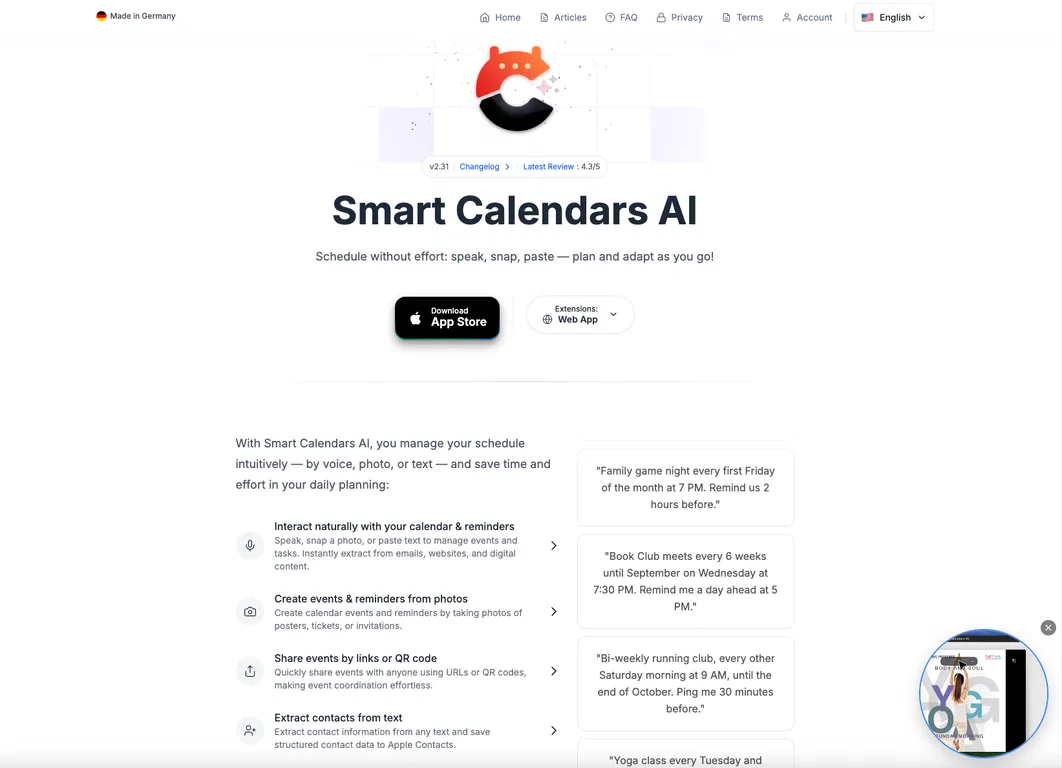
Transform emails, photos, tickets, and ideas into organized events in moments. SmartCalendars AI is a modern, AI-driven calendar and scheduler that understands natural language, images, and web pages — allowing you to dedicate less time to schedule management and more time to your activities.
SmartCalendars AI evolves your calendar from a static planner into an active assistant. Speak, type, paste, or capture a photo — and it automatically generates clear, structured events and reminders with times, locations, alerts, and recurrence settings.
Designed for busy professionals, students, and families, it combines AI-powered scheduling, task management, smart summaries, and comprehensive calendar integrations in a unified experience.
Who It’s For
• Professionals handling meetings, deadlines, and travel
• Students keeping track of classes, exams, and projects
• Families coordinating school, sports, and social activities
• Individuals aiming for greater productivity and improved organization
• Apple ecosystem users (iPhone, iPad, macOS) and desktop browsers
Key Benefits
• Capture anything, anywhere – Voice, photos, text, and web content become organized events instantly
• Reclaim valuable time – AI manages recurrences, reminders, and scheduling complexity for you
• Maintain organization – Events, tasks, and reminders are unified on a smart timeline
• Protect your privacy – Encrypted, temporary AI processing with zero data retention
Core Features
1. AI-Powered Creation of Events, Reminders & Contacts
• Natural language input: Simply say or type,
“Lunch with Alex next Thursday at 12:30 near the office, remind me 1 hour before”
“Summarize my next two weeks.”
“Reschedule my dentist appointment in November to Friday same week”
“Add the next soccer games of the FC Bayern München to my calendar”
• Photo-to-calendar: Capture posters, tickets, or handwritten notes — AI extracts times, dates, and locations to create events.
• Smart text recognition: Paste details from emails, chats, or websites to instantly generate events and reminders.
2. Unified Calendar, Tasks & Reminders
• View events, reminders, and to-dos in a single, cohesive dashboard.
• Receive AI-driven task suggestions and prioritization to focus on key items.
• Quickly adjust your schedule with intuitive drag-and-drop actions.
3. Advanced Scheduling
• Supports complex recurrence patterns (e.g. “every first Friday”, “every other Tuesday”, or limited-time series).
• Create multiple or custom alerts (e.g. day-before plus 15-minute reminders).
• Timezone-aware scheduling ideal for travel or global collaboration.
4. Smart Summaries & Conflict Detection
• Daily and weekly summaries keep your schedule clear at a glance.
• Can detect scheduling conflicts and accounts for travel time or energy level buffers if you ask it to.
5. Sharing & Collaboration
• Share events instantly via URL, QR code, or .ics file.
• Send event invitations directly to your contacts for seamless coordination.
6. Browser Extensions & Multi-Source Capture
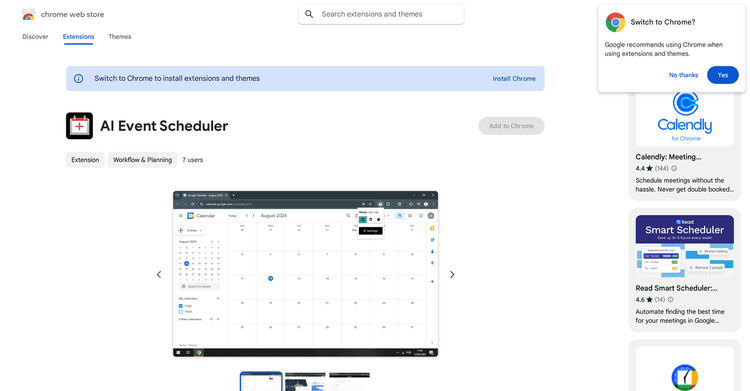
• Add events directly from emails, tickets, or websites using browser extensions for Chrome, Safari, Firefox, and Edge.
• Automatically extracts titles, dates, times, locations, and meeting links — no copy-paste of event details required.
7. Widgets, Watch Support & Ecosystem
• Home and lock-screen widgets for quick access to your agenda.
• Apple Watch support allows you to add or check events by voice on the go.
8. Multilingual AI Scheduling
• Functions in 80+ languages, including English, German, French, Spanish, Chinese, and more — ideal for multilingual and international users.
9. Modern UI & Accessibility
• Minimal, distraction-free design in both light and dark modes.
• Color-coded calendars and integrated weather forecasts for visual clarity.
• Flexible day, list and grid views for your preferred planning style.
10. Privacy, Security & Compliance
• End-to-end encryption for all data in transit and at rest.
• Temporary, purpose-bound processing — data is used only to create your events and never for model training.
• Fully designed for GDPR compliance and user consent transparency.
Platform Compatibility
• iPhone: iOS 18+
• iPad: iPadOS 18+
• macOS: Optimized for Apple silicon (via iPad app design)
• Desktop Browsers: Chrome, Safari, Firefox, Edge (via SmartCalendars AI extensions)
SmartCalendars AI evolves your calendar from a static planner into an active assistant. Speak, type, paste, or capture a photo — and it automatically generates clear, structured events and reminders with times, locations, alerts, and recurrence settings.
Designed for busy professionals, students, and families, it combines AI-powered scheduling, task management, smart summaries, and comprehensive calendar integrations in a unified experience.
Who It’s For
• Professionals handling meetings, deadlines, and travel
• Students keeping track of classes, exams, and projects
• Families coordinating school, sports, and social activities
• Individuals aiming for greater productivity and improved organization
• Apple ecosystem users (iPhone, iPad, macOS) and desktop browsers
Key Benefits
• Capture anything, anywhere – Voice, photos, text, and web content become organized events instantly
• Reclaim valuable time – AI manages recurrences, reminders, and scheduling complexity for you
• Maintain organization – Events, tasks, and reminders are unified on a smart timeline
• Protect your privacy – Encrypted, temporary AI processing with zero data retention
Core Features
1. AI-Powered Creation of Events, Reminders & Contacts
• Natural language input: Simply say or type,
“Lunch with Alex next Thursday at 12:30 near the office, remind me 1 hour before”
“Summarize my next two weeks.”
“Reschedule my dentist appointment in November to Friday same week”
“Add the next soccer games of the FC Bayern München to my calendar”
• Photo-to-calendar: Capture posters, tickets, or handwritten notes — AI extracts times, dates, and locations to create events.
• Smart text recognition: Paste details from emails, chats, or websites to instantly generate events and reminders.
2. Unified Calendar, Tasks & Reminders
• View events, reminders, and to-dos in a single, cohesive dashboard.
• Receive AI-driven task suggestions and prioritization to focus on key items.
• Quickly adjust your schedule with intuitive drag-and-drop actions.
3. Advanced Scheduling
• Supports complex recurrence patterns (e.g. “every first Friday”, “every other Tuesday”, or limited-time series).
• Create multiple or custom alerts (e.g. day-before plus 15-minute reminders).
• Timezone-aware scheduling ideal for travel or global collaboration.
4. Smart Summaries & Conflict Detection
• Daily and weekly summaries keep your schedule clear at a glance.
• Can detect scheduling conflicts and accounts for travel time or energy level buffers if you ask it to.
5. Sharing & Collaboration
• Share events instantly via URL, QR code, or .ics file.
• Send event invitations directly to your contacts for seamless coordination.
6. Browser Extensions & Multi-Source Capture
• Add events directly from emails, tickets, or websites using browser extensions for Chrome, Safari, Firefox, and Edge.
• Automatically extracts titles, dates, times, locations, and meeting links — no copy-paste of event details required.
7. Widgets, Watch Support & Ecosystem
• Home and lock-screen widgets for quick access to your agenda.
• Apple Watch support allows you to add or check events by voice on the go.
8. Multilingual AI Scheduling
• Functions in 80+ languages, including English, German, French, Spanish, Chinese, and more — ideal for multilingual and international users.
9. Modern UI & Accessibility
• Minimal, distraction-free design in both light and dark modes.
• Color-coded calendars and integrated weather forecasts for visual clarity.
• Flexible day, list and grid views for your preferred planning style.
10. Privacy, Security & Compliance
• End-to-end encryption for all data in transit and at rest.
• Temporary, purpose-bound processing — data is used only to create your events and never for model training.
• Fully designed for GDPR compliance and user consent transparency.
Platform Compatibility
• iPhone: iOS 18+
• iPad: iPadOS 18+
• macOS: Optimized for Apple silicon (via iPad app design)
• Desktop Browsers: Chrome, Safari, Firefox, Edge (via SmartCalendars AI extensions)
Key Features
Agentic Ai
Web Search
Calendar
Pricing Plans
Model
freemium
Packages
1 Package
Price Start From
free tier available
Payment Model
monthly
Model
freemium
Packages
1 Package
Price Start From
free tier available
Payment Model
monthly
Releases
SmartCalendars AI now features an email-based + web-based AI assistant accessible from anywhere. It excels with agentic AI that can perform web searches to gather real-world information (events, locations, schedules) and convert it into structured calendar entries and intelligent reminders. Additionally, we've incorporated invite/attendee management, contact extraction from text, and Apple Watch voice capture—all within a streamlined, contemporary UI.
Reviews
Pros & Cons
Pros
Free 7-day trial to explore all features
Functions across iPhone, iPad, macOS, and all major desktop browsers
Calendars with color-coding and integrated weather forecasts
Cons
Not compatible with Android devices
No public API for developer integrations
Errors in Handwritten Text recognition