
AIAXIO-AI Matched To Your Need

15,370 AI tools for 3,203 Tasks

AI Diagram Maker logo

AI Diagram Maker

2

15

0

Diagrams
Quickly create professional diagrams using AI.
Input:
Output:
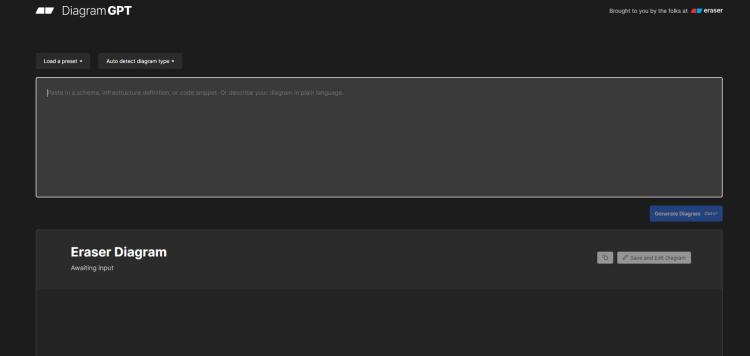
AI Diagram Maker screenshot
Updated: Oct 15, 2025 Free + from $5/month

Description

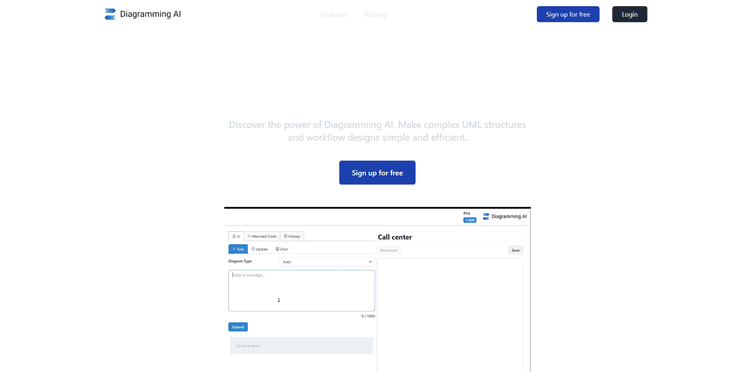
The AI Diagram Maker is an intelligent tool that enables users to produce various types of diagrams such as software architecture, flowcharts, UML diagrams, and ERD (Entity-Relationship Diagram) diagrams.

Users can generate diagrams by simply writing their ideas in common language, removing the necessity for intricate interfaces, toolbars, menus, and manual element placement.

This AI-driven tool can also convert existing notes, documents, or whiteboard drawings into organized diagrams. It provides automatic layout and styling, providing polished results quickly.

Diagrams can be exported in several formats such as PNG, SVG, or as Diagram code, making them suitable for documents, presentations, or repositories. The tool also provides a conversational interface for refining and editing the diagrams, and users can switch to code view for direct edits.

Other features include diagram revision history tracking and attachment uploads, which the AI enhances by transforming them into diagrams. This tool is potentially useful to developers because of its quick processing time, easy-to-use interface, and the flexibility it gives users by enabling them to focus on architecture instead of tool learning curves.

Pricing Plans

Model
freemium
Packages
1 Package
Price Start From
$5/month
Payment Model
monthly

Releases

We’re excited to present a major update to AIDiagramMaker—designed to provide enhanced control, faster iteration, and reduced cost, while maintaining AI's value. ⸻ ✏️ Precision Editing with Faster Iteration (New) You can now directly edit diagrams on the canvas without needing AI prompts. • Edit nodes, text, labels, and connections in real time • Refine AI-generated diagrams to achieve specific layouts and wording • Make instant updates without waiting for AI responses • Save AI credits — manual edits do not consume credits This update significantly accelerates iteration and simplifies final polishing. ⸻ 🧠 Upgraded Diagram Code Editor (Monaco) The diagram code editor is now powered by Monaco, providing a professional, developer-friendly editing experience. • Familiar VS Code–style editing • Clear syntax highlighting and improved readability • Ideal for large or complex diagrams You can: • Modify diagram elements directly from the canvas • Switch between Edit Mode and View Mode for quick review • Use the D2 code editor for deep structural changes ⸻ 🔗 Create Diagrams Directly from GitHub (New) Generate diagrams directly from your GitHub repositories. • Supports public and private repositories • Ideal for architecture diagrams, system flows, and code visualization • Convert real codebases into clear diagrams in seconds ⸻ Why This Release Matters This release integrates AI speed with manual precision—so you can generate quickly, refine instantly, and reduce credit usage.

Reviews

Pros & Cons

Pros

Produces professional diagrams

Converts English text into diagrams

Generates diagrams from attachments

Cons

No collaboration feature

Limited customization options

Dependent on textual data
Q&A

New Released

New Released