Ctrl/
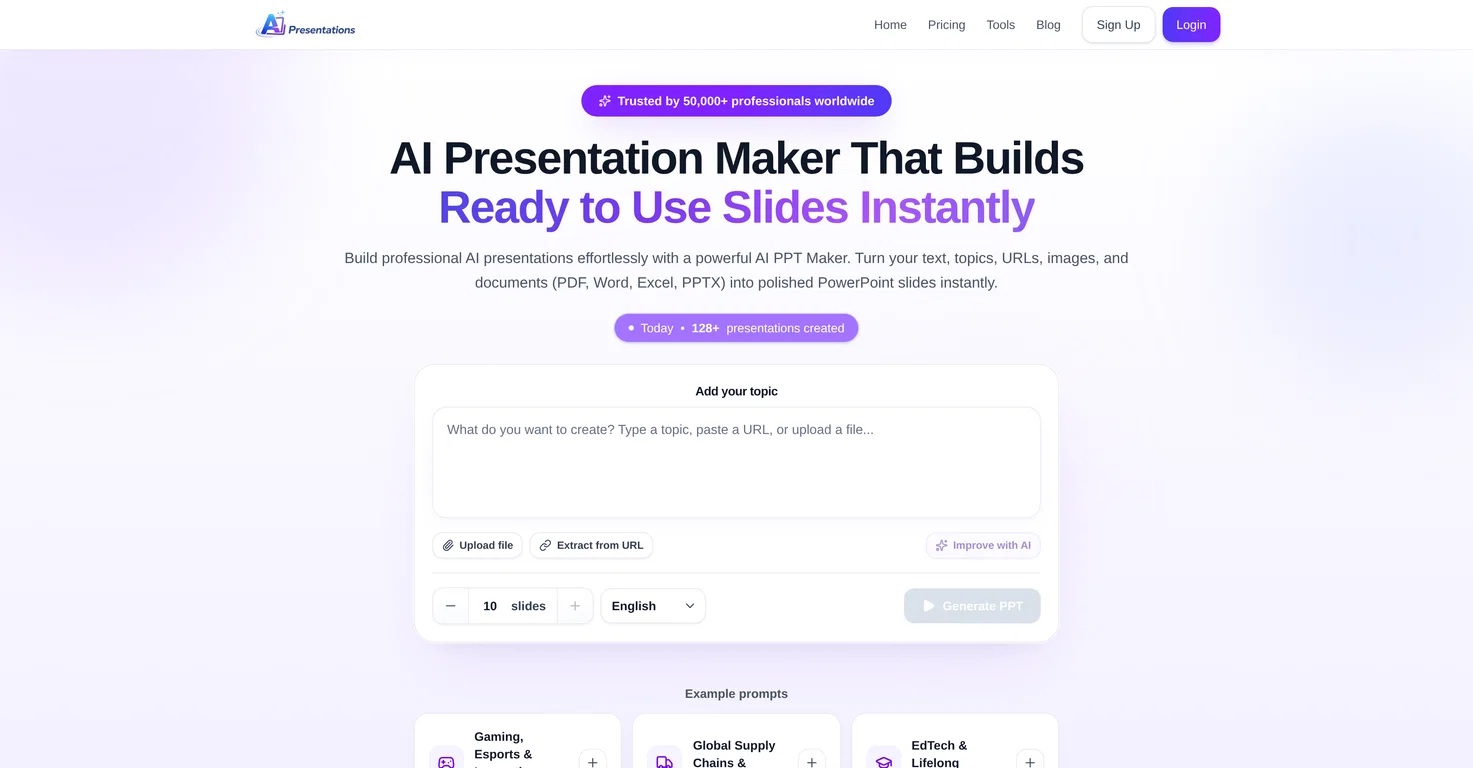
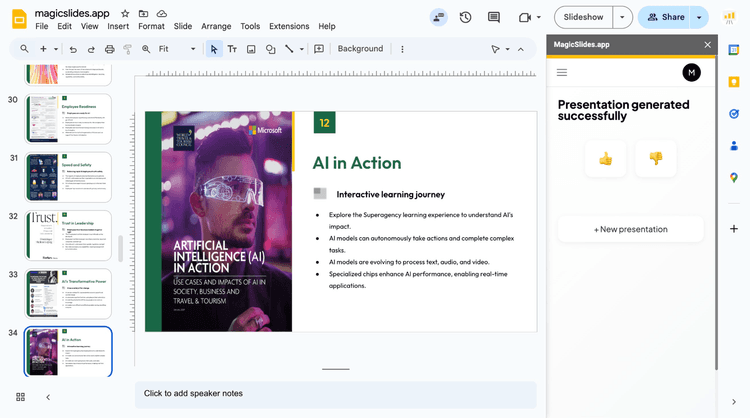
AI Presentation Maker is an innovative tool that enables the swift and easy creation of professional presentations. Utilizing powerful AI technology, it turns user-provided prompts, ideas, texts, images, URLs, and documents into polished PowerPoint slides instantaneously.
The entire process can be completed in just three simple steps. First, the user inputs a topic or uploads a file, such as PDF, Word, Excel, or PPTX, clicks the 'Generate PPT' button.
The AI Presentation Maker then starts understanding the user's prompt and subsequently displays a presentation outline. If satisfied with the outline, the user can proceed to create the presentation.
However, if changes are necessary, they can edit the outline accordingly. In the final step, the AI tool generates a complete slide deck, which can be exported for use in MS PowerPoint or edited directly within the AI PPT Maker with the help of prompts.
Unique features include the ability to make modifications within the presentation without needing to regenerate the entire content and an inbuilt image search to add visuals to slides.
A special AI assistant is also included to help refine and improve existing presentations. The assistant can expand short slides, summarize long ones, and improve slide titles, among other capabilities.
Supports multiple file formats
Editable outlines prior to generation
In-tool presentation modifications
Integrated image search
Capability to refine existing presentations
Supports various document formats
Editable outlines before generation
In-tool presentation edits
No offline functionality
No multilingual support
Limited template styles
Released 1 year ago
Free + from $3.90/month

Released 1 year ago
Free + from $6/month
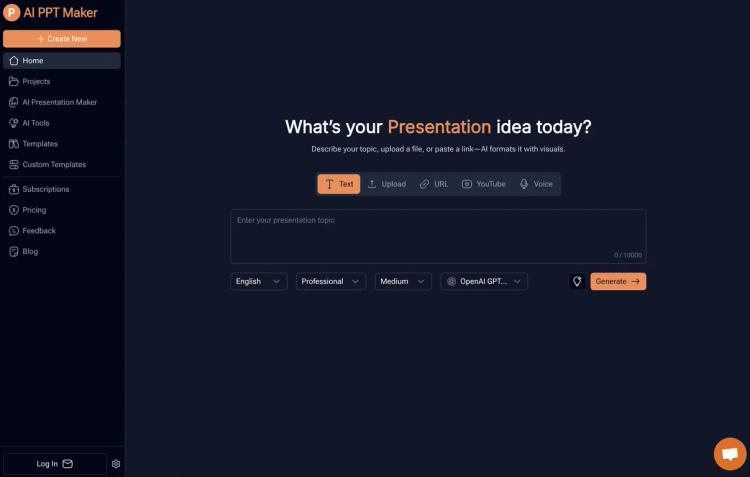
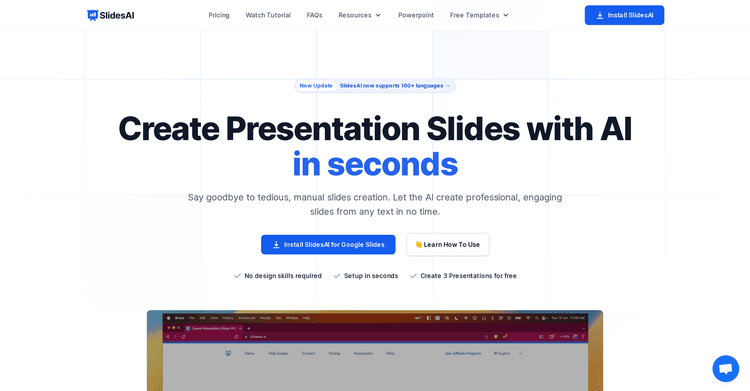
AI instantly converts your ideas into PowerPoint presentations.
Released 11 months ago
Free + from $3.90/month
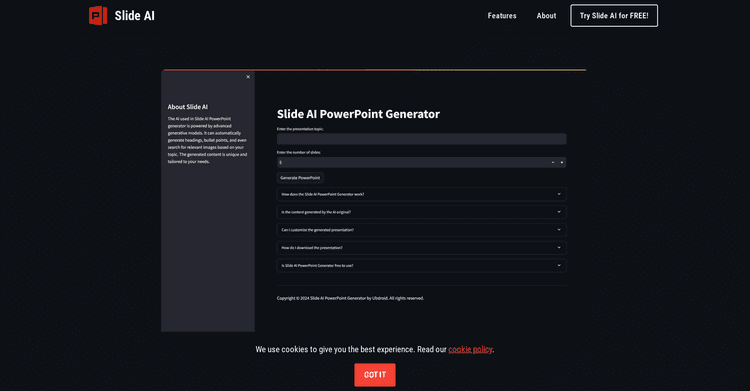
Released 2 years ago
Free
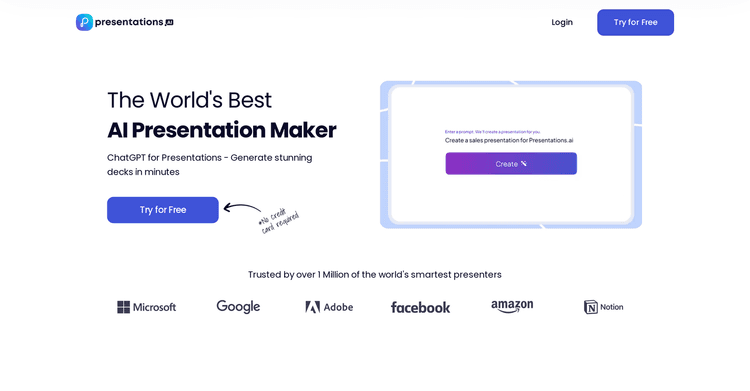
Released 3 years ago
Free + from $198/year
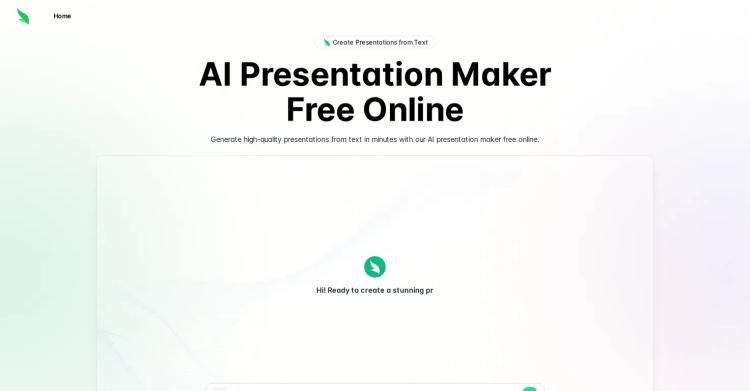
Released 2 years ago
Free
Released 3 years ago
Free + from $6.70/month
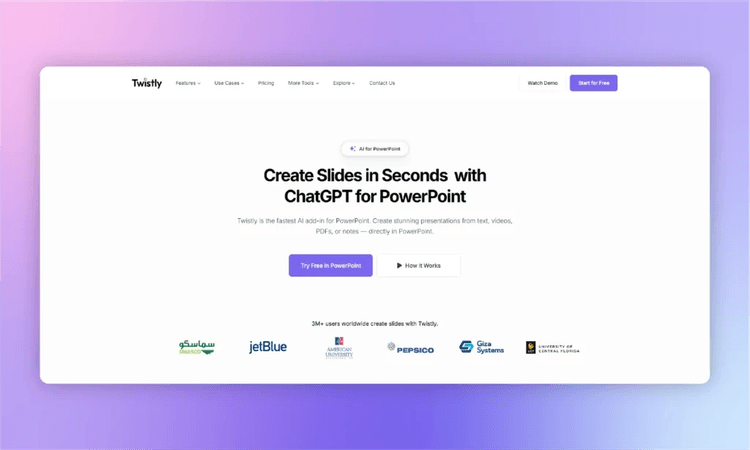
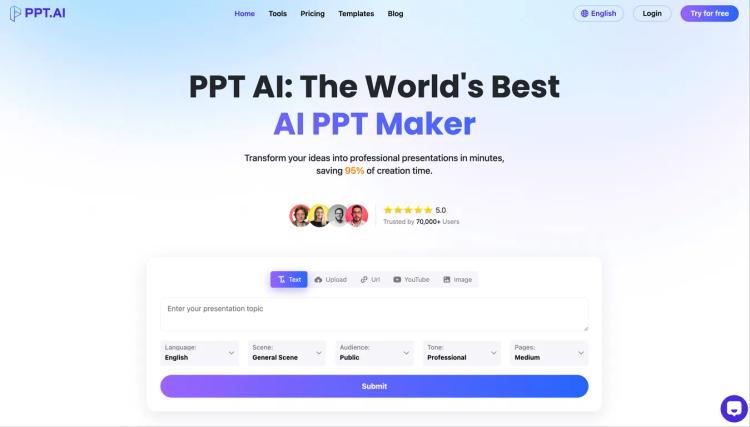
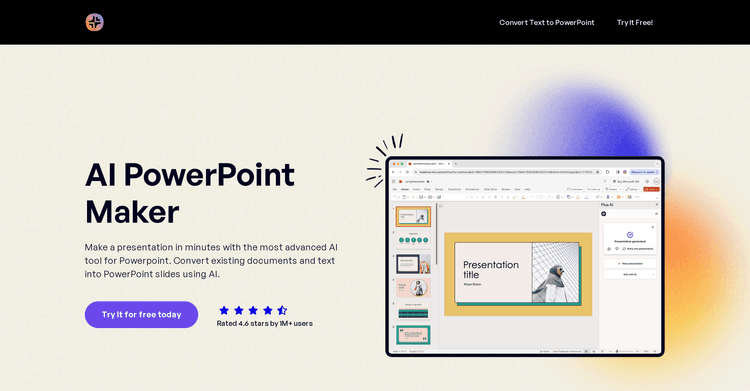
Generate professional PowerPoint presentations with AI in just minutes
Released 1 year ago
Free + from $8.99/month
Released 3 years ago
Free + from $8.32/month
Released 2 years ago
From $10/month