Description
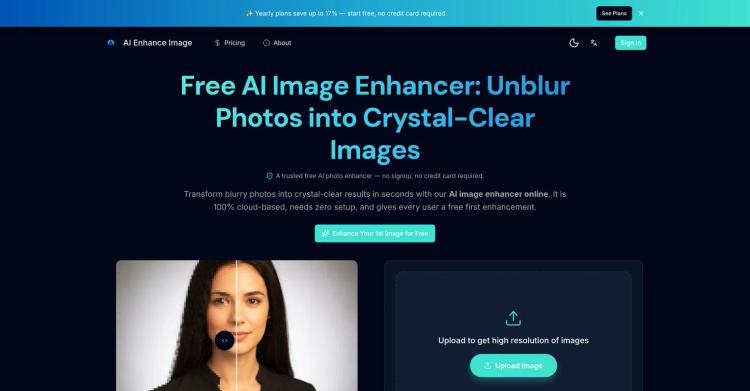
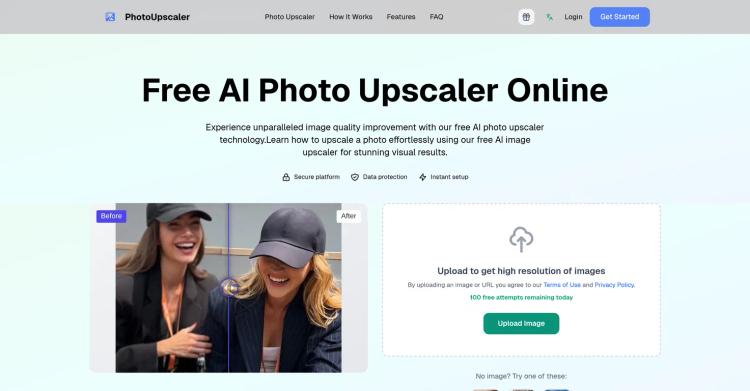
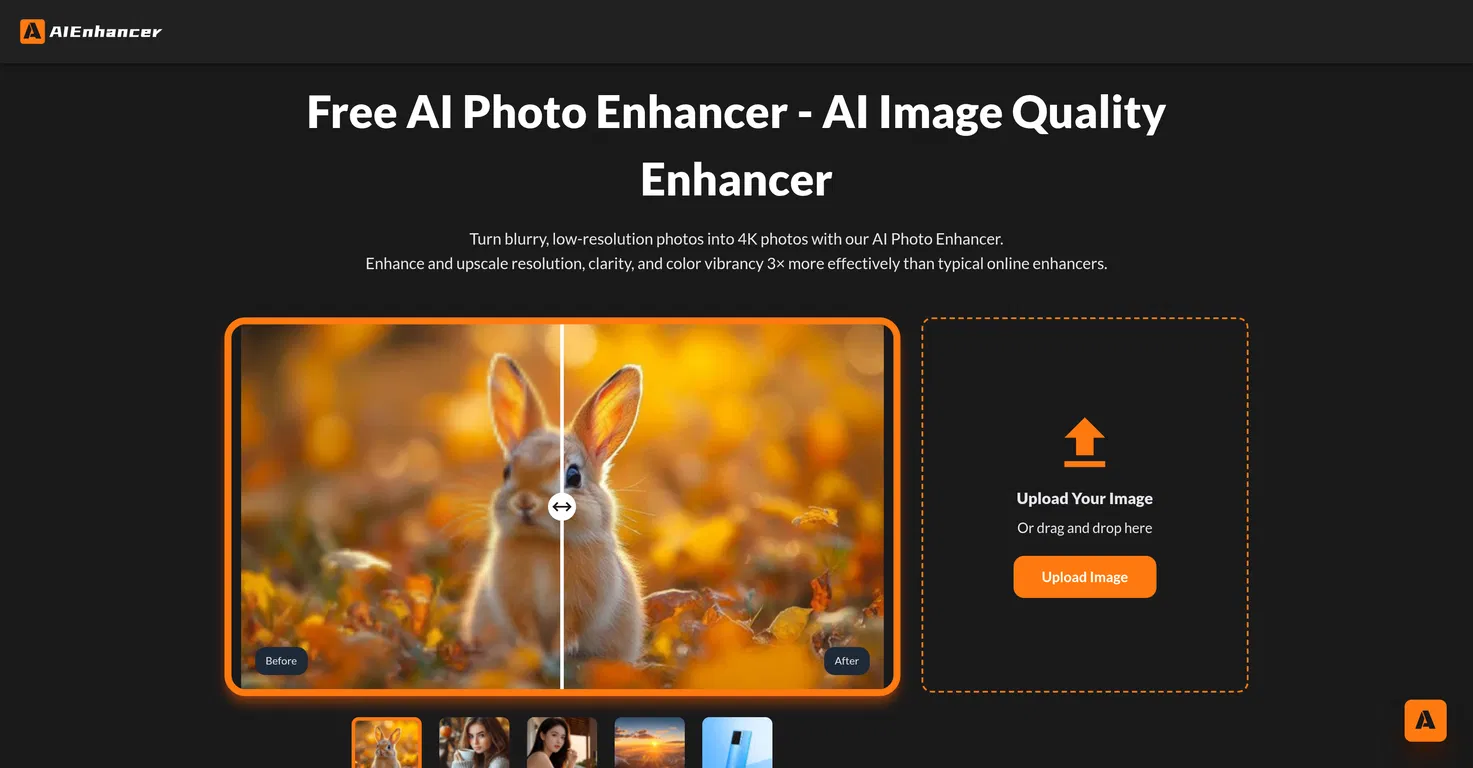
AIEnhancer is an online tool that leverages Artificial Intelligence to enhance image quality. It enables users to convert blurry, low-resolution, or AI-created images into sharp, vivid, high-resolution photographs.
It offers several enhancement features, including resolution upscaling, noise and blur reduction, color enhancement, and AI-generated art correction. The tool assesses the uploaded image and applies optimal improvements based on the user's specifications.
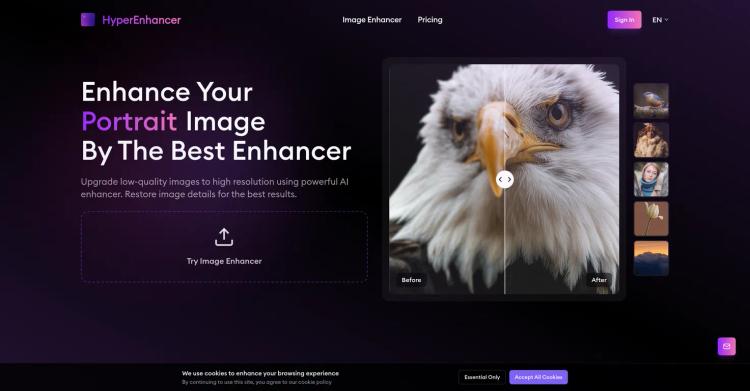
The tool lets users preview the improved image alongside the original before finalizing, allowing them to assess the enhancements in color, clarity, and sharpness.
It supports downloading images in high-quality resolutions up to 4K. Aside from enhancing the quality and clarity of typical photographs, AIEnhancer offers specialized capabilities.
It can improve faded, yellowed, or damaged photos, correct blurred images, and enhance pixelated or compressed images without sacrificing clarity. It addresses common issues in low-light images, such as noise and inadequate lighting, to produce sharp and vibrant results.
Another notable capability is its ability to fix imperfections in AI-generated images, making these digital creations appear authentic and refined.
The software removes visual errors like distorted faces and unnatural textures. Its effectiveness and dependability are backed by thousands of global users who employ it for various applications, from simple photo improvements to professional assignments.
This positions it as a comprehensive solution for photo enhancement and repair.
Pricing Plans
Releases
Reviews
Pros & Cons
Pros
Web-based platform
Upscaling of resolution
Elimination of noise and blur
Cons
Requires internet; no offline option
Batch processing not mentioned
Not suitable for motion graphics