Ctrl/

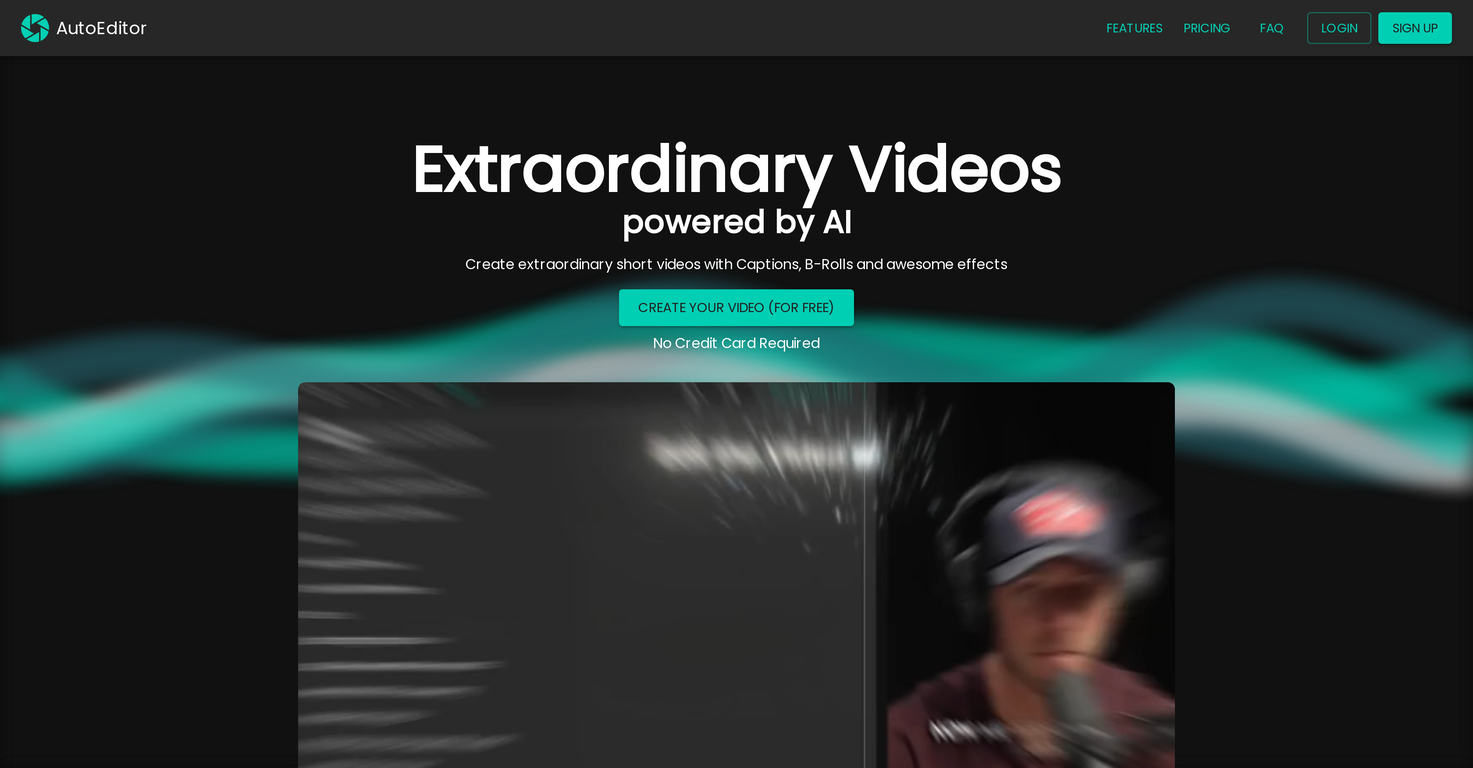
AutoEditor is an AI-driven tool that helps users produce highly customized short videos. Its primary purpose is to streamline and simplify video editing, allowing users to dedicate more time to content creation.
Key features include automatically generating subtitles in over 40 languages, identifying silence or irrelevant sections within videos, and improving videos by incorporating b-rolls, watermarks, and other effects.
The platform's user-friendly interface gives users complete control over their video content. They can modify text, styles, and other video elements without needing previous video editing experience.
AutoEditor also supports the editing of lengthy videos, which can be divided into smaller segments without needing to be pre-cut. Videos can be processed directly from YouTube, removing the need to download them from separate websites.
Users are able to personalize their captions, save their preferred styles as presets, and create videos quickly with just a few clicks for an expedited editing process.
AutoEditor's pricing structure is simple and budget-friendly, offering plans that cater to various user requirements. A free tier is also available for users who want to get started.
Flexibility is a major advantage, giving users the ability to edit their videos to their exact specifications. The software is most effective for videos that contain voice or speech, such as podcasts, talk shows, documentaries, educational content, or speeches.
Subtitles available in over 40 languages
Detects silence in videos
Includes video enhancement effects
Best suited for voice-centric videos
Preset customization is somewhat limited
No explicit support for editing raw footage
Released 3 years ago
Free + from $19/month
Released 4 months ago
Free + from $3.60/unit
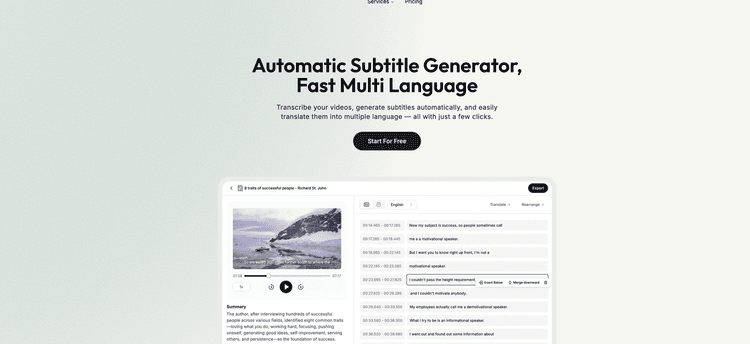
Released 1 year ago
Free + from $7.50/month

Released 1 year ago
From $19/month
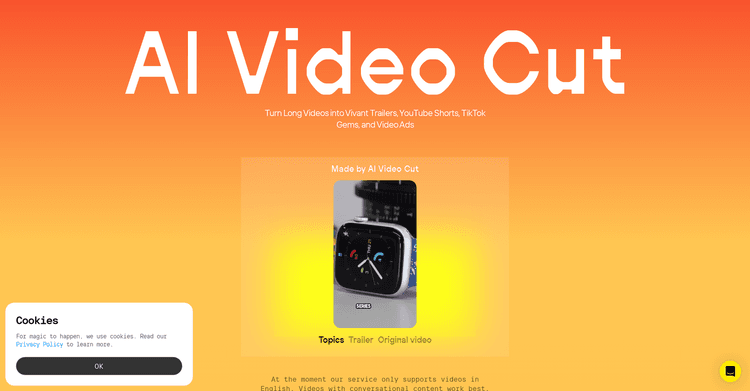
Utilize AI to convert extended videos into popular, shareable short clips.
Released 1 year ago
Free + from $18/month
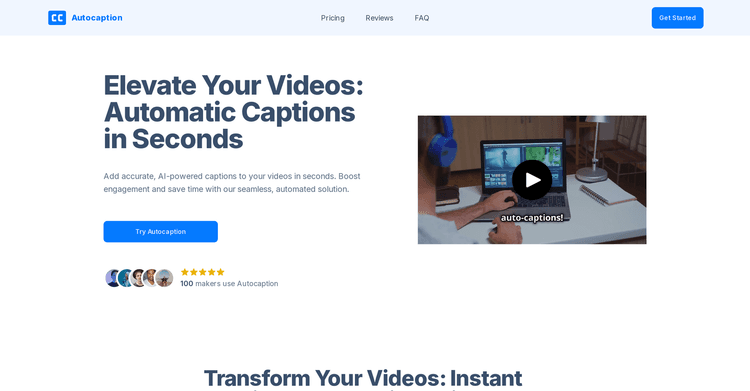
Released 1 year ago
From $10/month
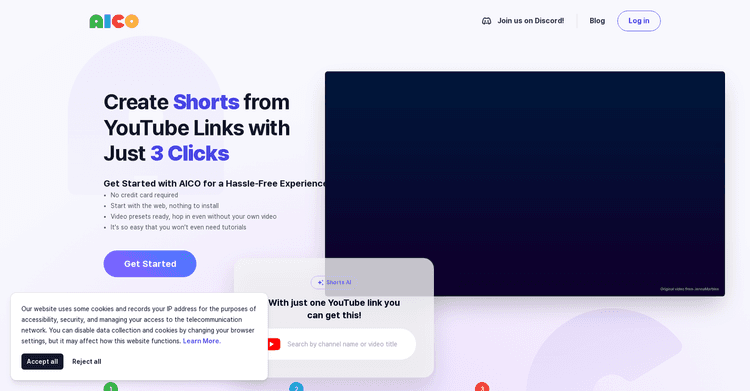
Released 2 years ago
Free + from $8/month

Released 3 years ago
Free + from $15/month

Released 3 years ago
Free + from $20/month
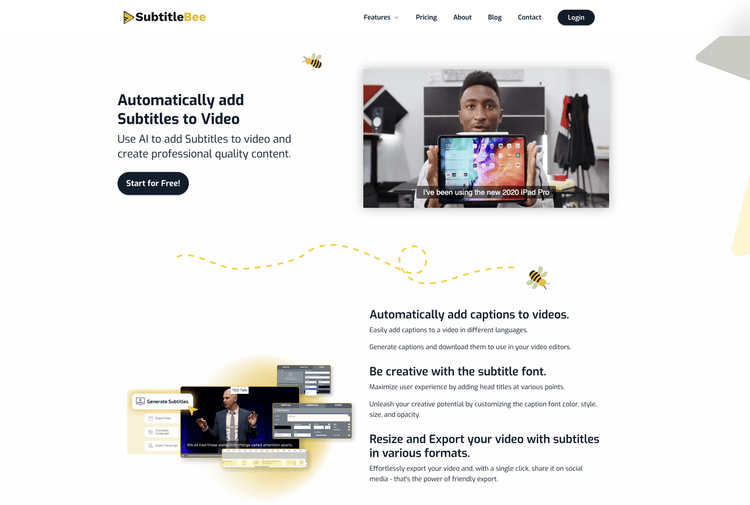
Released 6 years ago
Free + from $19/month
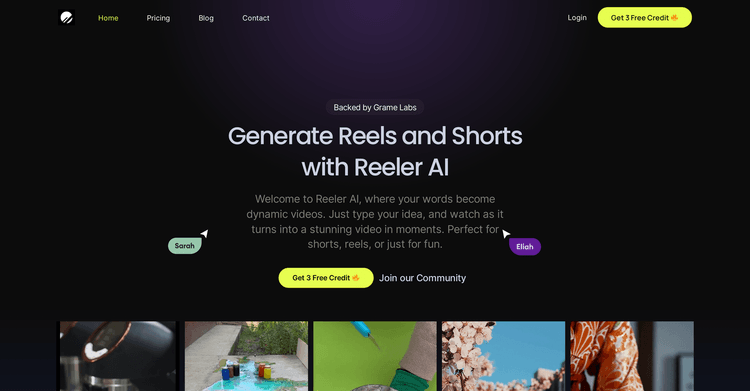
Released 2 years ago
Free + from $9.99/month