Ctrl/




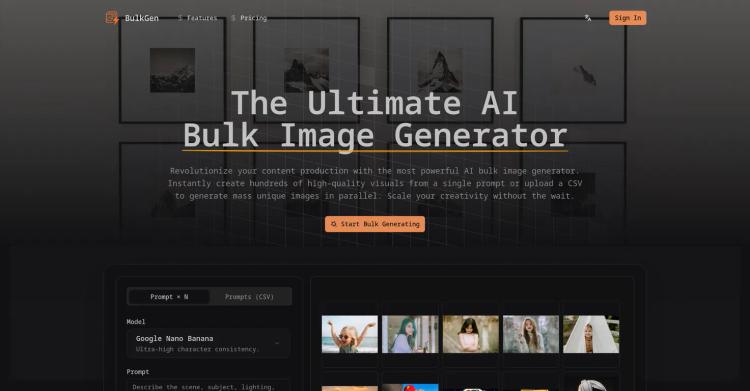
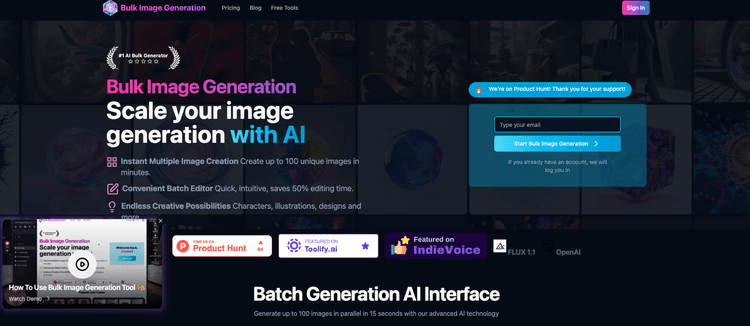
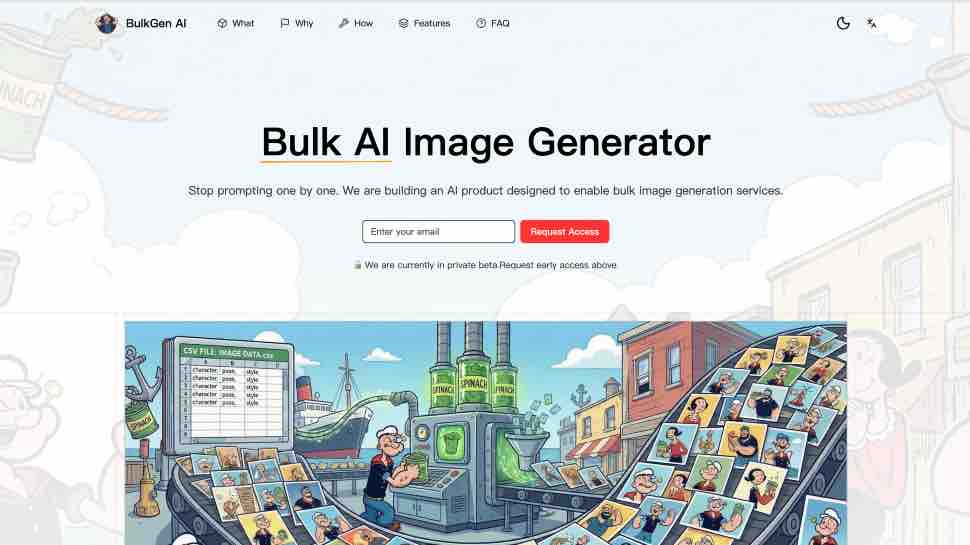
BulkGen AI is a bulk AI image generator and editor that helps creators create up to 100 AI images at a time from local files or Google Drive assets.
Input:
Output:
Updated: May 9, 2026 Free + from 20
Description
ulkGen AI is built for teams that need more than one-off image generation. It turns bulk image creation into a focused production workflow: upload images from your computer or choose files from Google Drive, add prompts and reference images, select an AI image model, configure output settings, and generate a full batch for review and download.
The platform supports batch workflows of up to 100 images, making it useful for ecommerce product visuals, ad creative variants, social media campaigns, brand asset production, localized marketing, and creative testing. Instead of repeating the same upload, prompt, generation, and download steps one image at a time, users can prepare a batch once and let BulkGen process the job in the background.
BulkGen AI supports multiple image models, including GPT image models and Gemini image models such as ChatGPT Image 2.0, Nano Banana 2, and Nano Banana Pro. Users can manage model-specific settings such as image size, quality, output format, background, aspect ratio, and input fidelity when available.
BulkGen also includes an account-protected workspace where users can track batch progress, retry or cancel tasks, review generated outputs, download results, and manage credits. Google Drive integration helps teams work with existing source images and brand assets without manually moving files between tools.
## Key Features
- Generate or edit up to 100 images in one batch.
- Upload JPG, JPEG, and PNG files from a computer or Google Drive.
- Use optional reference images to guide each generation or edit.
- Apply prompts and settings across a batch instead of repeating manual steps.
- Choose from GPT image and Gemini image models.
- Configure output quality, size, format, background, aspect ratio, and fidelity options.
- Process jobs in the background and track task progress.
- Review, retry, cancel, and download results from a private workspace.
- Designed for commercial workflows such as ecommerce, ads, social media, and brand content.
Pricing Plans
Model
freemium
Packages
2 Packages
Price Start From
20
Payment Model
Not specified
Model
freemium
Packages
2 Packages
Price Start From
20
Payment Model
Not specified
Releases
BulkGen AI helps teams generate and edit up to 100 AI images at a time using local files, Google Drive assets, and leading GPT and Gemini image models.