Ctrl/




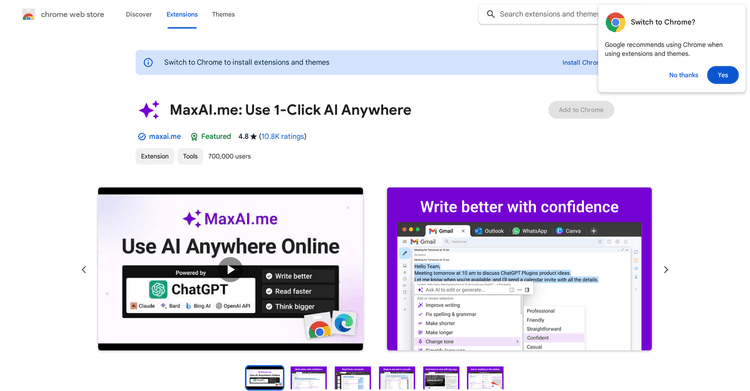
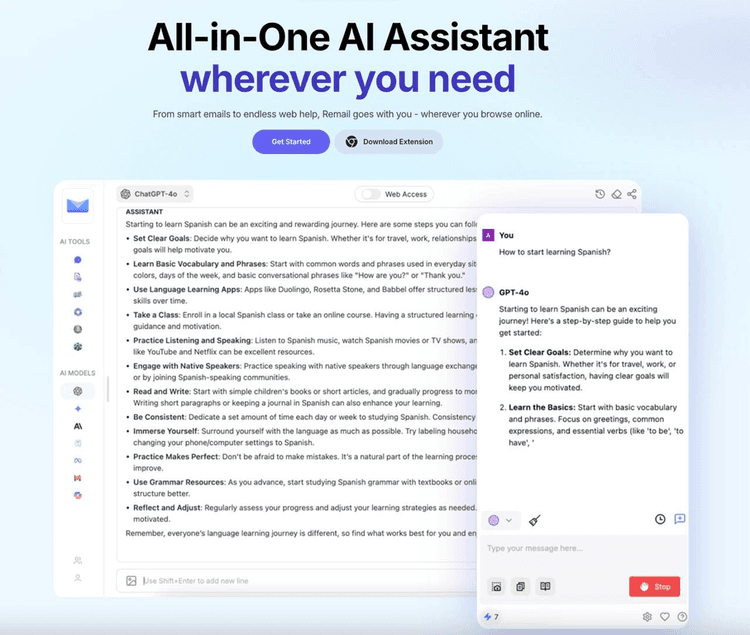
Utilize AI across various platforms for tasks like composing emails, refining grammar, conducting research, and more.
Input:
Output:
Updated: Dec 22, 2022 Free + from $16/month
Description
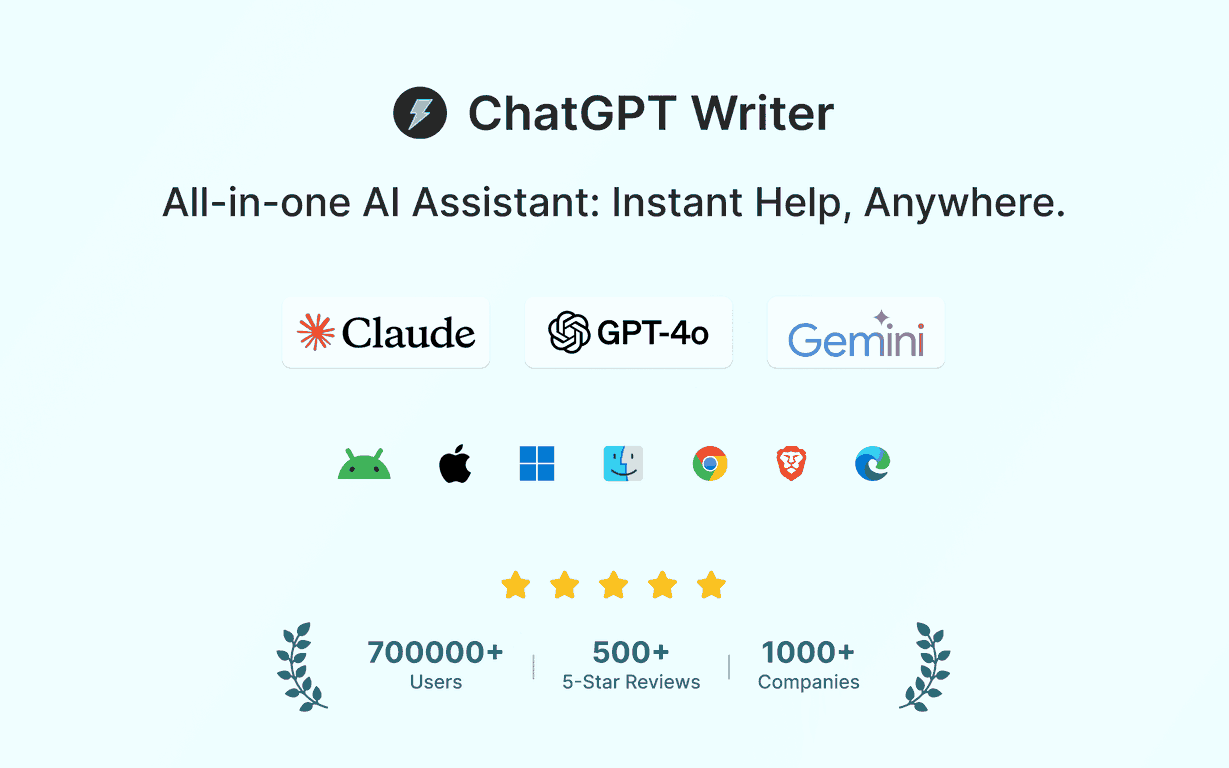
Eliminate the need to switch between tabs for AI assistance. Integrate AI into any website using our complimentary AI browser extension, driven by leading-edge AI models (GPT-4o, Claude, Gemini), with web and mobile accessibility.
VERSATILE APPLICATIONS:
✉️ Draft emails, create cover letters and resumes, and produce social media content.
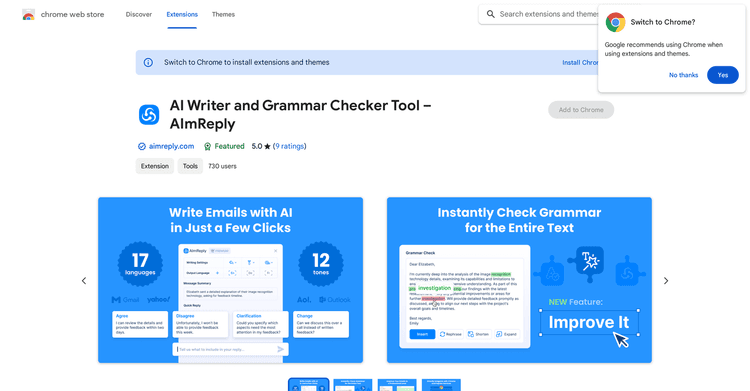
📝 Correct grammar, reword content, refine writing, and enhance overall quality.
🌐 Deliver high-accuracy translations.
🔍 Verify facts, acquire new knowledge, and broaden your understanding.
🗒️ Condense extensive texts.
🧠 Conduct research, strategize, and brainstorm effortlessly.
🎁 Discover imaginative gift suggestions, recipe ideas, and more.
FEATURE-RICH BROWSER EXTENSION:
✔️ Access the latest and most sophisticated AI models: GPT-4o, Claude Sonnet, Gemini, among others.
✔️ Engage in multi-turn conversations with support for Markdown, code syntax highlighting, and LaTeX.
✔️ Use Prompt Templates to save and reuse common prompts instantly.
✔️ Customize writing tones.
✔️ Adjust the length of AI responses.
✔️ Supports all languages.
✔️ Resize and drag the extension around the web page.
✔️ Available across all devices.
✔️ Free to test.
ENHANCED GMAIL INTEGRATION VIA BROWSER EXTENSION:
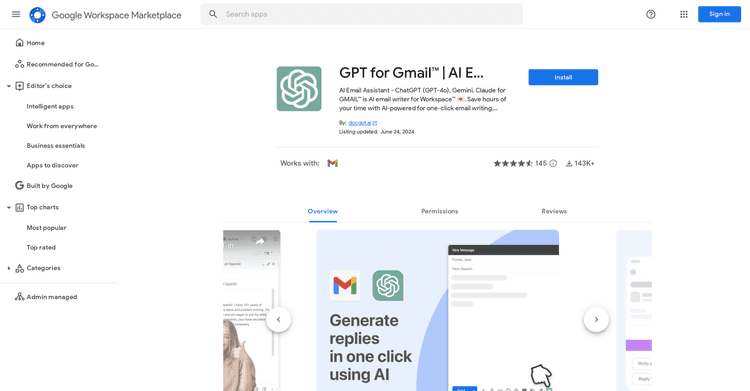
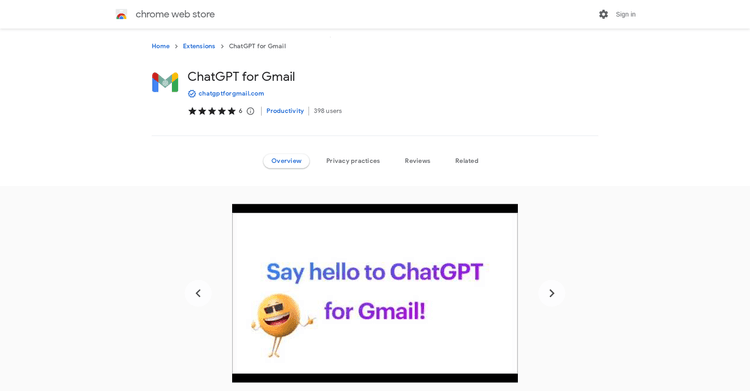
ChatGPT Writer analyzes your email to generate the ideal reply every time.
1) Navigate to Gmail, open an email, and select reply.
2) Select the ChatGPT Writer extension button in the Gmail reply area.
3) Input a brief description of your desired reply and select Generate Reply.
MULTIPLE LAUNCH METHODS FOR BROWSER EXTENSION:
- Launch from the extension icon.
- Launch using a keyboard shortcut (Windows: Ctrl+Shift+K | Mac: Cmd+Shift+K) or customize your own.
- Hold Cmd/Ctrl while selecting text on a webpage.
SUPERIOR PERFORMANCE:
🪶 Lightweight extension (
VERSATILE APPLICATIONS:
✉️ Draft emails, create cover letters and resumes, and produce social media content.
📝 Correct grammar, reword content, refine writing, and enhance overall quality.
🌐 Deliver high-accuracy translations.
🔍 Verify facts, acquire new knowledge, and broaden your understanding.
🗒️ Condense extensive texts.
🧠 Conduct research, strategize, and brainstorm effortlessly.
🎁 Discover imaginative gift suggestions, recipe ideas, and more.
FEATURE-RICH BROWSER EXTENSION:
✔️ Access the latest and most sophisticated AI models: GPT-4o, Claude Sonnet, Gemini, among others.
✔️ Engage in multi-turn conversations with support for Markdown, code syntax highlighting, and LaTeX.
✔️ Use Prompt Templates to save and reuse common prompts instantly.
✔️ Customize writing tones.
✔️ Adjust the length of AI responses.
✔️ Supports all languages.
✔️ Resize and drag the extension around the web page.
✔️ Available across all devices.
✔️ Free to test.
ENHANCED GMAIL INTEGRATION VIA BROWSER EXTENSION:
ChatGPT Writer analyzes your email to generate the ideal reply every time.
1) Navigate to Gmail, open an email, and select reply.
2) Select the ChatGPT Writer extension button in the Gmail reply area.
3) Input a brief description of your desired reply and select Generate Reply.
MULTIPLE LAUNCH METHODS FOR BROWSER EXTENSION:
- Launch from the extension icon.
- Launch using a keyboard shortcut (Windows: Ctrl+Shift+K | Mac: Cmd+Shift+K) or customize your own.
- Hold Cmd/Ctrl while selecting text on a webpage.
SUPERIOR PERFORMANCE:
🪶 Lightweight extension (
Pricing Plans
Model
freemium
Packages
1 Package
Price Start From
$16/month
Payment Model
Not specified
Model
freemium
Packages
1 Package
Price Start From
$16/month
Payment Model
Not specified
Releases
ChatGPT Writer's initial launch.
Reviews
Pros & Cons
Pros
Free extension for Chrome
Composes complete emails
Improved Gmail functionality
Cons
Exclusively for Chromium-based browsers
Requires browser extension installation
Requires an account on chat.openai.com