Ctrl/

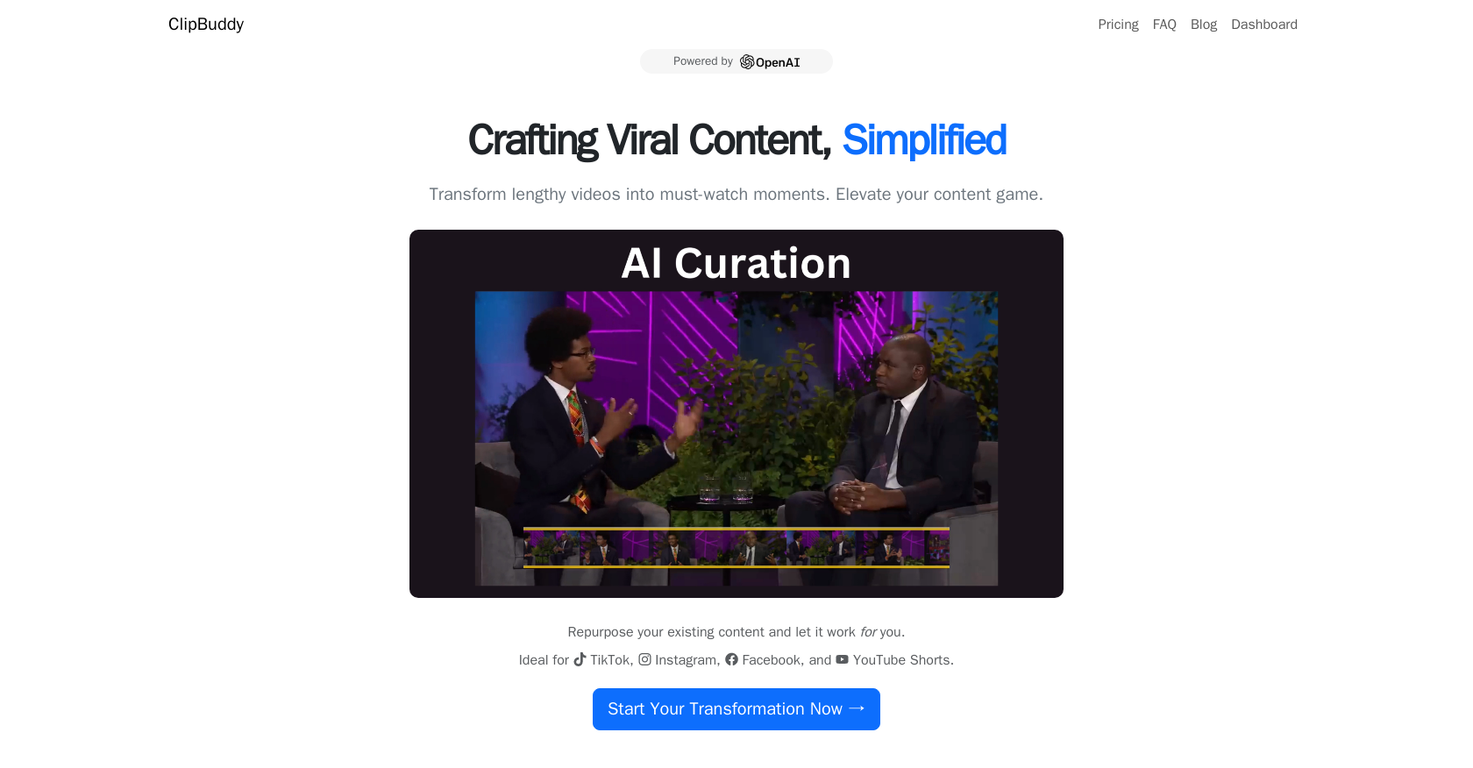
ClipBuddy is an AI-driven video tool designed to transform longer videos into shorter clips optimized for platforms like TikTok, Instagram, and YouTube Shorts.
It allows users to repurpose existing video content into captivating and viral short clips without complex manual editing.
This tool employs AI to enhance content creation. It identifies and selects the most interesting parts of videos, helping users create memorable content.
ClipBuddy's AI also finds key moments and adds eye-catching captions to increase viewer engagement. The tool automatically adjusts videos to the 9:16 aspect ratio for optimal display on any device.
The AI ensures seamless transitions between video and audio, resulting in polished and professional content. While features like auto-emoji implementation and branding tools are planned for future updates, auto-captioning is currently supported.
ClipBuddy features a simple, user-friendly interface, making it accessible to content creators of all skill levels, even those with limited technical or editing experience. It also offers simple usage-based pricing, allowing users to pay only for their actual usage with the option to cancel at any time.
ClipBuddy provides customer support via email, with ongoing improvements and updates promised without requiring any additional hardware. The platform also prioritizes user content protection, guaranteeing that videos are not shared, sold, or otherwise distributed to third parties.
ClipBuddy is developed in Denmark.
Creates short clips for social media
Automatically identifies engaging video segments
Includes dynamic auto-captioning features
No live editing features
Auto-emojis not yet available
Branding features not yet implemented
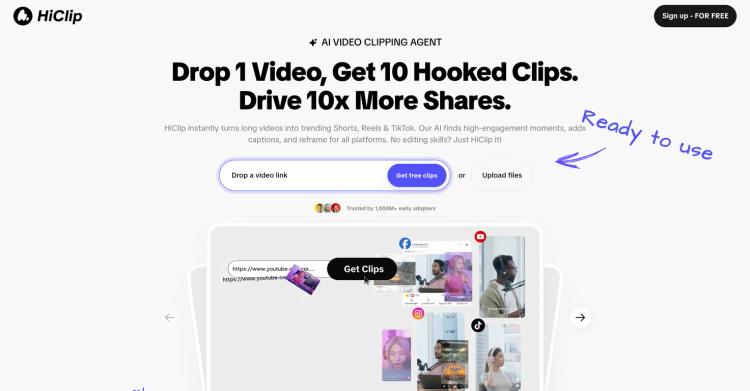
Released 9 months ago
Free + from $9/month
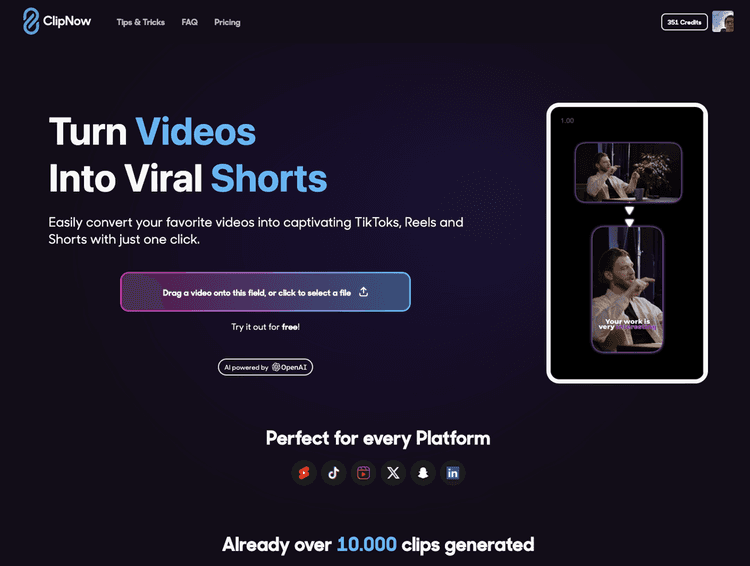
Released 2 years ago
Free + from $59.99/month

Released 1 year ago
Free + from $20/month
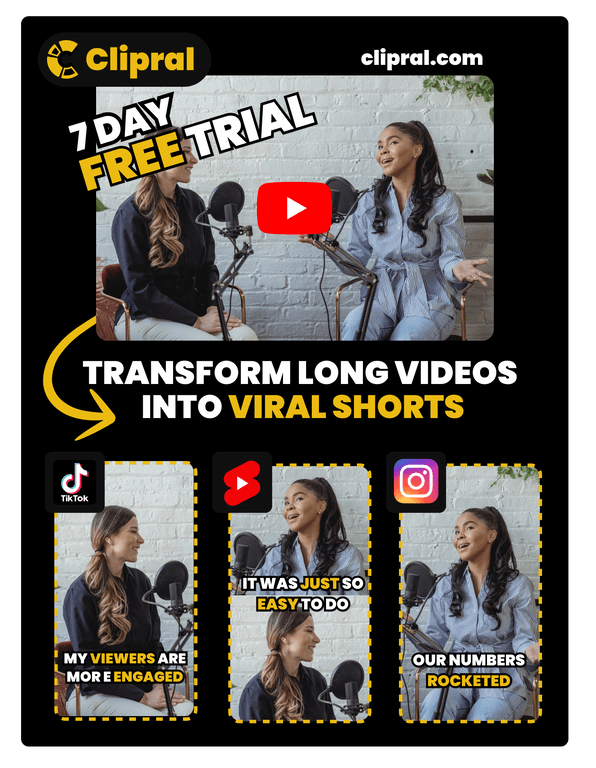
Released 2 years ago
Free + from $5/month
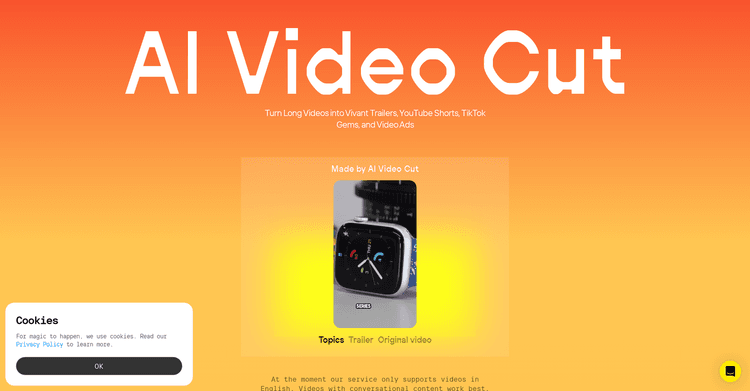
Utilize AI to convert extended videos into popular, shareable short clips.
Released 1 year ago
Free + from $18/month
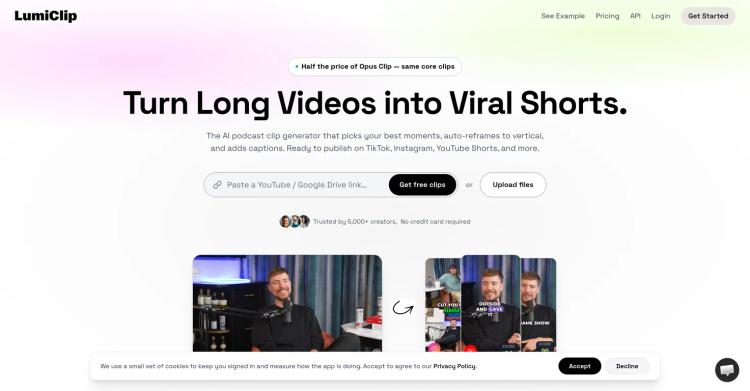
Released 2 months ago
Free + from $7.50/month
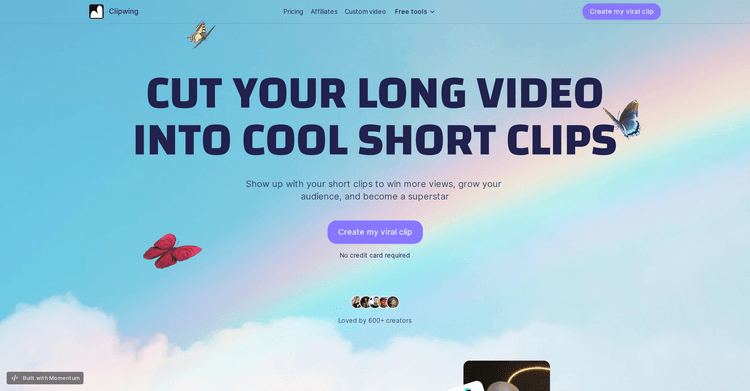

Transform lengthy videos into engaging short clips ideal for social sharing.
Released 2 years ago
Free + from $29.99/month
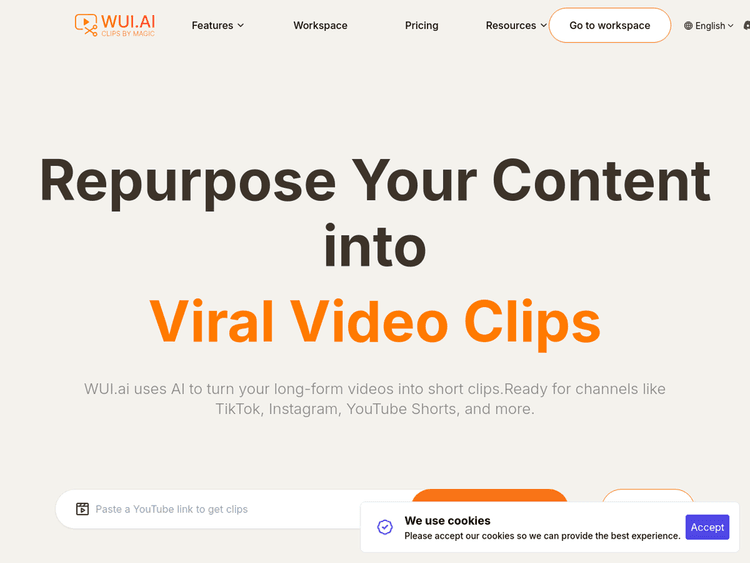
Released 1 year ago
Free + from $10/month
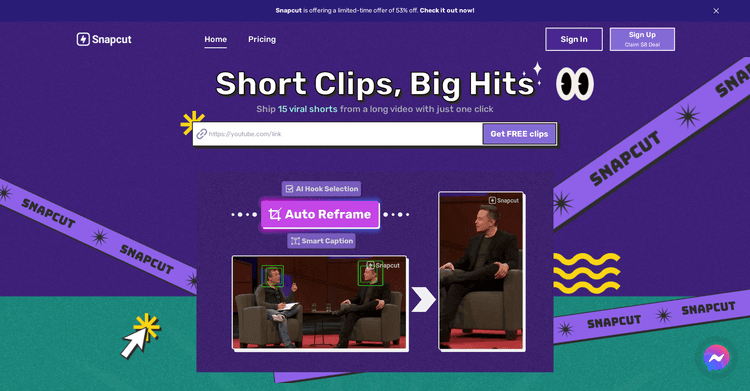
Released 2 years ago
Free + from $11.33/month
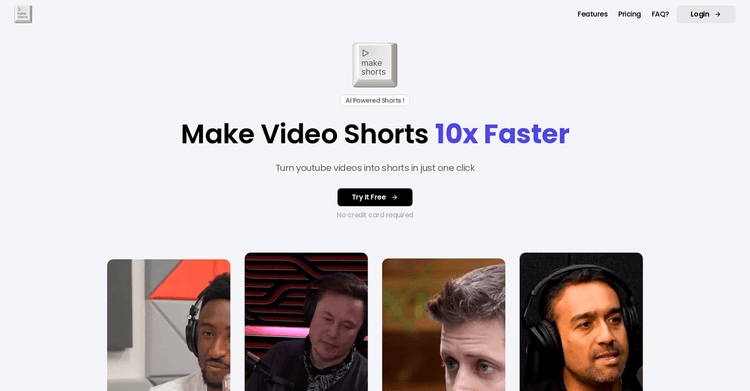
Released 2 years ago
From $9/month
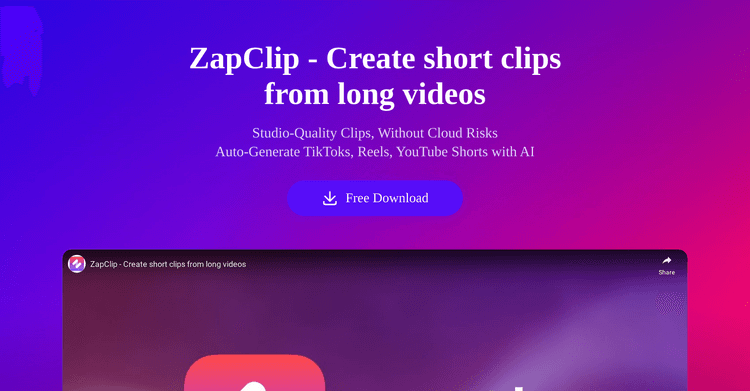
Released 1 year ago
Free + from $14.99/month