Description
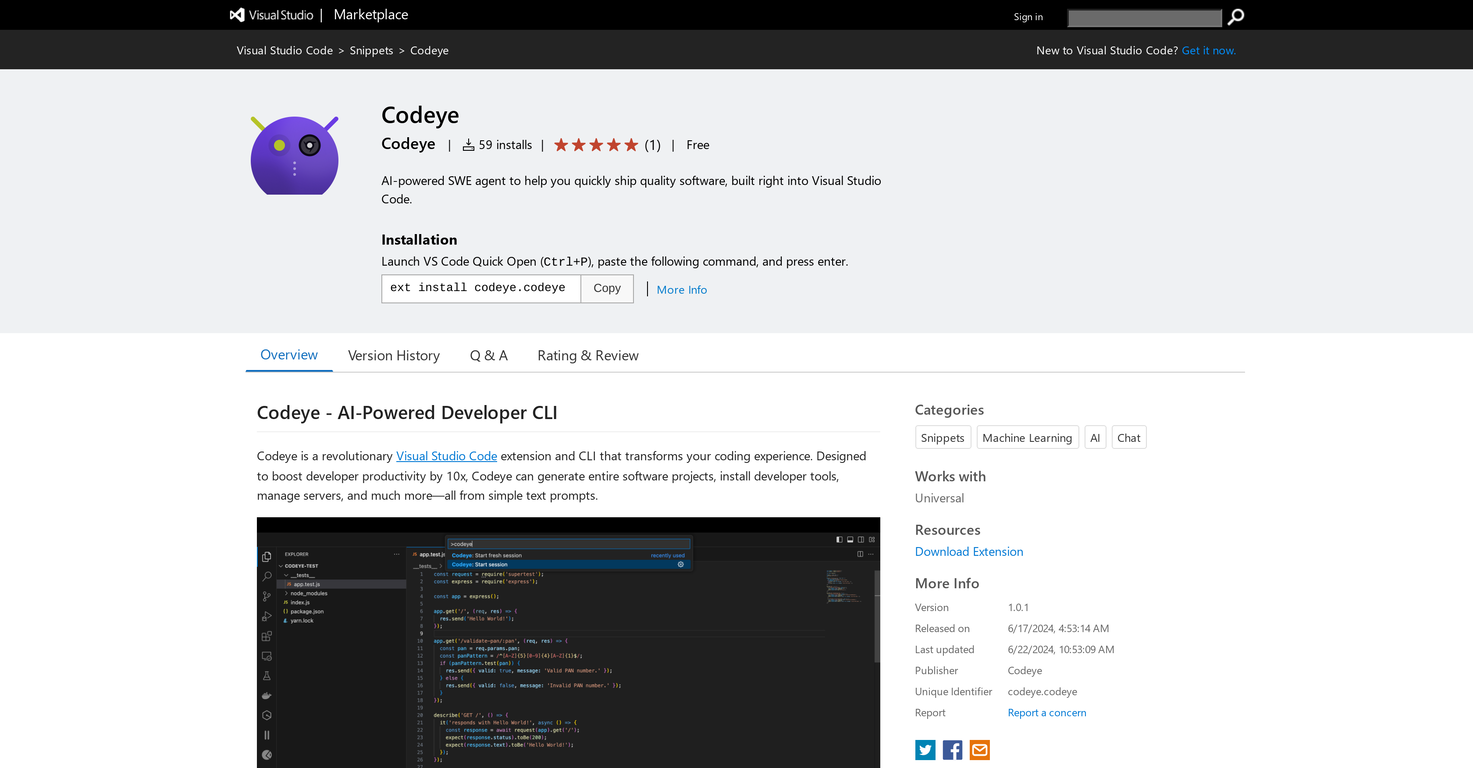
Codeye is a sophisticated extension for Visual Studio Code, designed to enhance developer productivity. As an AI-powered software engineer, it helps in the efficient and rapid development of high-quality software directly within the Visual Studio Code environment.
Codeye can generate complete software projects, handle servers, and install developer tools using simple text prompts, making it easy to use.
A key feature is its AI-driven code generation, which simplifies the creation of code snippets or entire projects. It also offers automated software installation for quickly setting up developer tools and environments.
Additionally, the Server Management feature allows you to deploy and manage stack servers across different programming languages. With its seamless integration, Codeye operates directly within Visual Studio Code.
To install Codeye, go to the Visual Studio Code extensions tab, select your preferred AI model under Settings > Extensions > Codeye, and enter the required credentials for that model.
After installation, you can launch Codeye in several ways, including through the Command Palette or Terminal.
Pricing Plans
Releases
Reviews
Pros & Cons
Pros
Boosts developer productivity
Works with Visual Studio Code
Creates full software projects
Cons
Limited to Visual Studio Code platform
Requires an initial learning period
May have compatibility problems