Description
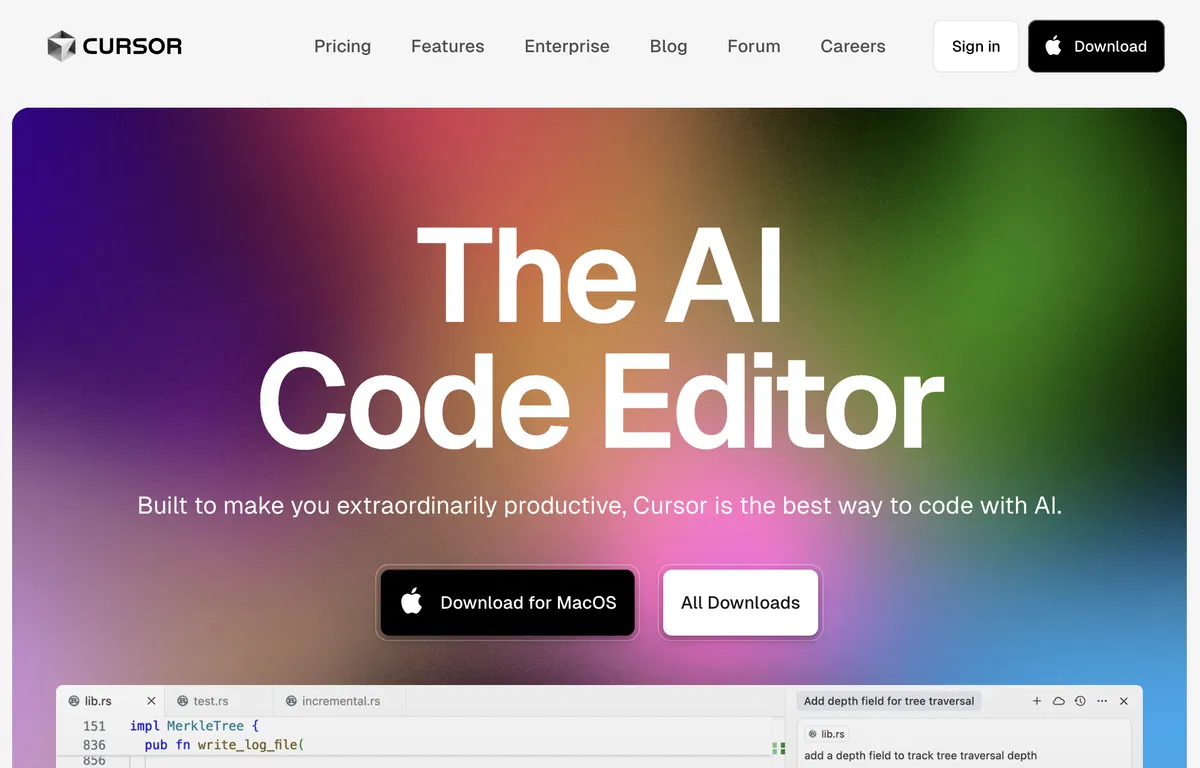
Cursor is a code editor designed with AI at its core, optimized for collaborative programming. It includes functionalities intended to improve the output and effectiveness of software developers.
This tool simplifies the process of importing your favorite VS Code extensions, themes, and keyboard shortcuts with a single action. Additionally, Cursor features a local mode option, ensuring that your information remains off their servers, thus protecting your data and maintaining security. Cursor lets developers interact with their projects directly, allowing them to locate code solutions specific to their repositories more easily.
It also offers the ability to ask questions about the codebase, which can save time by helping to pinpoint the best place to begin a change or the appropriate method to call.
Developers can navigate documentation, code definitions, and files without interruption, all from within the editor. AI-powered code generation is a central function of Cursor.
It aids developers by taking care of routine logic, allowing them to implement code changes with ease. The AI can generate code from instructions and help identify and resolve bugs by examining the code and analyzing linter errors and stack traces. Cursor has become popular among developers globally and is valued for its capacity to improve coding workflow and deliver a coding environment that understands context.
Through its integration of GPT-4 technology, Cursor strives to provide a transformative experience for developers, speeding up the creation of prototypes from initial ideas.
Pricing Plans
Releases
The modes system was redesigned to include custom modes.
Improved cost visibility and indexing performance.
Sound notifications for chat readiness were added.
Reviews
Pros & Cons
Pros
Easy VS Code extension transition
One-click import of keybindings and themes
Local mode to ensure privacy
Cons
No mobile application available
Support for languages is limited
Dependent on GPT-4