Description
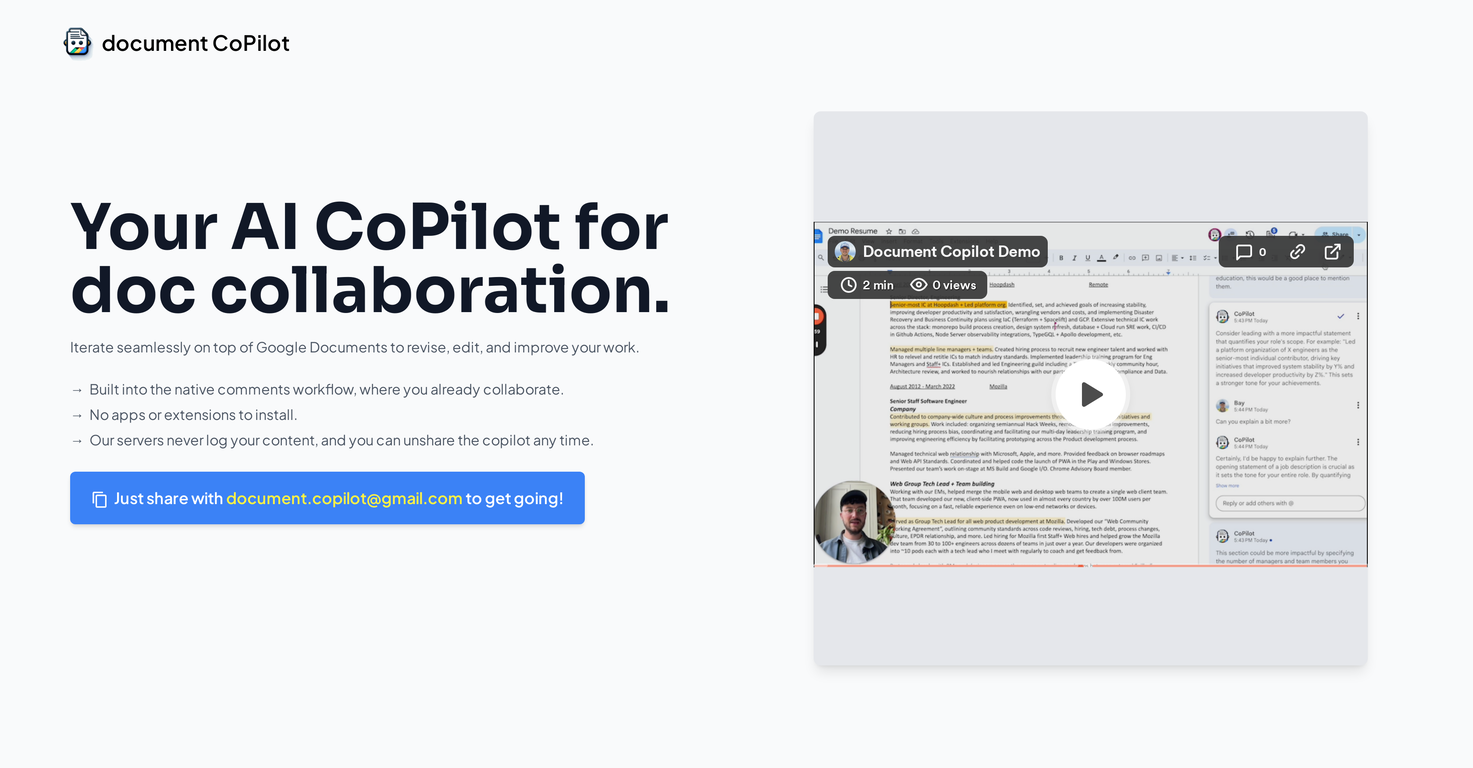
Document CoPilot is an AI-powered tool designed to improve collaboration on Google Docs. It mainly focuses on providing in-line comments and replies to aid in document revision and editing processes.
It integrates directly with Google Document's built-in commenting feature, so you don't need extra apps or extensions. Users can share their Google Docs with Document CoPilot to begin an editing session.
The AI tool will then join the document and begin offering comments and replies. Users are also free to pose questions or ask for more detailed explanations of suggestions.
Document CoPilot also includes an automatic exit feature. If a user isn't active for more than 30 minutes, the tool will automatically leave the document to protect privacy.
It can be easily re-invited to the document for further collaboration when needed. Document CoPilot is capable of handling a wide variety of document topics, but it currently only works with Google Documents.
It doesn't work with other Google Suite tools such as Spreadsheets and Slides, or with .docx files. Regarding privacy, Document CoPilot doesn't save or store any user content, and it removes itself from the document after each session.
The data exchanged between the user and the AI tool is governed by the privacy policies of the language models used, specifically Anthropic's Claude and OpenAI's GPT.
Finally, while Document CoPilot is free to start, continued use after a certain number of comments will require payment. Users are charged for blocks of additional comments.
Pricing Plans
Releases
Reviews
Pros & Cons
Pros
Inline comments and responses
Integrates with Google Docs
Does not need extra apps
Cons
Functions solely with Google Documents
Requires payment for more comments
Unexpected automatic exit