Description
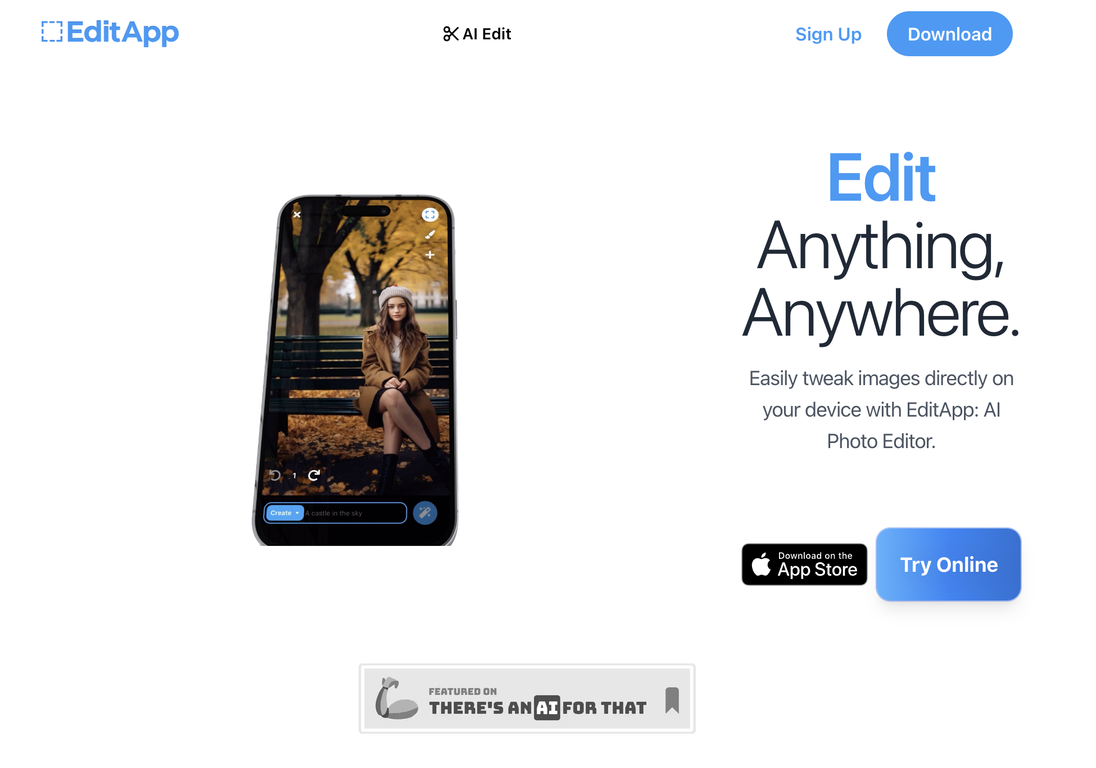
EditApp AI provides a user-friendly way to create and edit images directly on mobile devices. It offers three primary functions: Create, Tweak, and Background.
In Create mode, users can explore their creative side by turning ordinary photos into extraordinary art. Imagine placing a unicorn in your backyard or depicting Abraham Lincoln relaxing on a porch—the possibilities are truly limitless.
The Tweak mode allows users to refine particular elements of their images, like changing hairstyles or outfits, to give themselves a digital makeover.
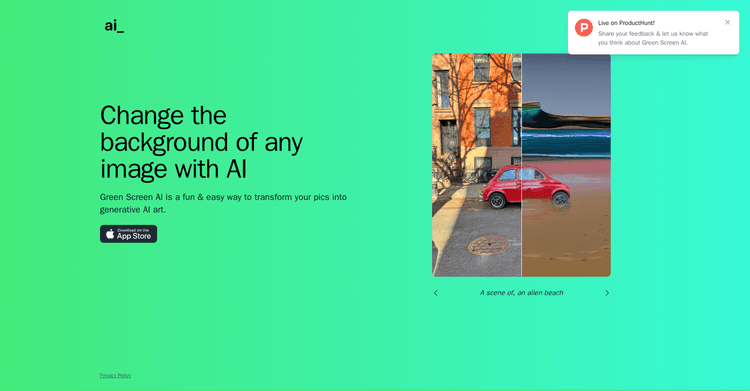
In Background mode, users can easily alter the setting of their photos, transporting themselves to peaceful beaches, vibrant cityscapes, or even the moon's surface with just a few taps.
EditApp AI democratizes image editing, offering an accessible platform for anyone with an eye for detail and a passion for artistic expression.
Featuring an intuitive interface and AI-driven capabilities, this tool enables users to enhance their images and tap into their creativity. Whether used by amateur photographers or aspiring artists, EditApp AI unlocks a world of potential for creating truly unique images.
Pricing Plans
Releases
AI Select: Incorporate unexpected elements, such as UFOs, pets, or celebrities, into photos for imaginative storytelling.
Background Swap: Instantly replace photo backgrounds, transporting subjects to locations like the Moon or the Pyramids of Giza.
AI Paint: Modify appearances by changing clothing, hairstyles, or adding features like beards.
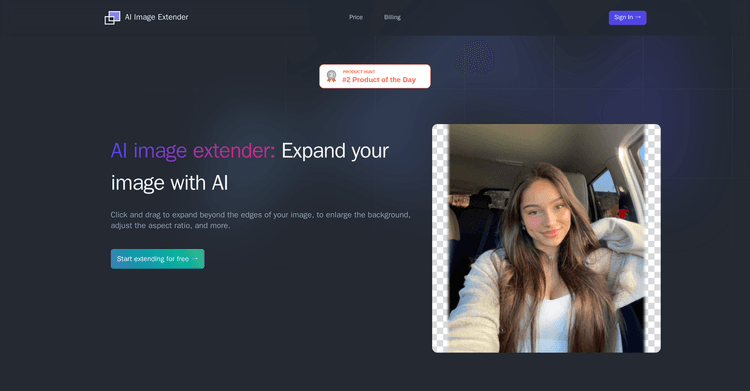
Expand: Enlarge photos and allow AI to fill in the surrounding areas, offering a wider perspective.
New ”Laugh” Emote: React to other users' edits with the new laugh emote.
Streamlined Interface: Improved navigation between Feed, Edit, and AI Selfie sections for a more seamless user experience.
Bug Fixes: Improved performance and stability through various bug fixes.
Reviews
Pros & Cons
Pros
Mobile image creation
Mobile image editing
Offers three modes
Cons
Does not support Android
Limited options for image transformation
Does not support raw image formats