Ctrl/
 (1).jpg "FlashEdit AI logo")
.png "FlashEdit AI screenshot")
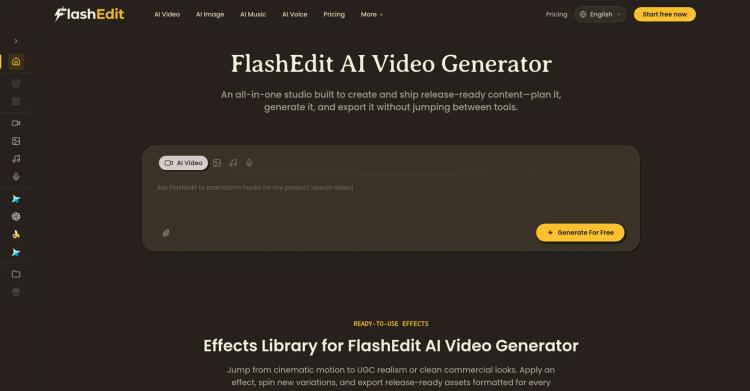
Consistent Characters Keep the same character across scenes without drift. Provide a reference or text; the core traits stay stable as poses, lighting, and outfits change.
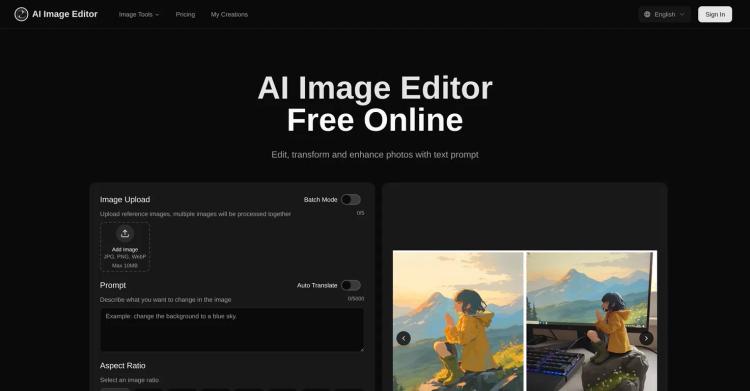
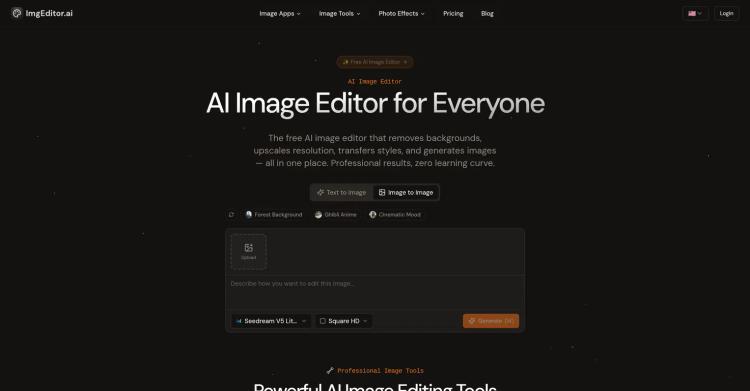
Prompt-to-Edit Edit with plain text—swap backgrounds, add or remove objects, retouch and recolor. Clean boundaries and crisp details for e-commerce and posters.
Multi-Image Fusion Blend product shots, materials, and scene references into a single, believable image. The model aligns scale and perspective for natural results.
Lighting & Camera Control Dial in light direction, time-of-day, and color temperature with simple prompts. Specify focal length, depth of field, and framing (e.g., 35mm, f/1.8, rule of thirds) for a consistent brand look.
All-in-one workflow—generate, edit, blend, upscale, and keep characters consistent in one place (fast, beginner-friendly presets).
Browser-based: very large jobs can be slower than local GPU apps, and batch/API integrations are limited on the free tier.

Released 7 months ago
Free

Released 9 months ago
Free
Released 8 months ago
Free + from $11.85/month
Released 3 months ago
Free + from $6.99/month
Released 10 months ago
Free + from $6.90/month
Released 8 months ago
Free + from $7.99/month
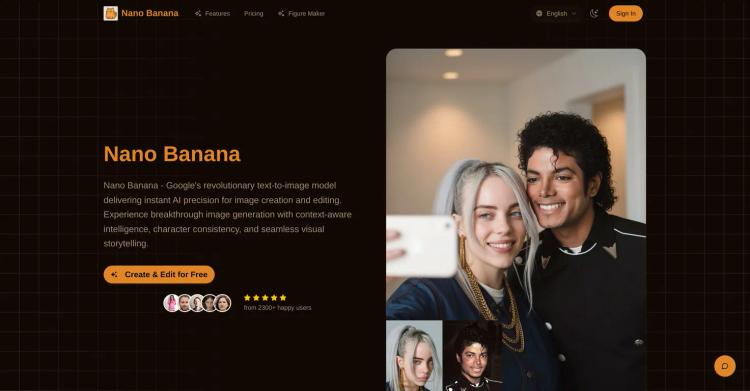
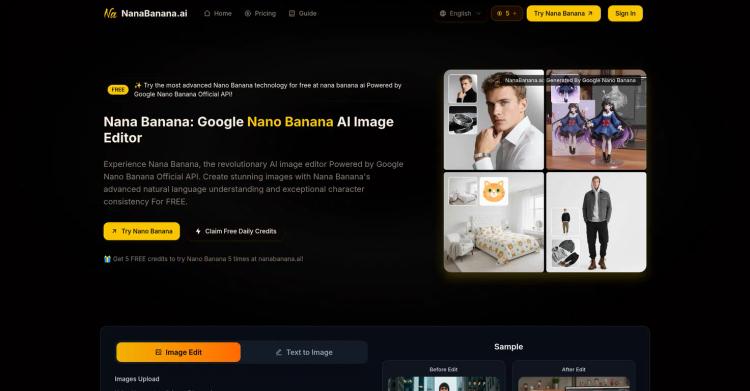
Produce and refine images leveraging superior context understanding, consistent characters, and precise visuals.
Released 10 months ago
Free + from $9.90/month
Released 7 months ago
From $12/month
Released 3 years ago
Free + from $4/month
Released 9 months ago
Free + from $2/month