Ctrl/

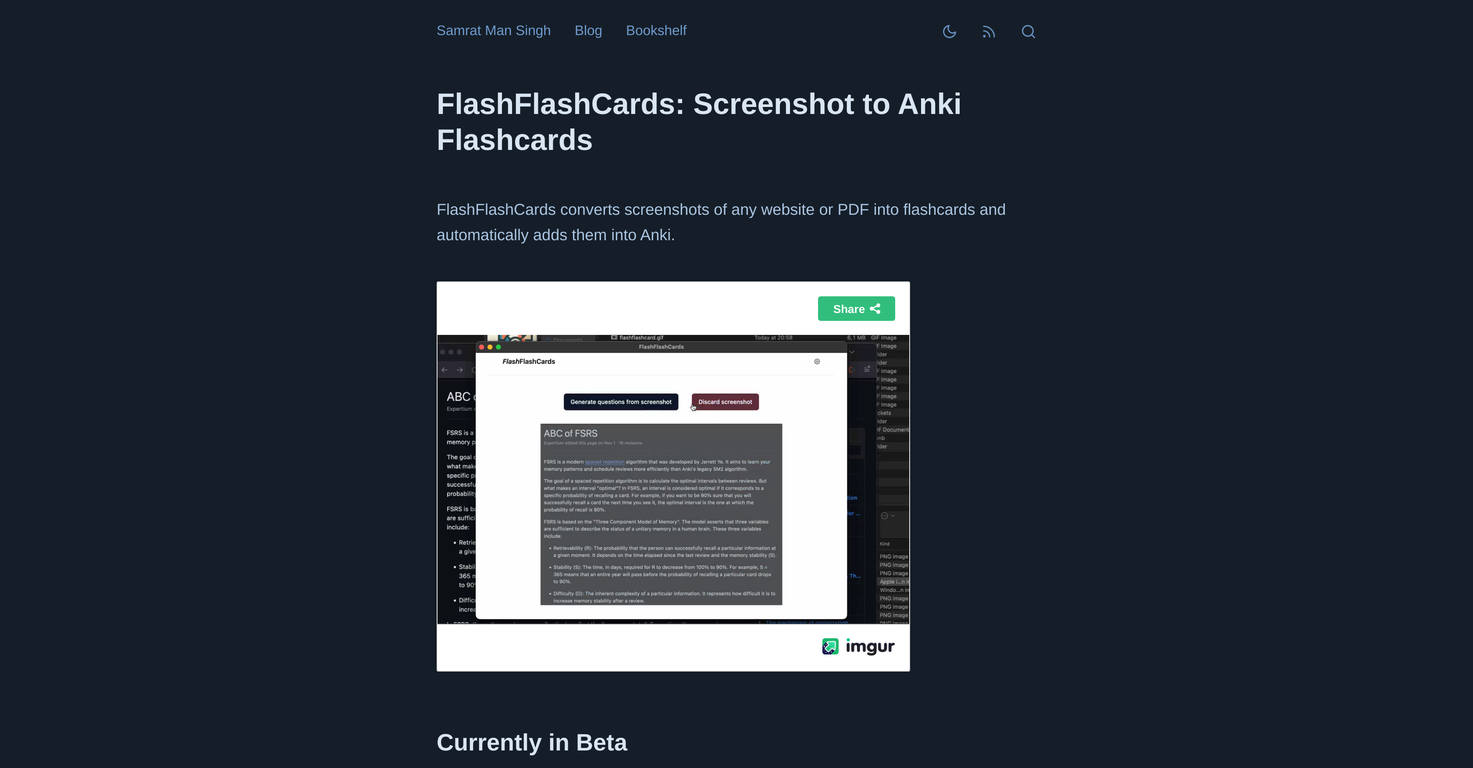
FlashFlashCards is an AI-powered tool that lets you turn screenshots from websites or PDFs into flashcards. These flashcards can then be easily added to Anki, a free spaced repetition program.
Its primary function is to provide a simple way for users to save and review information gathered from different sources in a structured and easily accessible manner.
Currently, the tool is designed for Mac users. The first step involves installing the Anki-Connect add-on, followed by installing FlashFlashCards and entering your OpenAI API key.
To create flashcards from screenshots, use the Control+Command+A shortcut, and then click the 'Generate flashcards' button.
Once created, these flashcards can be added to Anki for easier organization and review. It's worth noting that the tool is currently in beta, which means that improvements and updates are likely in the future.
Turns screenshots into flashcards
Integrates smoothly with Anki
Eases information management
Only for Mac users
Requires the Anki-Connect add-on
Manual command needed for screenshots
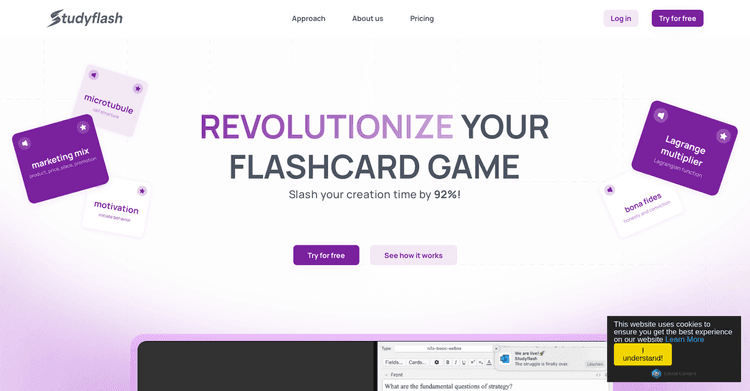
Released 2 years ago
Free + from $5/month
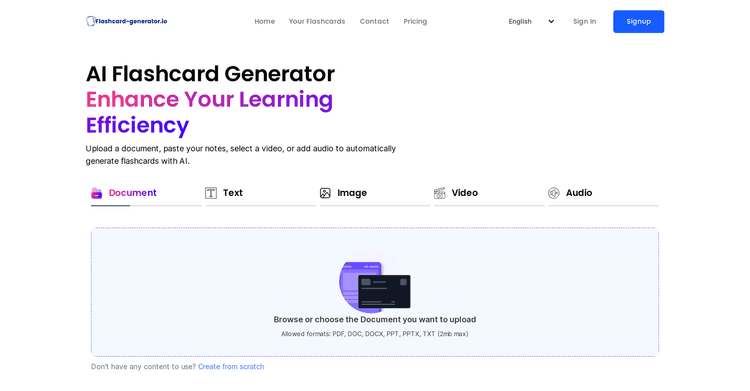
Released 2 years ago
Free + from $3.99/month
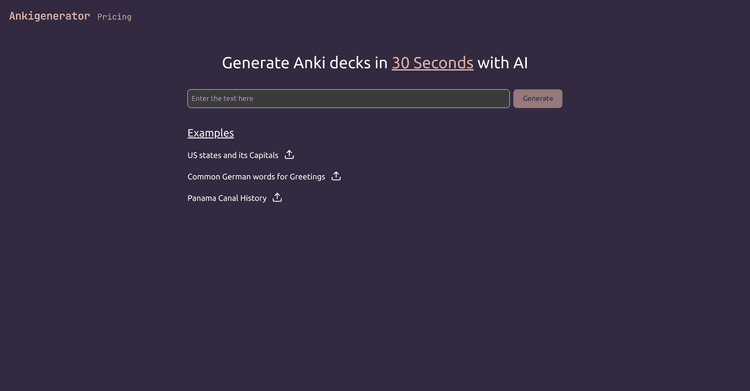
Released 2 years ago
Free + from $5/month

Released 1 year ago
Free + from $9/month
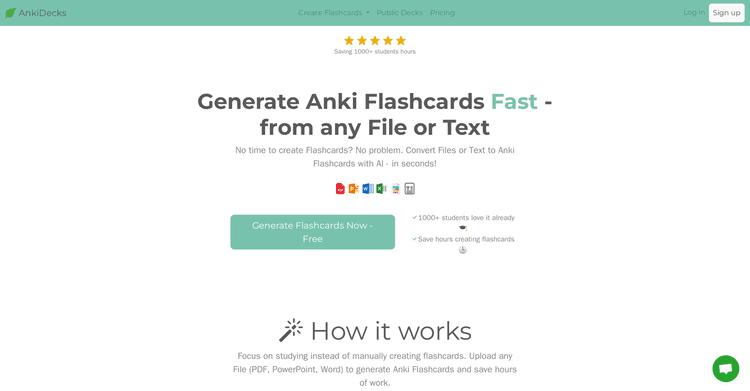
Released 2 years ago
Free + from $5/month
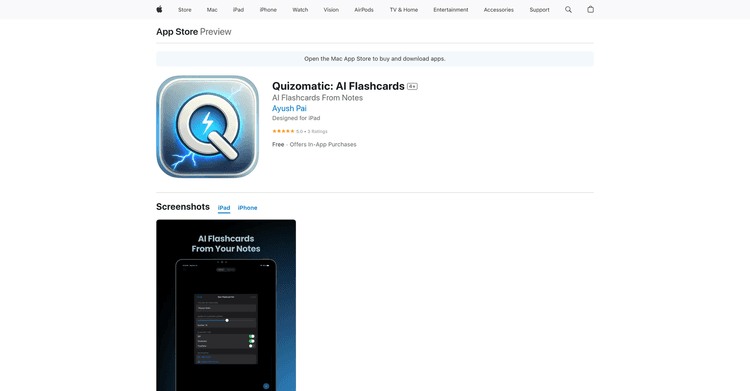
Released 1 year ago
Free + from $0.99
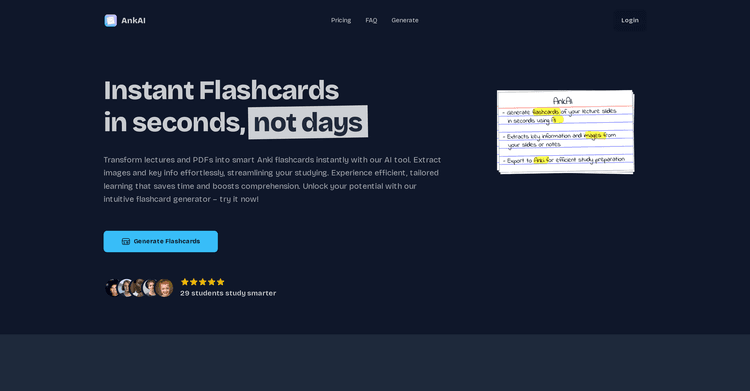
Released 2 years ago
Free + from $12.91/month

Released 2 years ago
Free + from $7.99/month

Released 2 years ago
Free + from $8.99/month
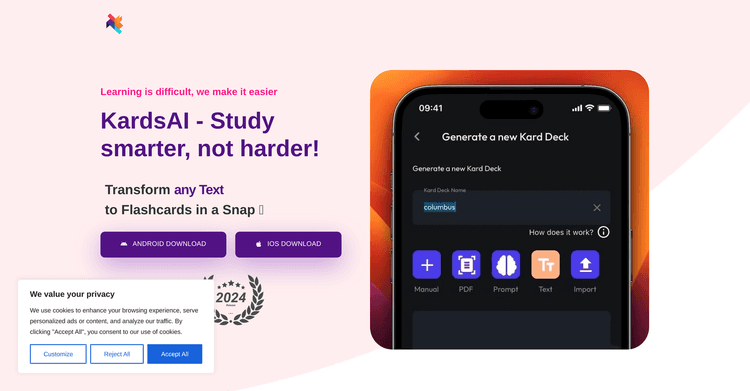
Released 2 years ago
Free + from $5.99/month
Released 2 years ago
Free + from $3.55/month