Ctrl/

Fluig is a complimentary diagramming platform that uses artificial intelligence (AI) to streamline visual communication. It can quickly turn written content, concepts, or ideas into understandable, professional diagrams using AI.
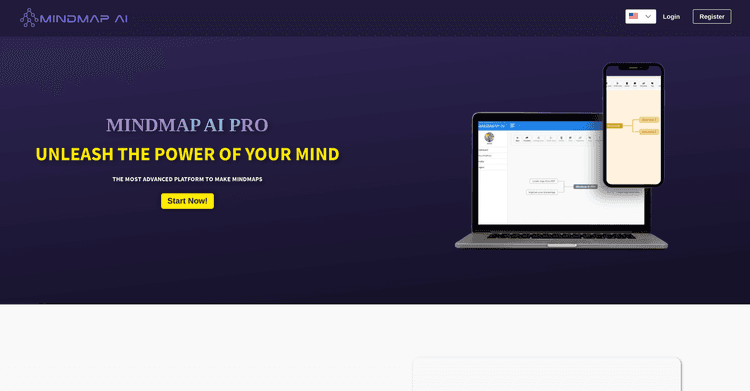
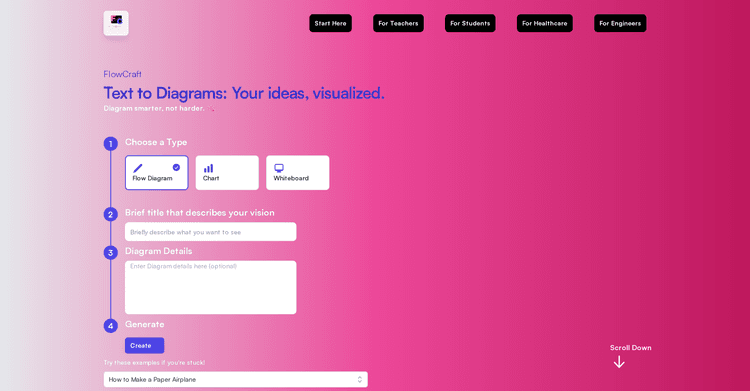
Fluig supports the creation of various diagrams, such as mind maps, flowcharts, Kanban boards, tables, and more. The technology allows for simple conversion between diagram types with a single click, saving users time and providing flexibility.
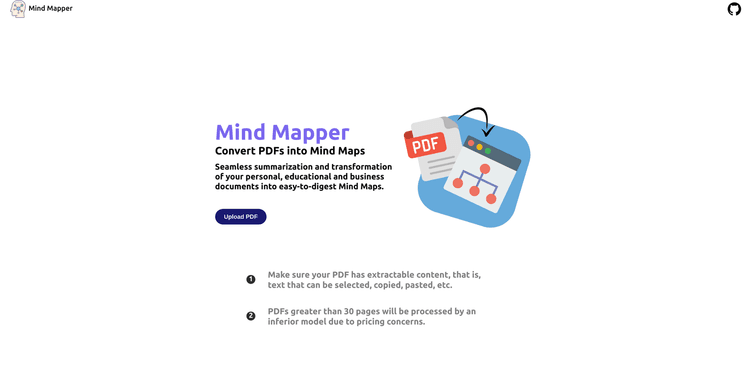
Fluig also enables users to convert PDFs into different diagram formats, improving understanding of the material. One of Fluig's main features is its collaborative functionality, enabling multiple users to share, discuss, and develop ideas together in real-time, utilizing features like online comments and virtual notes.
The platform is said to be simple to use, allowing users to create detailed diagrams without needing in-depth knowledge of any tools. It aims to support a wide array of work scenarios and roles in areas like education, business administration, daily routines, and various professional sectors like HR, project oversight, marketing, legal support, and research.
Immediate conversion of documents
Supports multiple diagram styles
Converts diagram formats with one click
Limited usage on the free plan
Requires an active internet connection
May oversimplify complex concepts
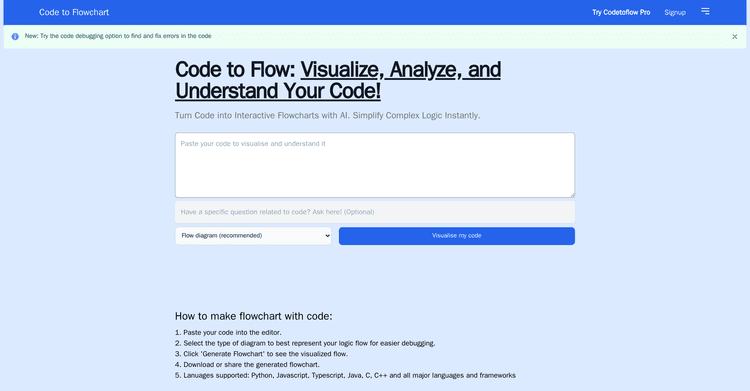
Released 2 years ago
Free + from $4.49/month
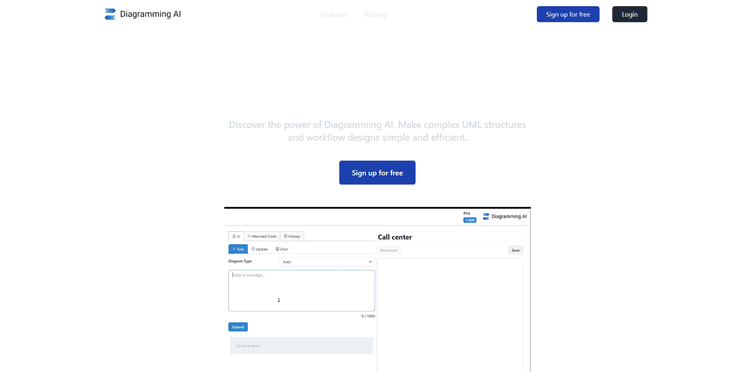
Released 2 years ago
Free + from $3/month
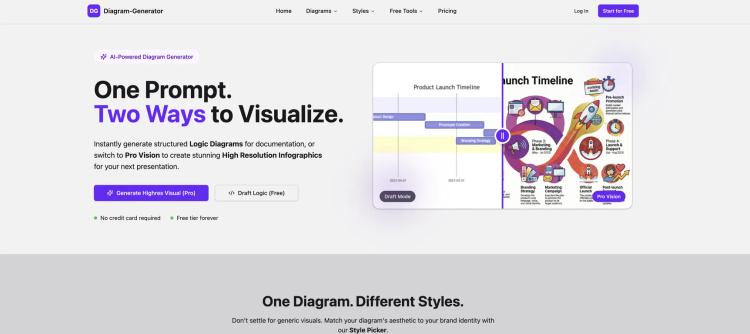
Released 7 months ago
Free + from $9/month


Quickly create professional flowcharts from text, images, and documents.
Released 7 months ago
Free + from $5/month

Released 2 years ago
Free + from $5/month
Released 2 years ago
Free