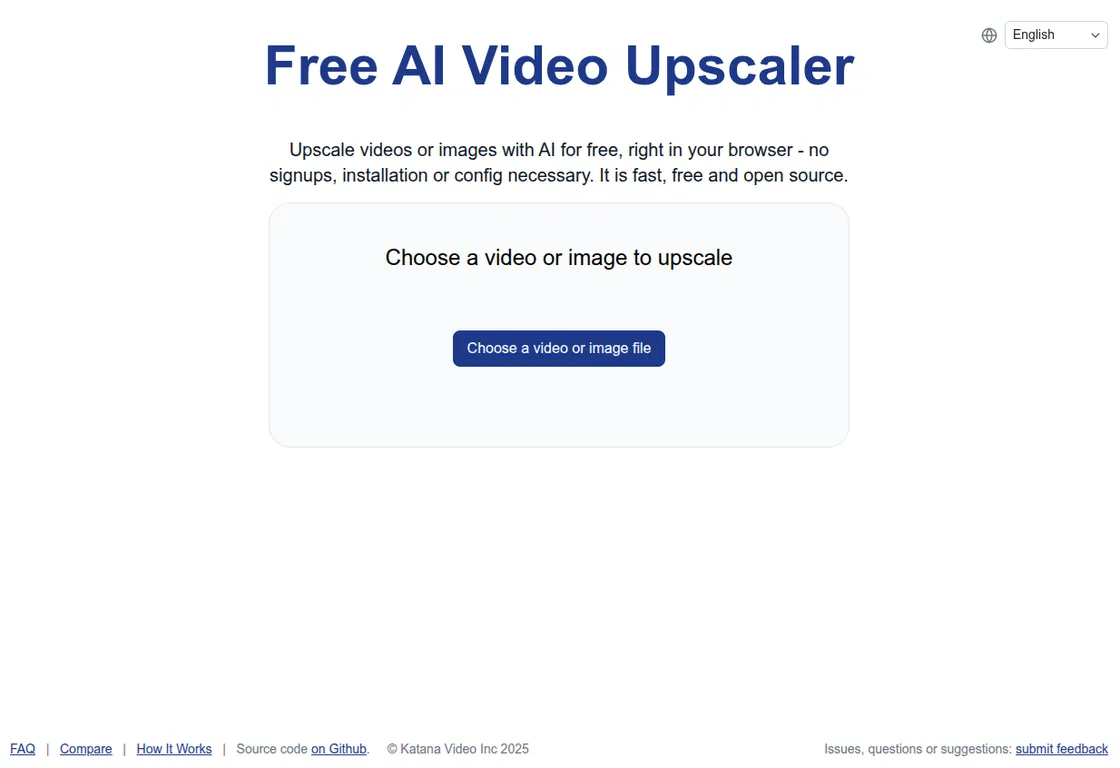
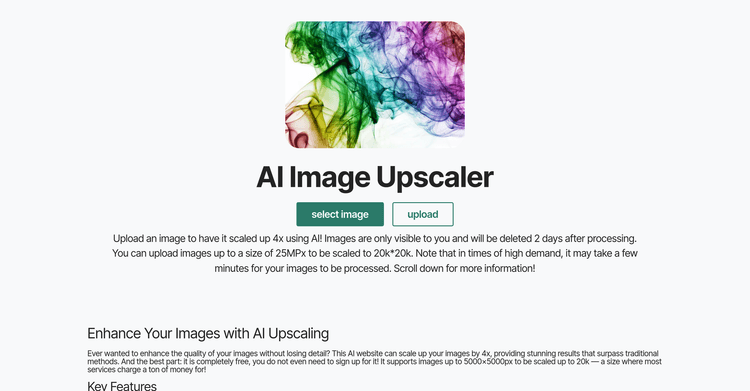
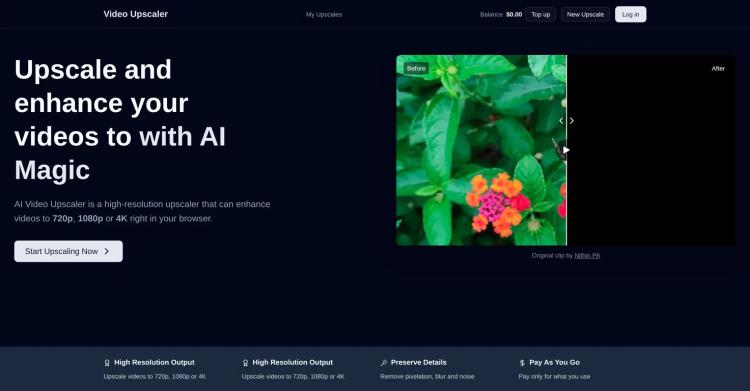
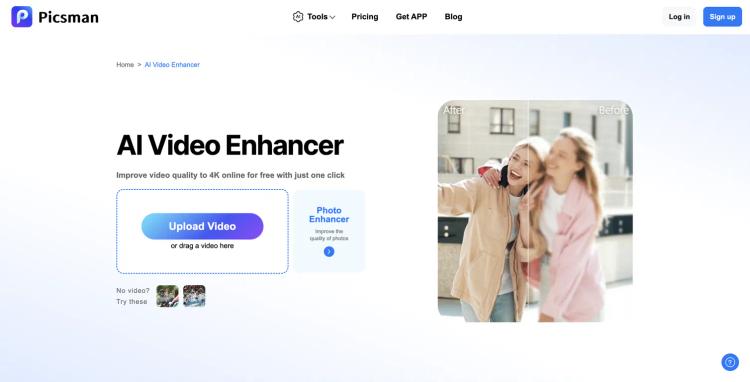
Free AI Video Upscaler is a web-based tool that allows users to improve the resolution of videos and images directly in their browser, at no cost, without requiring registration, installations, or complex settings.
Key Features
? Completely Free: Use the tool without any charges or hidden costs.
? No Signup Required: Start using the tool right away, without needing to create an account.
? Browser-Based: Handle all processing directly in your browser, avoiding the need to install software.
? Open Source: Built using open-source technology, ensuring transparency and community support.
? Quick and Easy to Use: Enhance videos in a few straightforward steps, making it great for casual users.
? Unlimited usage: Because this software operates in your browser, you can use it as much as you want for as long as you want.
? Privacy Focused: Videos are processed locally in your browser, ensuring that the developers of the tool cannot access the videos, making it completely private.
How It Works:
The Free AI Video Upscaler uses advanced AI upscaling algorithms like Anime4K or RealESRGAN for web deployment, updated to handle new types of content like AI-generated images and video.
By adapting these algorithms for WebGPU and WebGL, the tool enables users to upscale each frame of their videos seamlessly within their browsers.
Benefits¨
? Fast Processing: Experience faster upscaling compared to other AI tools.
? User-Friendly: No complex setups or configurations are needed.
? Ideal for Non-Professional Use: A great solution for casual users looking to improve video quality without the complexity of professional software.
This tool is ideal for:
? Casual users wanting to enhance their personal video collections.
? Content creators needing fast upscaling solutions for AI-generated content.
? Anyone seeking to improve video quality without the need for expensive software.
Getting Started
To upscale a video, simply select a video file, choose your desired upscaling settings (Small, Medium, or Large), and let the browser handle the processing. This tool will work on all major browsers, on desktop or mobile, but for the best experience, use a modern browser like Chrome or Edge on a desktop.