Ctrl/




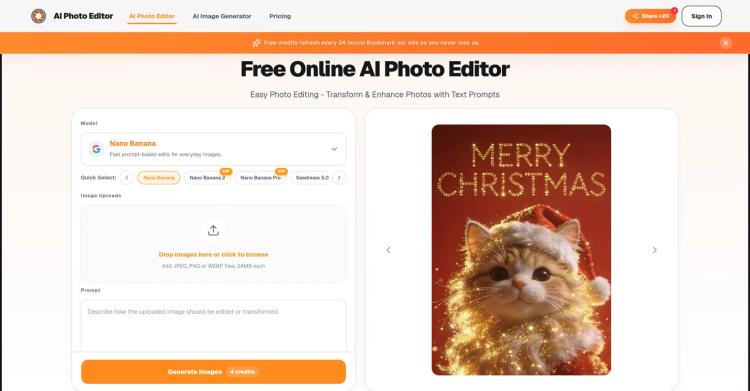
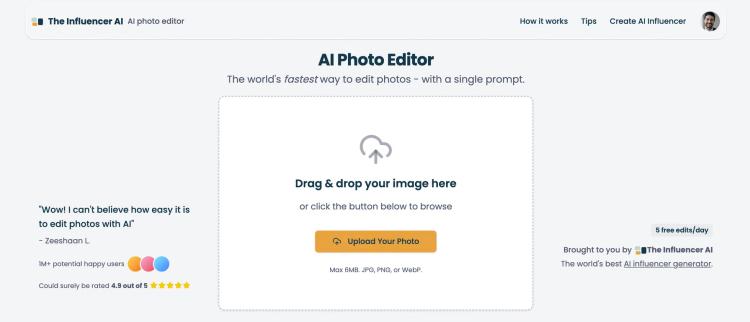
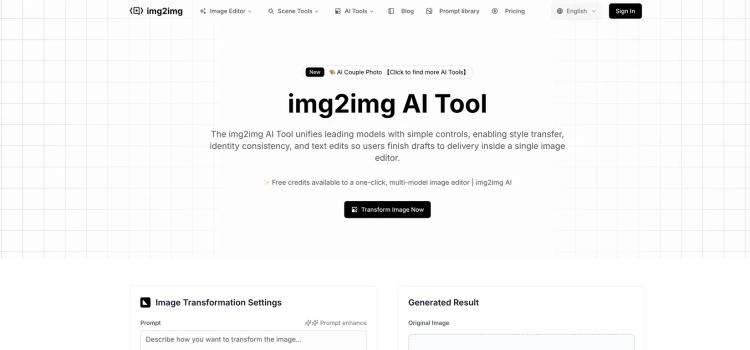
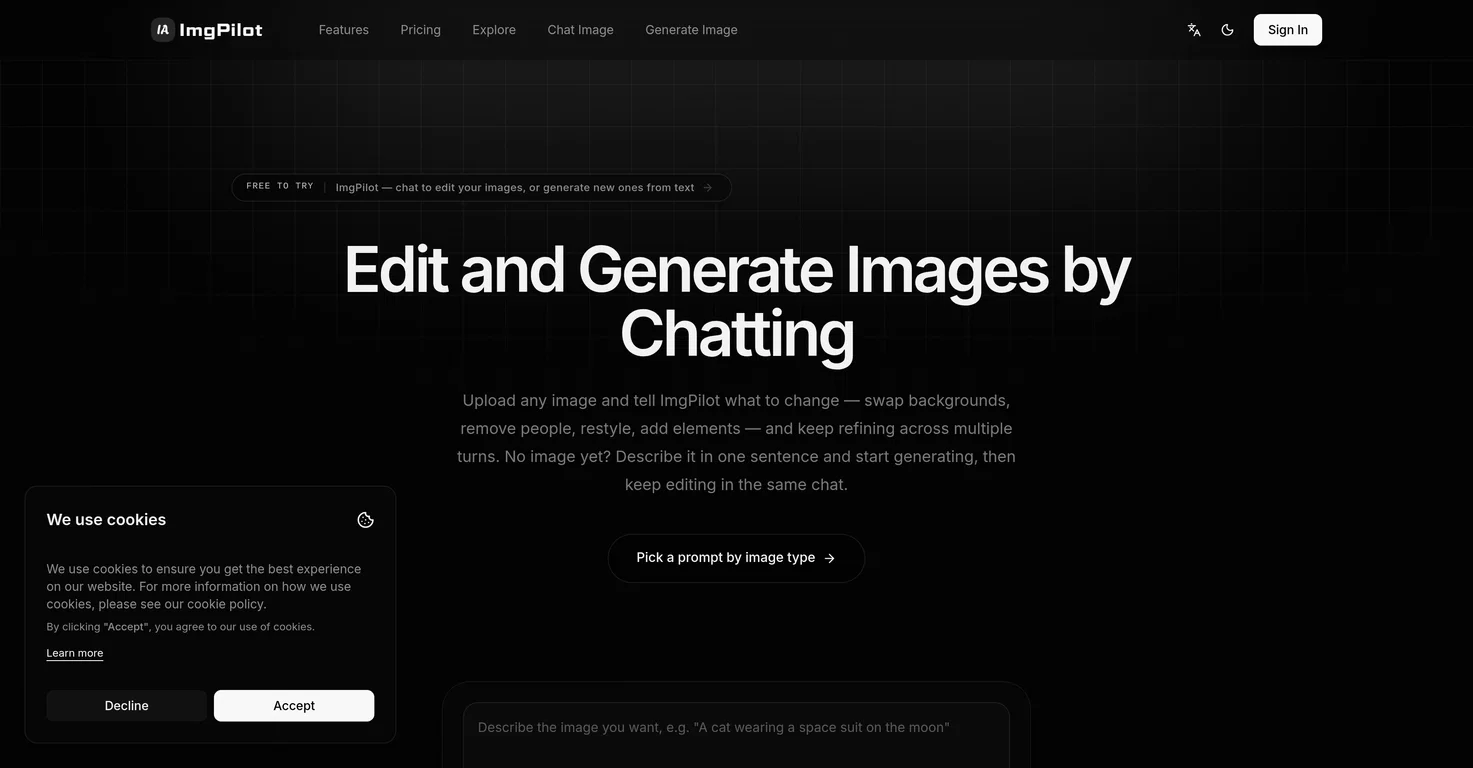
An AI photo editor you interact with through conversation.
Input:
Output:
Updated: Apr 26, 2026 Free + from $7.99/month
Description
ImgPilot — Edit and Generate Images by Chatting
Describe the picture you want. The AI creates it.
Design tools can be complex and time-consuming. Pure text-to-image generators struggle with modifications. Most users don't need to create entirely new images from scratch; they want to adjust existing ones, like changing a sky to a sunset, adding an outfit, or removing background elements.
Photoshop has a steep learning curve. Standalone text-to-image tools only generate from nothing. ImgPilot bridges this gap.
One workflow, two entry points
Chat to Image — conversational editing (primary)
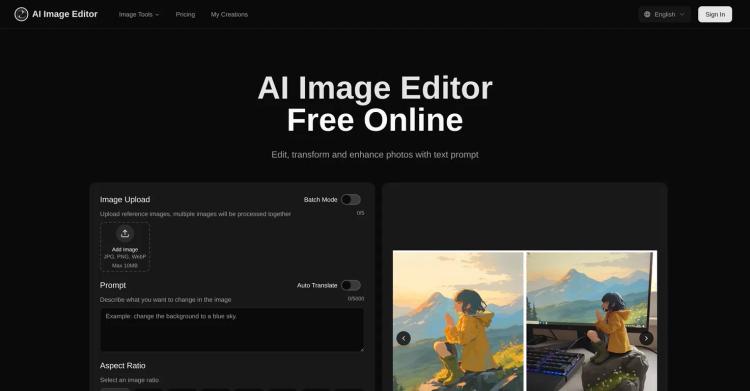
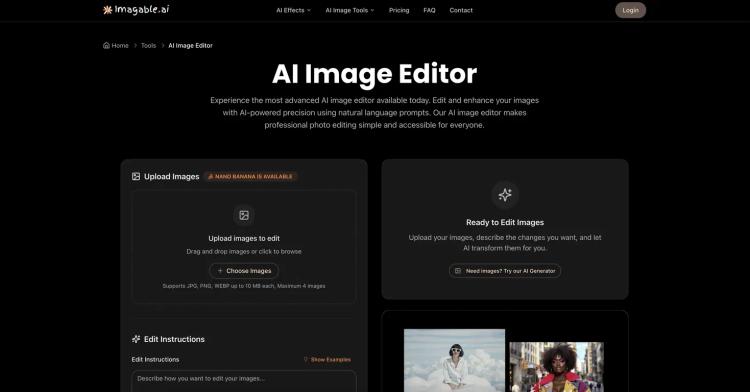
Upload an image and describe the desired changes conversationally, as you would with a designer: alter the scene, adjust the style, add elements, or fix imperfections. Edits are cumulative, building upon each step until the image matches your vision. You control which previous images are referenced.
Image Generator — text-to-image (starting point)
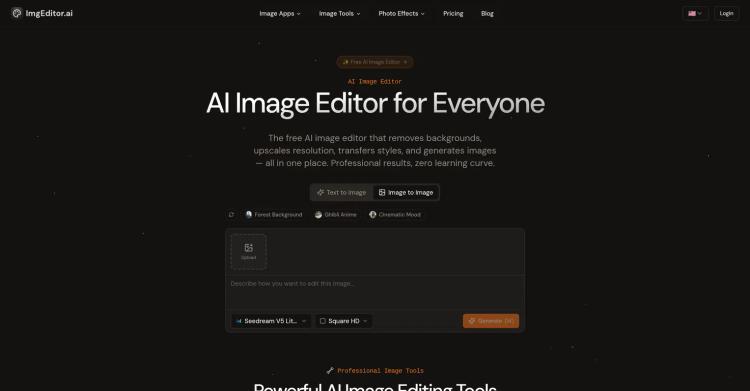
No source material? Simply describe it. One prompt, multiple models, 10 aspect ratios, up to 4K resolution. Once generated, the image can be sent directly into the chat for further refinement. From concept to final asset, all within one place.
A model lineup, automatically matched
ImgPilot utilizes a selection of leading image models — such as the Nano Banana family, Flux Kontext, GPT-4o Image, GPT Image 2, and Grok Image — supporting:
Photorealistic scenes and commercial visuals
Illustration and artistic styles
Text-on-image and poster designs
Single- and multi-image reference editing
The appropriate model is automatically selected for the task. You don't need to adjust your prompt for different models; just state your requirement.
Transparent credits, automatic refunds, every image saved
Each image generation displays its credit cost upfront. Failed jobs are automatically refunded.
Four plans — Free, Basic, Pro, Ultra — offer increased resolution, extended history, and credit rewards for sharing.
All generated images are saved in your personal history for download, deletion, or prompt reuse.
Share to X, Facebook, or Pinterest to earn additional credits (Pro and above plans).
Who ImgPilot is for
Content creators needing quick visuals for social media platforms
Product managers seeking design variations without using professional software
Small teams producing product photos, promotional posters, and greeting cards
Individuals who have a visual idea but lack drawing or retouching skills
Start in 30 seconds
No installation required. No credit card needed. No tutorial necessary.
Visit imgpilot.app, sign in with Google, describe your desired image, and within approximately 30 seconds, it will appear on your screen.
[Start Creating — Free →]
Describe the picture you want. The AI creates it.
Design tools can be complex and time-consuming. Pure text-to-image generators struggle with modifications. Most users don't need to create entirely new images from scratch; they want to adjust existing ones, like changing a sky to a sunset, adding an outfit, or removing background elements.
Photoshop has a steep learning curve. Standalone text-to-image tools only generate from nothing. ImgPilot bridges this gap.
One workflow, two entry points
Chat to Image — conversational editing (primary)
Upload an image and describe the desired changes conversationally, as you would with a designer: alter the scene, adjust the style, add elements, or fix imperfections. Edits are cumulative, building upon each step until the image matches your vision. You control which previous images are referenced.
Image Generator — text-to-image (starting point)
No source material? Simply describe it. One prompt, multiple models, 10 aspect ratios, up to 4K resolution. Once generated, the image can be sent directly into the chat for further refinement. From concept to final asset, all within one place.
A model lineup, automatically matched
ImgPilot utilizes a selection of leading image models — such as the Nano Banana family, Flux Kontext, GPT-4o Image, GPT Image 2, and Grok Image — supporting:
Photorealistic scenes and commercial visuals
Illustration and artistic styles
Text-on-image and poster designs
Single- and multi-image reference editing
The appropriate model is automatically selected for the task. You don't need to adjust your prompt for different models; just state your requirement.
Transparent credits, automatic refunds, every image saved
Each image generation displays its credit cost upfront. Failed jobs are automatically refunded.
Four plans — Free, Basic, Pro, Ultra — offer increased resolution, extended history, and credit rewards for sharing.
All generated images are saved in your personal history for download, deletion, or prompt reuse.
Share to X, Facebook, or Pinterest to earn additional credits (Pro and above plans).
Who ImgPilot is for
Content creators needing quick visuals for social media platforms
Product managers seeking design variations without using professional software
Small teams producing product photos, promotional posters, and greeting cards
Individuals who have a visual idea but lack drawing or retouching skills
Start in 30 seconds
No installation required. No credit card needed. No tutorial necessary.
Visit imgpilot.app, sign in with Google, describe your desired image, and within approximately 30 seconds, it will appear on your screen.
[Start Creating — Free →]
Pricing Plans
Model
freemium
Packages
1 Package
Price Start From
$7.99/month
Payment Model
monthly
Model
freemium
Packages
1 Package
Price Start From
$7.99/month
Payment Model
monthly
Releases
The initial version of ImgPilot has been released.
Reviews
Pros & Cons
Pros
Text to image capability
Multi-turn chat editing
Background alteration feature
Cons
Limited editing history duration
Requires payment for high resolution
Limited template selection