Ctrl/




Updated: Apr 15, 2025 Free + from $6.99
Description
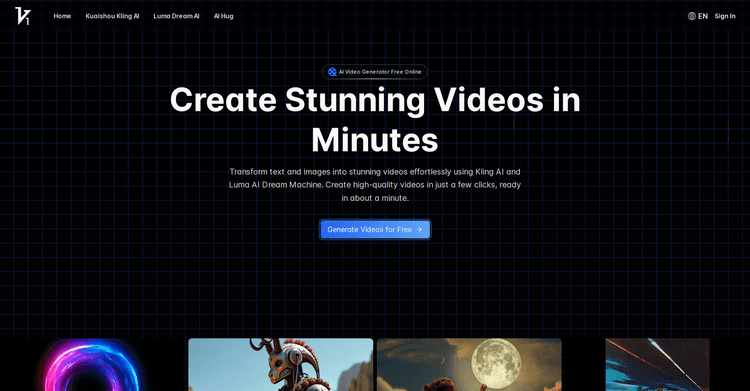
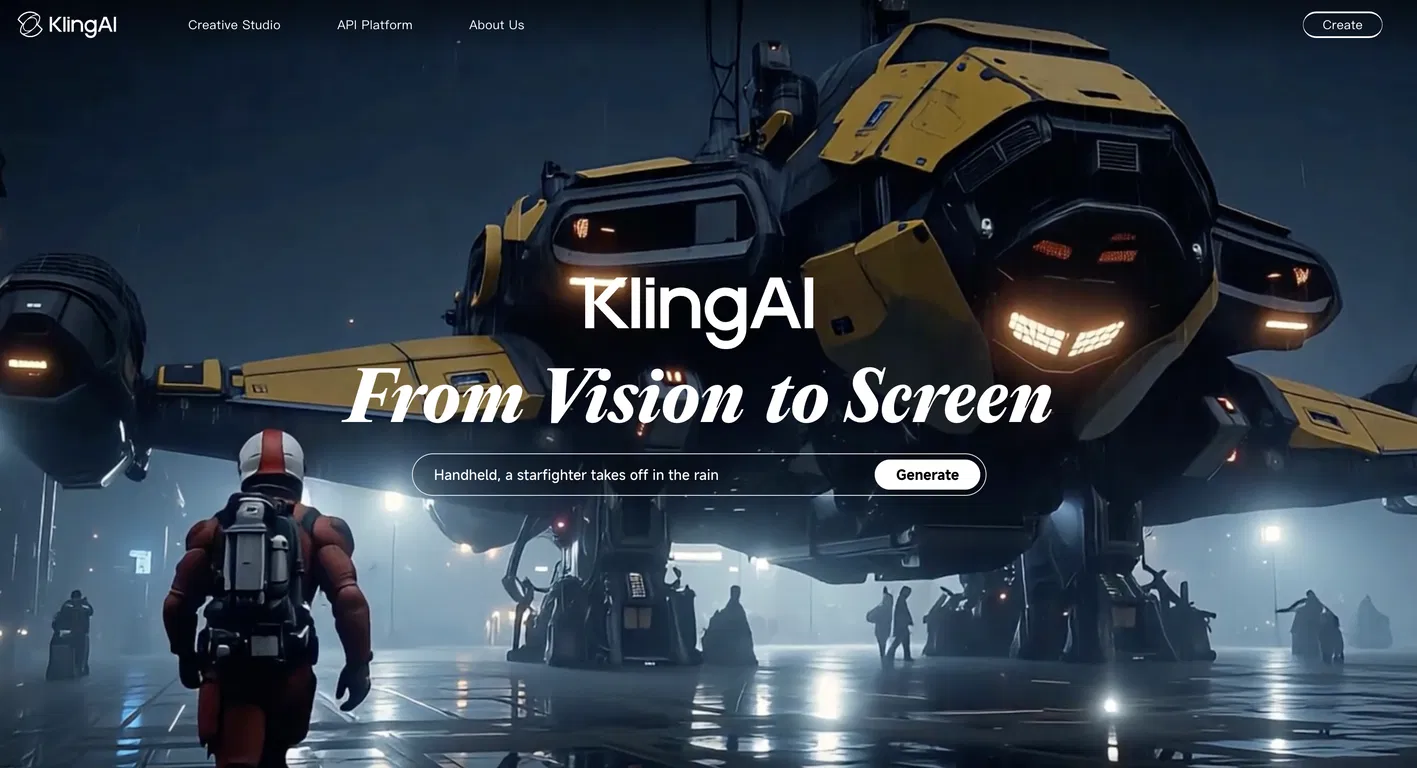
Kling is an innovative AI tool for converting text to video, created by the Kuaishou AI Team. It enables users to produce visually appealing videos from text inputs, characterized by remarkable detail and intricate movements. Key capabilities include:
- Realistic, expansive motions achieved via 3D spatio-temporal attention modules
- Generation of videos up to 2 minutes in length at 30 frames per second
- Physics-based simulations adhering to real-world principles
- Innovative concept integration, transforming imaginative prompts into visual representations
- High-resolution 1080p output exhibiting cinematic attributes
- Versatile aspect ratio compatibility
- Functionality to animate static images into videos
- Ability to extend the duration of existing videos
The tool is capable of producing a diverse array of video content, spanning from natural landscapes to fantastical concepts. Its objective is to empower users to efficiently generate high-quality, original video content from either text or image inputs. Kling demonstrates cutting-edge AI video generation technology in the areas of motion, length, physics, and visual quality.
- Realistic, expansive motions achieved via 3D spatio-temporal attention modules
- Generation of videos up to 2 minutes in length at 30 frames per second
- Physics-based simulations adhering to real-world principles
- Innovative concept integration, transforming imaginative prompts into visual representations
- High-resolution 1080p output exhibiting cinematic attributes
- Versatile aspect ratio compatibility
- Functionality to animate static images into videos
- Ability to extend the duration of existing videos
The tool is capable of producing a diverse array of video content, spanning from natural landscapes to fantastical concepts. Its objective is to empower users to efficiently generate high-quality, original video content from either text or image inputs. Kling demonstrates cutting-edge AI video generation technology in the areas of motion, length, physics, and visual quality.
Pricing Plans
Model
freemium
Packages
1 Package
Price Start From
$6.99
Payment Model
Not specified
Model
freemium
Packages
1 Package
Price Start From
$6.99
Payment Model
Not specified
Releases
Enhanced Motion and Visual Fidelity: Kling 2.0 provides enhanced character motion that appears more fluid and realistic, alongside improved visual quality. This update significantly mitigates common problems like flickering and distortion in videos generated by AI.
Advanced Camera Control: Users now have detailed control over camera perspectives, including adjustments for tilt, zoom, and dynamic angles such as drone and handheld shots, which enriches the cinematic feel of the generated videos.
Image-to-Video and Text-to-Video Capabilities: With Kling 2.0, you can turn still images into moving videos and convert detailed text descriptions into vibrant video content, capturing complex scenes with great precision.
Multi-Element Editing Tools: The new Multi-Elements Editor lets users insert, remove, or alter specific components within a video using text or image prompts, giving them precise control over the scene's design.
KOLORS 2.0 for Enhanced Image Generation: The updated KOLORS 2.0 model now includes more than 60 artistic styles and produces images that more accurately reflect the prompts given, ensuring accurate handling of elements, colors, and compositions.
Advanced Camera Control: Users now have detailed control over camera perspectives, including adjustments for tilt, zoom, and dynamic angles such as drone and handheld shots, which enriches the cinematic feel of the generated videos.
Image-to-Video and Text-to-Video Capabilities: With Kling 2.0, you can turn still images into moving videos and convert detailed text descriptions into vibrant video content, capturing complex scenes with great precision.
Multi-Element Editing Tools: The new Multi-Elements Editor lets users insert, remove, or alter specific components within a video using text or image prompts, giving them precise control over the scene's design.
KOLORS 2.0 for Enhanced Image Generation: The updated KOLORS 2.0 model now includes more than 60 artistic styles and produces images that more accurately reflect the prompts given, ensuring accurate handling of elements, colors, and compositions.
Reviews
Pros & Cons
Pros
Description unavailable
Unknown videos
Kling system
Cons
Description unavailable
Unknown video features
Missing documentation