Description
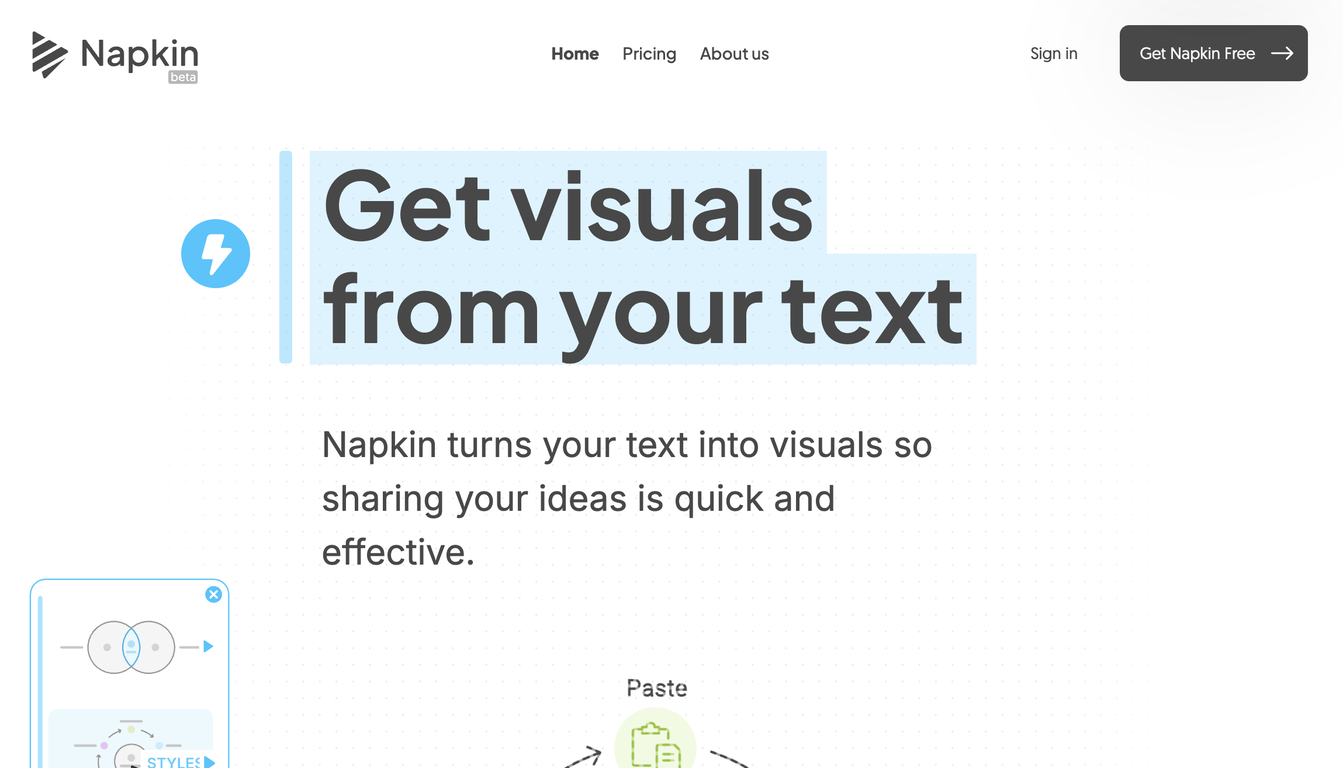
Napkin AI is a document editor designed to help users produce compelling documents with visual and narrative elements. Its AI-driven functionalities empower users to seamlessly incorporate icons, drawings, charts, and diagrams into their content, eliminating the necessity for specialized design expertise.
It also offers visual suggestions based on context and simplifies teamwork with easy document sharing. A distinctive function allows users to embed short video clips directly within their content, facilitating effortless storytelling and idea presentation.
The videos are automatically animated to increase audience engagement without requiring further modifications. The editing process is equally streamlined, enabling users to effortlessly eliminate superfluous filler words and background noise. Napkin AI is promoted as a visual copilot, supporting users in realizing their ideas.
Its approachable interface and straightforward features make it suitable for users of various skill levels. Napkin AI is an excellent solution for anyone seeking to enhance the visual impact and engagement of their documents, presentations, or narratives.
Pricing Plans
Releases
Personalized Styles: Users can create visuals that align with their brand or personal preferences by configuring custom styles with specific colors and fonts.
Improved Export Capabilities: Visuals can be exported as PNG, SVG, or PDF files, enabling seamless integration across different platforms.
Real-Time Collaboration: Multiple users can simultaneously edit a Napkin, encouraging dynamic teamwork.
Intuitive User Interface: Napkin features an intuitive design, making it accessible to users without advanced design skills.
Reviews
Pros & Cons
Pros
Visual document creation
Contextual icon suggestions
Automatic chart generation
Cons
Videos limited to 60 seconds
Automated video animations
Potentially too many context-based suggestions