Description
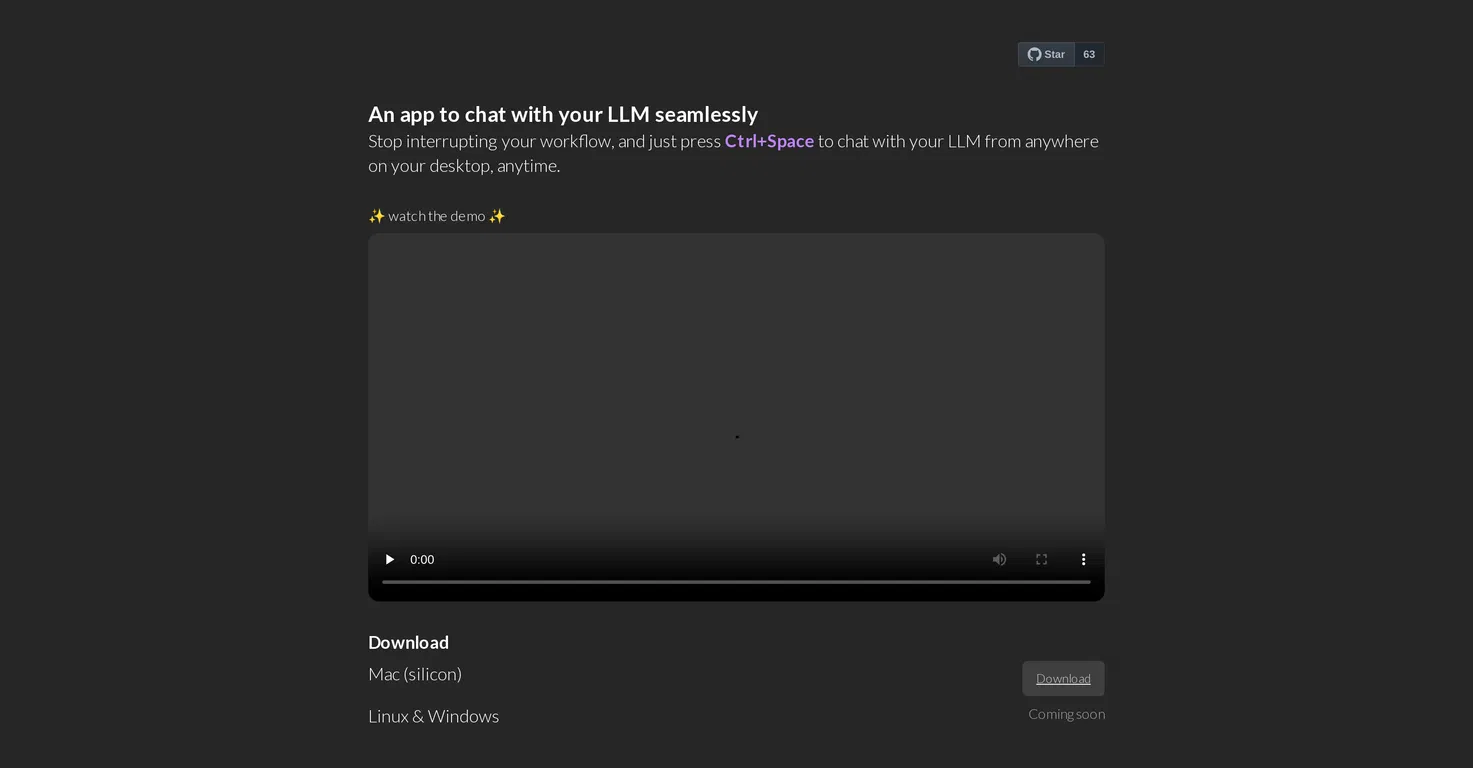
Orac Interface is a desktop application that facilitates fluid interactions with your Language Learning Model (LLM). Integrated directly into your desktop environment, the tool can be accessed using simple keyboard shortcuts (e.g., pressing CTRL + SPACE opens the chat from anywhere, at any time).
Its goal is to offer a streamlined method for communicating with your LLM without interrupting current activities or projects. Note that OLLAMA must be installed before you can use Orac Interface.
The application is currently compatible with MacOS (Silicon version), and the developers plan to support Linux and Windows in the future. Being an open-source project, Orac Interface welcomes community contributions through its GitHub platform, where users can submit improvements or report issues. A Discord channel is also available for user support.
The software is available for review and download on its GitHub repository.
Pricing Plans
Releases
Reviews
Pros & Cons
Pros
Desktop integration
Fluid LLM conversations
Easy-to-use shortcut commands
Cons
OLLAMA must be installed
Only MacOS (Silicon) supported
Linux and Windows support in the works