Description
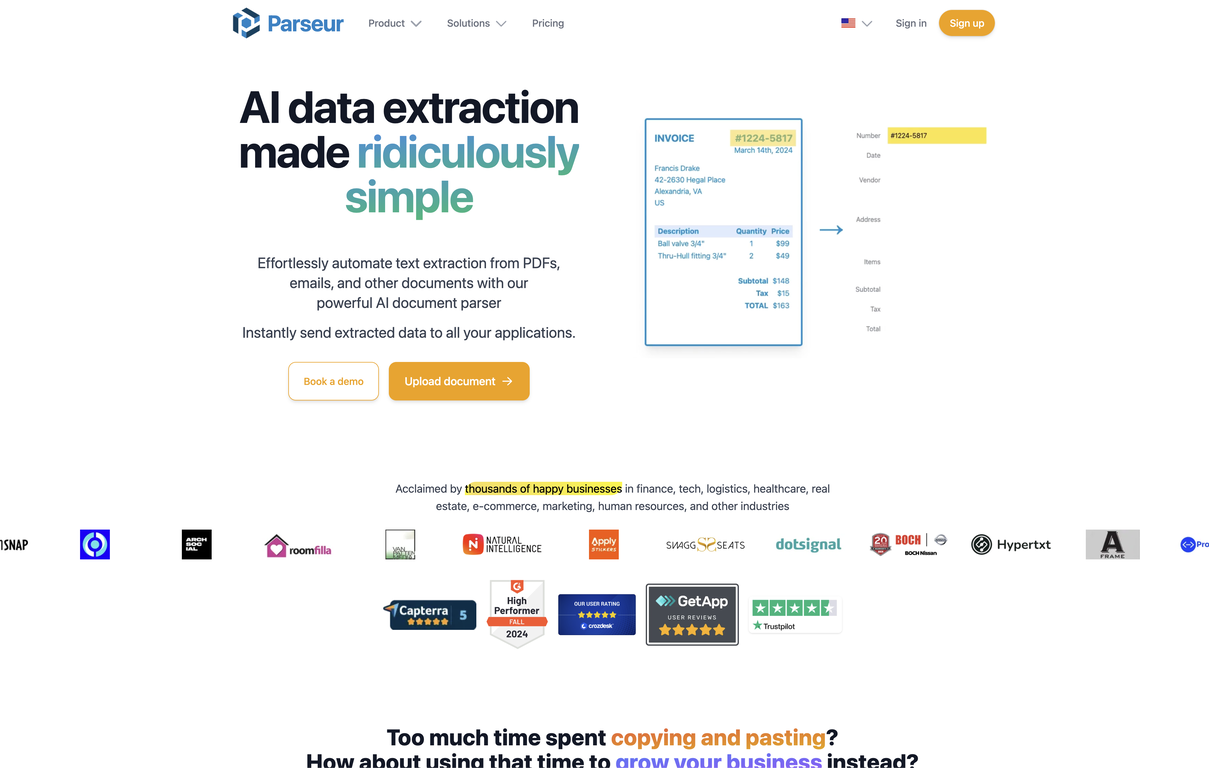
Parseur is a software solution that automates data entry, making document processing and email parsing simpler. It automates the extraction of data from different document types, allowing immediate transfer to your business applications.
Parseur relies on templates. Users can utilize the no-code point-and-click editor to build templates, teaching Parseur what data to extract. Alternatively, they can use pre-built templates for a setup that requires no clicks.
Parseur can extract data from a variety of documents, including emails, PDFs, and invoices, among others. The software features OCR that is both fast and accurate, as well as dynamic OCR, which allows fields that shift or resize to be extracted.
Parseur also allows users to convert Google Alerts emails into Excel or Google Sheets, which makes it a valuable tool for many businesses. Parseur offers solutions for a wide range of data extraction scenarios and can be integrated with Zapier, Microsoft Power Automate, and Make, among others.
The software offers a free trial period, after which users can choose a payment plan that fits their growth. The platform boasts satisfied customers and user reviews on platforms such as Capterra and GetApp, and users on G2 recommend it.
Parseur aims to boost productivity, improve the speed and accuracy of data entry, and lower costs. Overall, Parseur is an excellent tool for businesses in search of data entry automation software that simplifies the processing of documents and the parsing of complex information into structured data streams.
Pricing Plans
Releases
Reviews
Pros & Cons
Pros
Automates extraction from various documents
Simple point-and-click editing
Pre-built templates enable zero-click setup
Cons
Extraction is template-based only
No native application for mobile
Limited selection of pre-built templates