Description
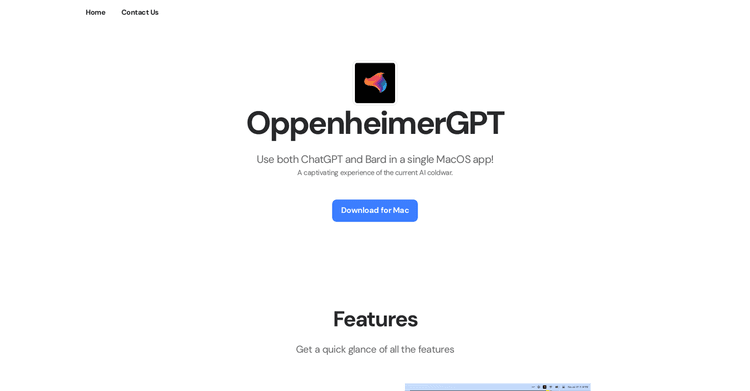
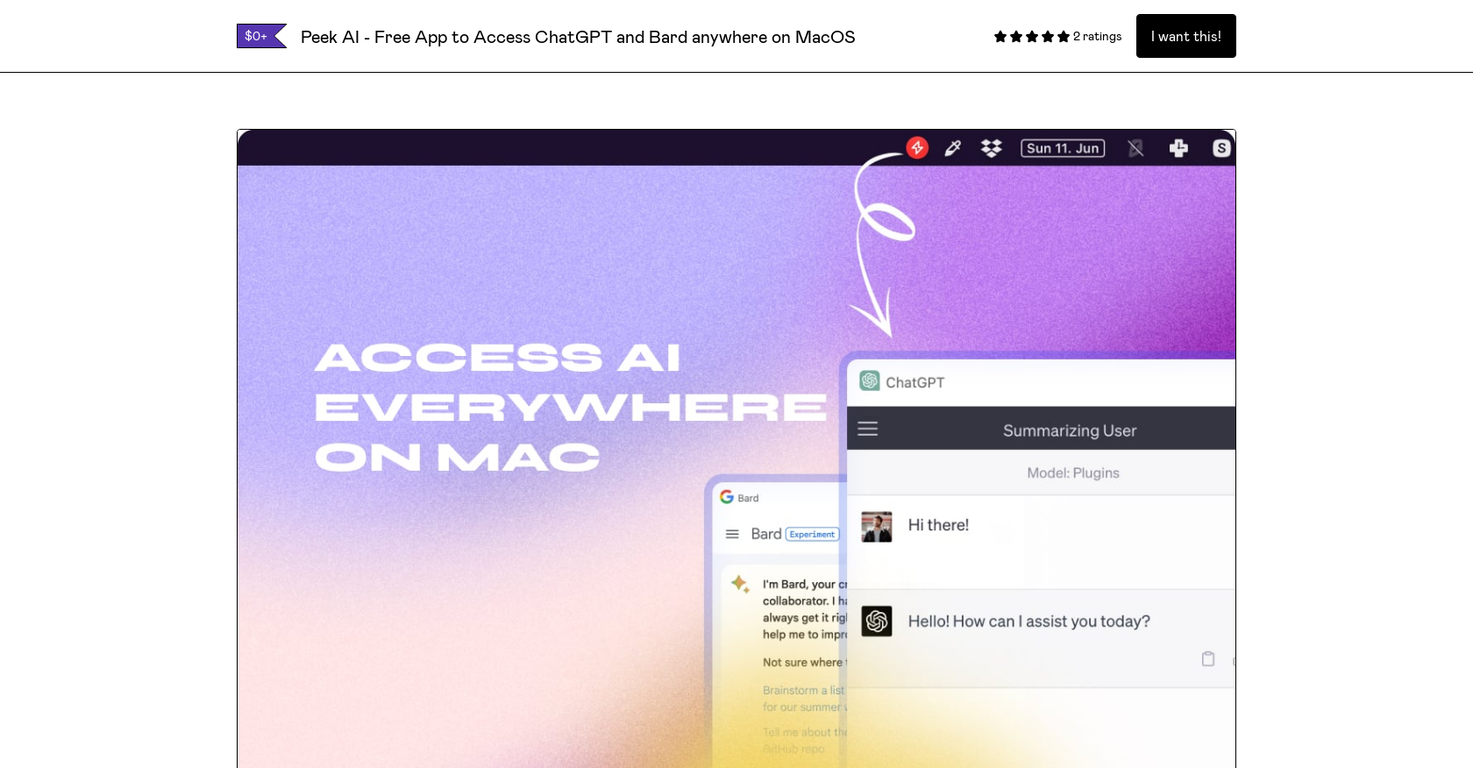
Peek AI is a MacOS menu bar application that allows users to engage with several AI chatbots, including ChatGPT from OpenAI, Bard from Google, Pi from Inflection AI, and Perplexity AI.
This tool provides a smooth, user-friendly interface, letting users switch between chatbots using a dropdown menu. Peek AI prioritizes privacy by functioning as a webview of the different platforms; no data goes through the application itself.
Instead, it operates as an interface, ensuring all data transmission happens directly through the AI chatbot platforms. Peek AI removes the need for API keys and just requires users to sign in with their current accounts.
Also, the application provides a floating window, accessible via a keyboard shortcut, that stays on top to simplify multitasking. Users are able to take screenshots of their conversations using keyboard shortcuts, saving them locally or copying them to their clipboard.
The tool also includes a system menu bar icon for quick access and has dark mode. To install Peek AI, users should download the latest version, move it to their application folder, and launch it from there.
From the app, users can switch between chatbots, toggle the window, and take screenshots. Peek AI is good for developers, writers, students, and anyone wanting to use AI chatbots for things like coding help, writing ideas, homework help, or exploring what AI can do. Users can contact the developer on Twitter for questions, feedback, or suggestions.
Pricing Plans
Releases
Reviews
Pros & Cons
Pros
Compatible with MacOS
Access multiple chatbots
Simple to use
Cons
Exclusively for MacOS
Lacks API support
Requires multiple logins