Description
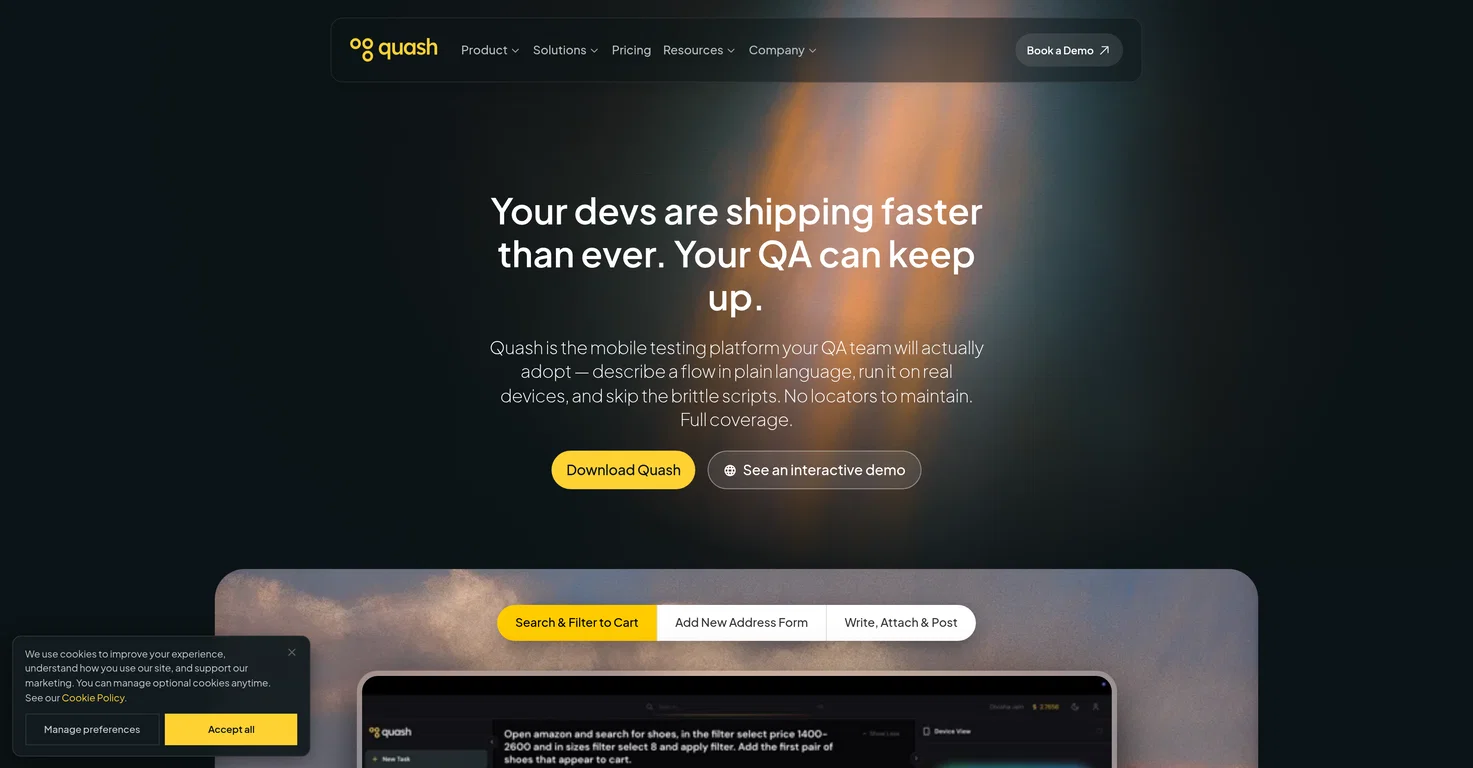
Quash is an AI-powered mobile testing platform designed to streamline the QA process for mobile teams. It allows developers to generate tests in plain language and execute them on real devices.
An intuitive feature of Quash is its ability to auto-adapt to user interface changes, loading states, and dynamic screens during the test execution phase, saving time on rewriting the test script for every new release.
It also makes the QA process thorough by validating not only the front-end but also the backend system behavior during mobile test execution without the requirement of a separate step after UI testing.
Quash allows tests to run against actual app behavior as opposed to being run under mocked or artificial environments. This tool enables the execution of mobile tests on local devices, emulators, or cloud devices without the need to establish or maintain a testing infrastructure.
Aside from these features, Quash provides comprehensive test reports inclusive of steps, screenshots, and contextual information that assists teams in understanding failures efficiently and reduces the need for additional follow-ups.
Quash ensures adaptation according to the release cadences and risk thresholds applicable to various sectors, including fintech, e-commerce, healthcare, entertainment, travel, and insurance.
This functionality emphasizes Quashs flexibility and its commitment to provide a unified platform for QA teams.
Key Features
Tests generated in natural language
Automatic adaptation to UI changes
Validation of both front-end and backend systems
Tests executed on physical devices
Eliminates the need for test infrastructure setup
Pricing Plans
Releases
Reviews
Pros & Cons
Pros
Generates tests in plain language
Auto-adapts to UI changes
Validates front-end and backend
Cons
No desktop application testing
Not suitable for non-mobile testing
Not designed for unit testing