Ctrl/

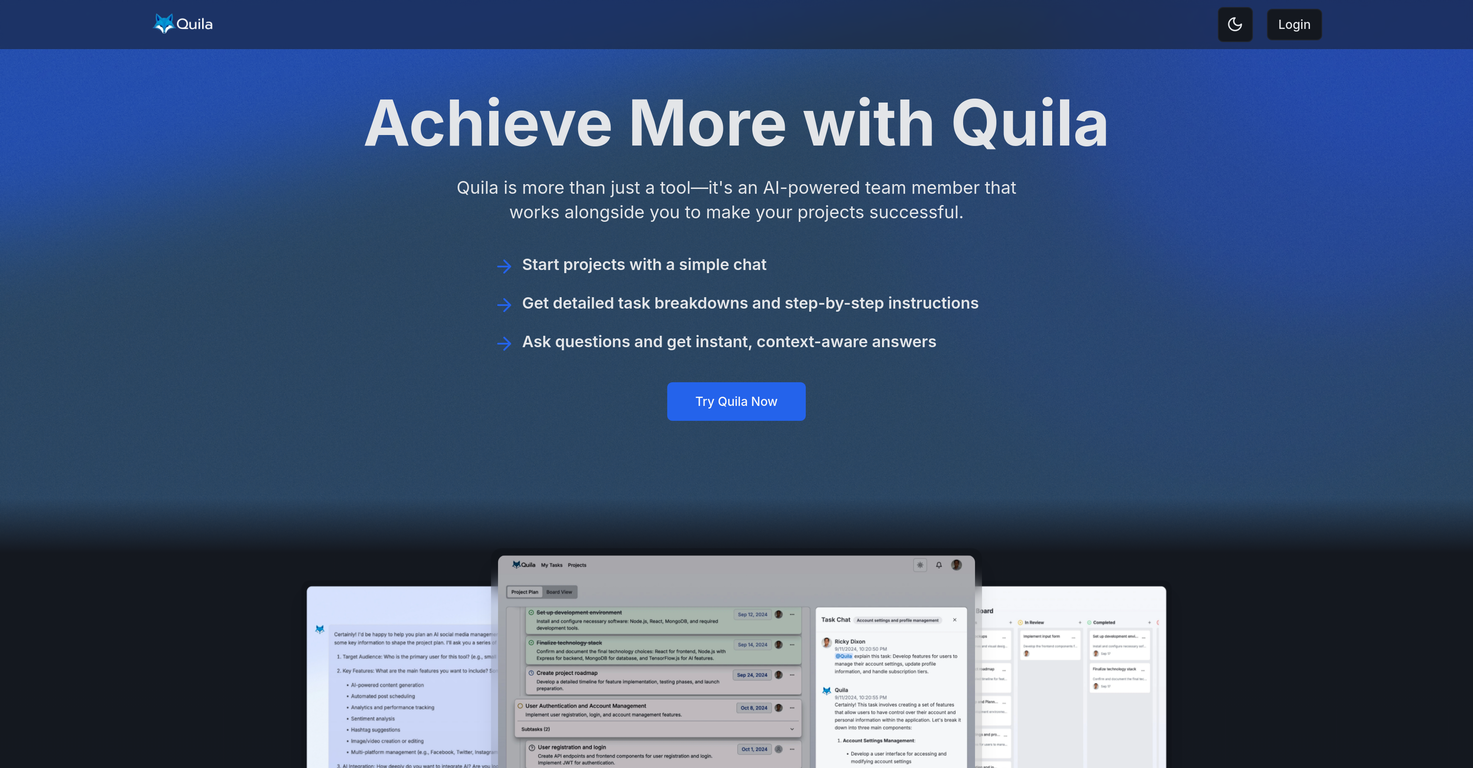
Quila is a project management tool powered by AI that helps teams streamline workflows and task completion. Functioning as an AI assistant, it uses chat to deliver precise task breakdowns and instant, context-relevant answers.
It provides comprehensive task management capabilities, enabling users to quickly see project status and manage workload using customizable task views.
It promotes teamwork by allowing team members to easily delegate and discuss tasks. Additionally, Quila enhances project planning by generating clear, actionable plans and simplifying management of task details, including subtasks and assignments.
It features a suite of project management tools like a Kanban board for visualizing workflow and task management features to handle individual workloads across projects. Furthermore, Quila promotes seamless teamwork by providing tools for inviting members, assigning tasks, and communicating instantly, thereby improving alignment, communication, and overall team efficiency.
Users can visualize progress and manage task details like subtasks and assignments through an intuitive drag-and-drop interface. Additionally, it integrates smoothly with current workflows, offering real-time AI support in team chats, contextual responses based on project information, and expert guidance.
Quila also provides templates to streamline workflows, ensuring efficiency and consistency across projects. Users have the ability to create templates from existing projects and manage recurring tasks easily, which guarantees a seamless project execution process.
Accurate breakdowns of tasks
Immediate, context-sensitive responses
Configurable task views
May be too complex for smaller projects
Heavy reliance on chat-based interaction
Compatibility with external applications not mentioned
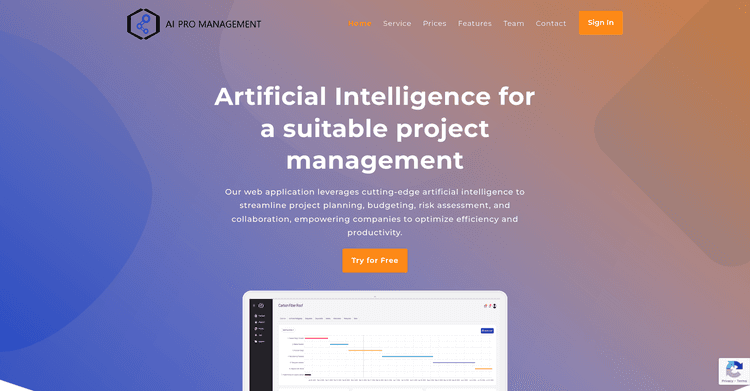
Released 2 years ago
Free + from $15.46/month
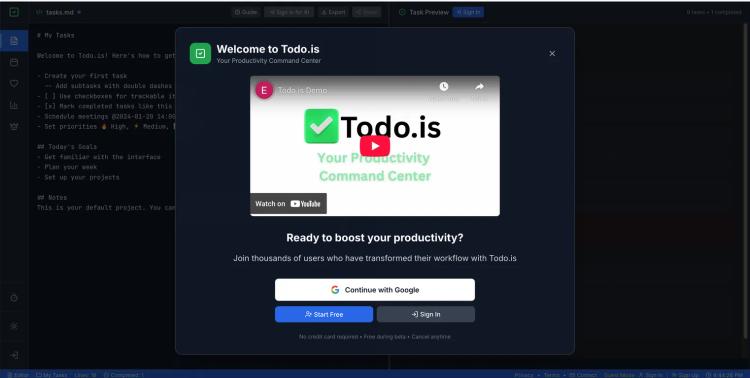
Released 11 months ago
Free + from $39
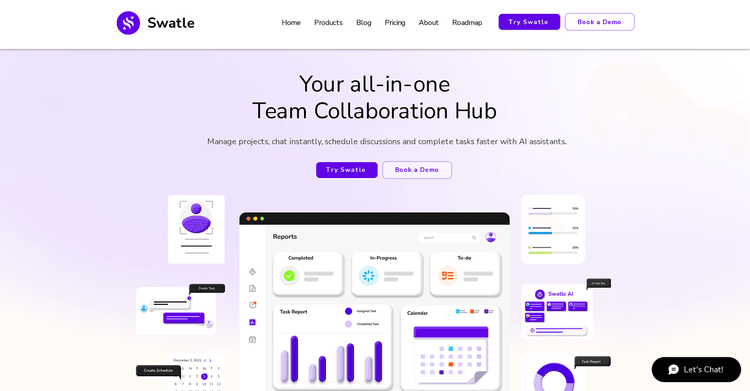
Released 2 years ago
Free + from $2/month
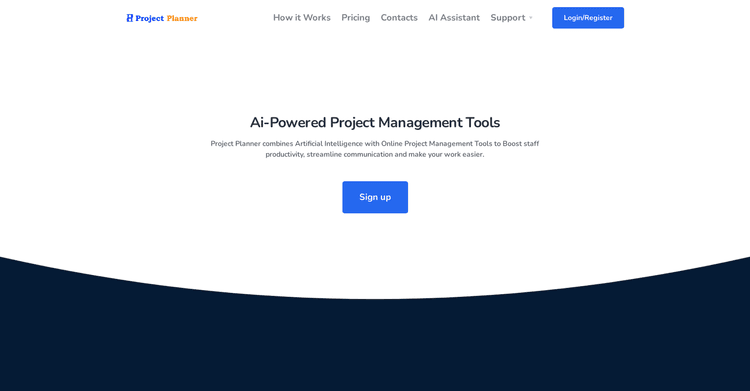
Released 3 years ago
Free + from $9/month

Released 2 years ago
Free

Released 2 years ago
Free + from $10/month
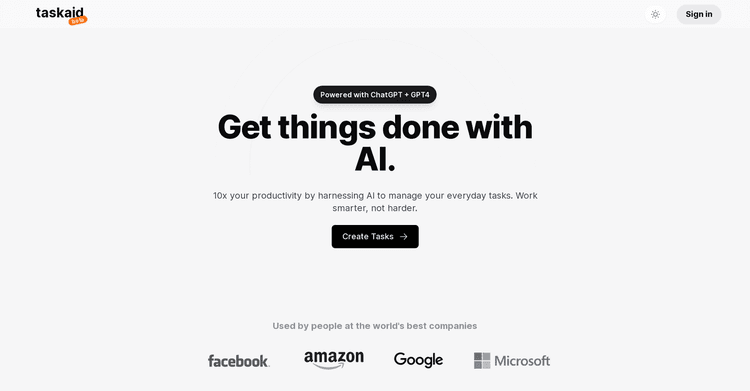
Released 2 years ago
Free + from $10/month

Released 3 years ago
Free + from $8/month

AI-driven project management that simplifies and enhances workflows.
Released 1 year ago
Free + from $3.99/month

Released 2 years ago
Free + from $14.99/month

Released 2 years ago
Free + from $9.90/month
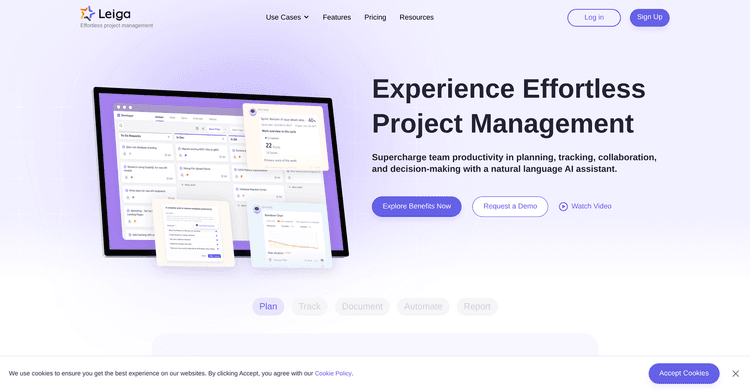
Released 2 years ago
Free + from $8/month