Ctrl/




Enjoy secure and private AI chats on your device.
Updated: Dec 19, 2024 Contact for pricing
Description
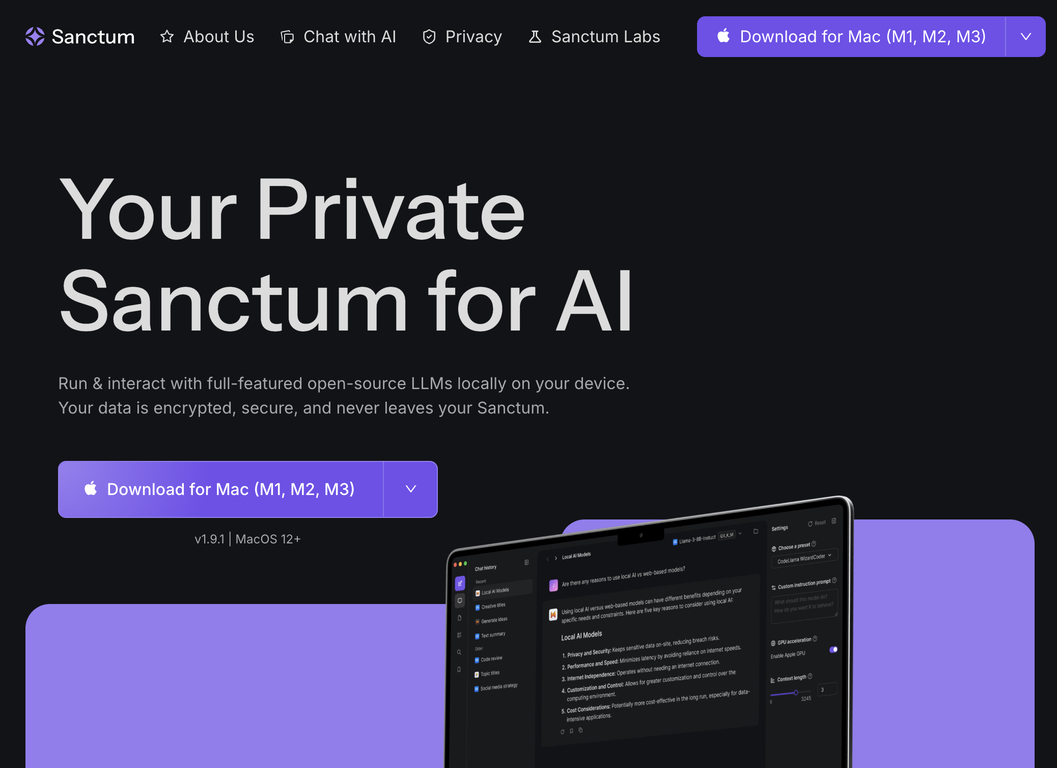
Sanctum is a private, on-device AI assistant focused on delivering secure, privacy-centric AI services directly to your device. The tool enables you to run and engage with complete open-source Large Language Models (LLMs) on your own machine. This ensures that all information is encrypted and remains solely on your device, providing you with complete privacy and control. After the initial download, no internet connection is needed to access and utilize the models. Additionally, Sanctum features an AI model selector, simplifying the process of changing between different open-source models and helping users identify a model that is suitable for their specific requirements. In addition to creating and interpreting text, Sanctum also provides the ability to work with PDF documents in a private setting. This includes the ability to ask questions or create summaries of documents. Finally, it includes a 'Sanctum Vault,' which is a secure place for data storage on your device. All information stored in this vault is encrypted and only accessible to the user. While the current version is compatible with MacOS 12+ only, future updates are intended to include support for Windows, Linux, iOS, and Android operating systems.
Recent Guide to Sanctum: https://www.zdnet.com/article/i-tried-sanctums-local-ai-app-and-its-exactly-what-i-needed-to-keep-my-data-private/#ftag=COS-05-10aaa0j
Recent Guide to Sanctum: https://www.zdnet.com/article/i-tried-sanctums-local-ai-app-and-its-exactly-what-i-needed-to-keep-my-data-private/#ftag=COS-05-10aaa0j
Pricing Plans
Model
no pricing
Packages
1 Package
Price Start From
Not specified
Payment Model
Not specified
Model
no pricing
Packages
1 Package
Price Start From
Not specified
Payment Model
Not specified
Releases
Introduced local audio-to-text conversion with synchronized media playback.
Added features for monitoring storage and adjusting font size.
Resolved issues when uploading PowerPoint files.
Added features for monitoring storage and adjusting font size.
Resolved issues when uploading PowerPoint files.
Reviews
Pros & Cons
Pros
Operates LLMs locally
Data remains on your device
No internet required for use
Cons
Only MacOS 12+ is supported
Lacks file import/export
No cloud-based option