Description
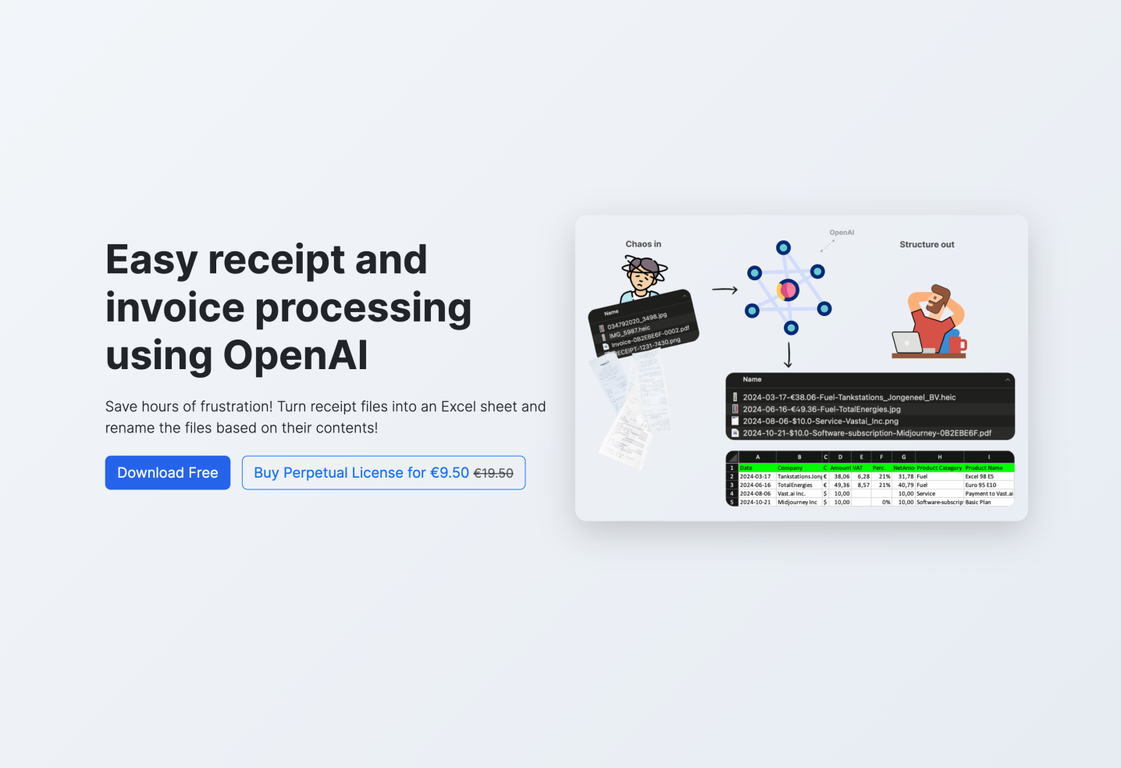
ScanRelief is an AI-driven tool designed to streamline receipt and invoice handling by converting receipt files into an Excel format and renaming them with pertinent information. It gives a detailed, well-organized account report.
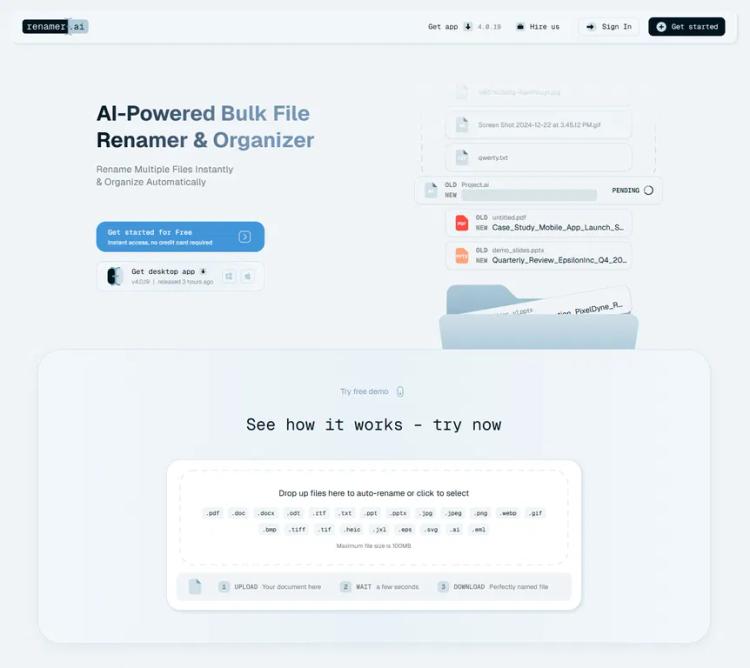
Leveraging OpenAI, ScanRelief scans receipts within a designated folder on the user's computer, renaming each file to begin with the date (for easy chronological sorting), the amount, the type of product, and the name of the company.
This enables effortless identification of receipts and enables monitoring of connections with bank transactions or accounting data, thereby delivering an exhaustive overview arranged chronologically. ScanRelief automatically compiles a standard Excel report containing all receipt details, negating the need for manual organization or extensive searches.
It supports a variety of file types like JPEG, PNG, HEIC, and PDF, and can process numerous receipts simultaneously, boosting efficiency.
ScanRelief is available for both Windows and Mac users and uses a pay-per-use structure with OpenAI, incurring no extra membership costs, which makes it an affordable option.
Furthermore, the software offers considerable advantages regarding cost management and organization, enhanced convenience through automated image rotation and conversion, enhanced speed via parallel receipt processing on the user's device and with OpenAI, and enhanced data protection given that images and data transmitted to the OpenAI API are not employed for model training.
Pricing Plans
Releases
Reviews
Pros & Cons
Pros
Excel conversion for receipts
Automatic renaming of files
Compatible with JPEG, PNG, HEIC, and PDF formats
Cons
Support for a limited number of file types
Business model based on pay-per-use
Slower processing at entry level