Description
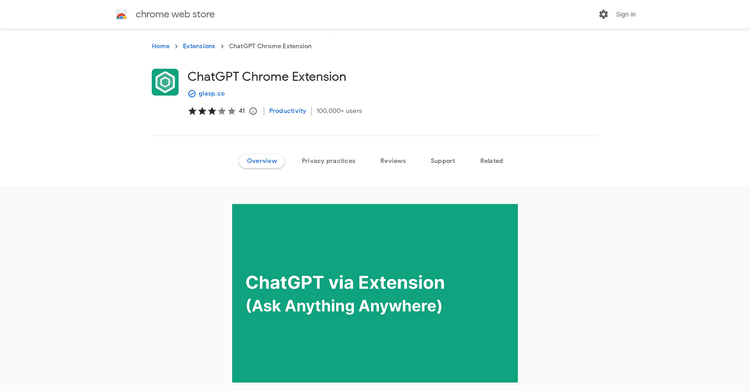
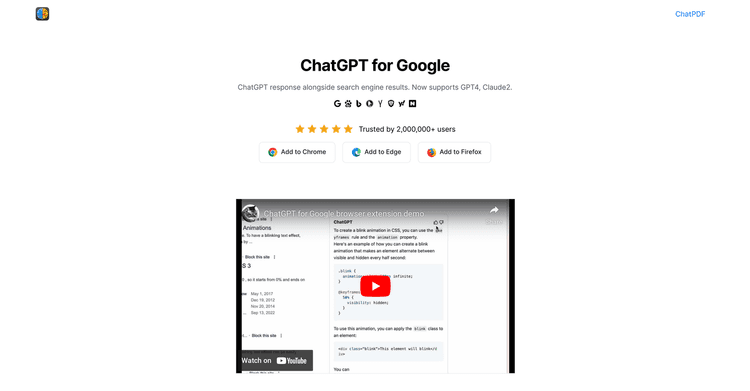
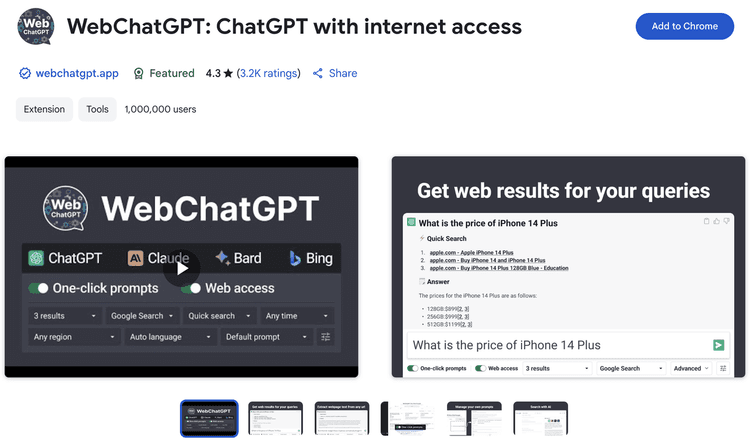
ChatGPT provides faster, more to-the-point answers in chats. Downloading the extension makes this functionality available to users.
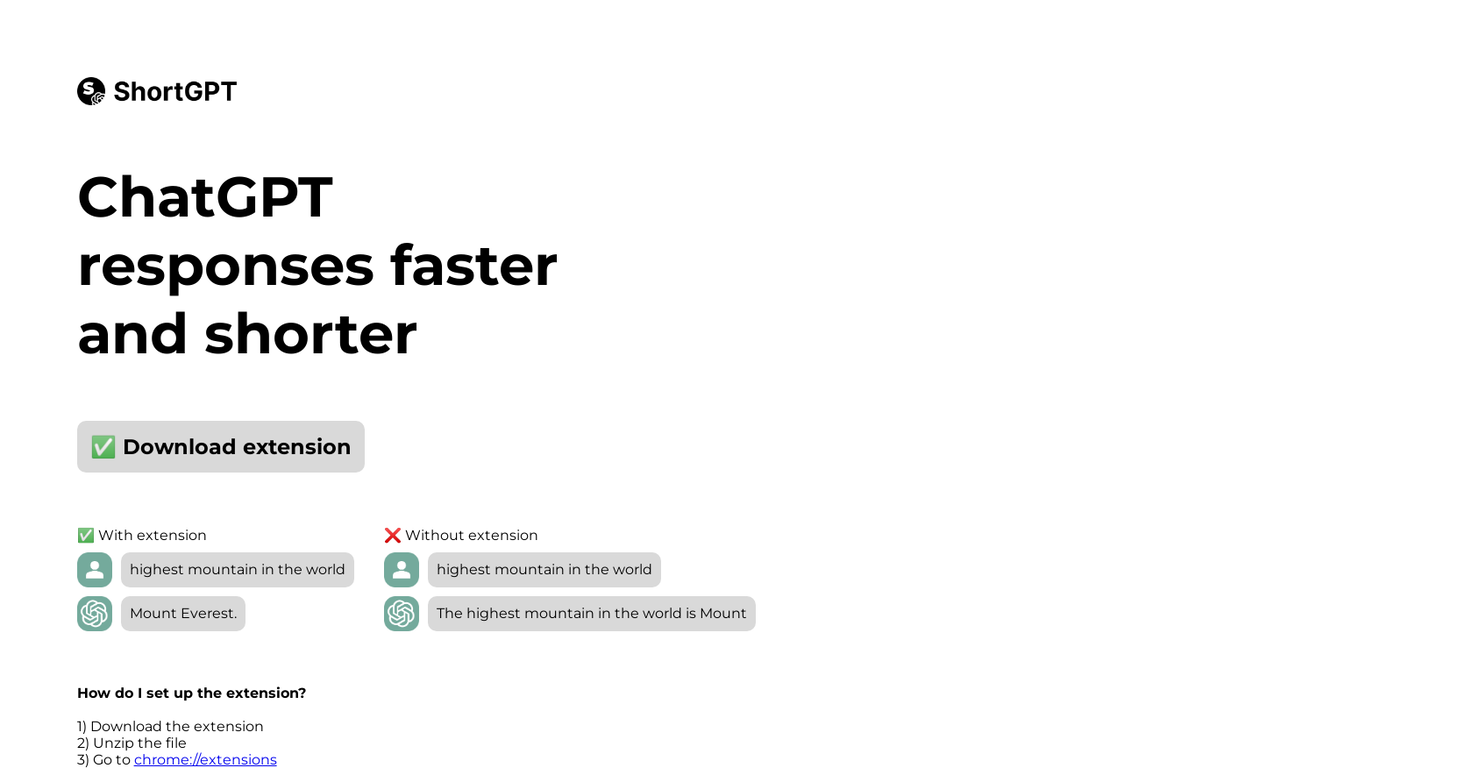
When activated, the extension allows ChatGPT to deliver correct answers promptly. For example, if a user asks for the world's tallest mountain, ChatGPT will respond with Mount Everest, omitting extra details.
If the extension isn't installed, ChatGPT's responses might be longer and less precise, simply stating 'The highest mountain' without specifying Mount Everest.
Setting up the extension involves a few steps. First, users must download the extension, then unzip it and go to the chrome://extensions page.
Next, they need to turn on developer mode and click 'Load unpacked.' Finally, users should select the unzipped folder to finish the setup.
Following these steps allows users to easily add the ChatGPT extension to their browser. ChatGPT's ability to deliver faster, more concise answers, along with the simple setup, make it a helpful tool for those seeking efficient and accurate conversational information.
Pricing Plans
Releases
Reviews
Pros & Cons
Pros
Provides brief information
Allows for efficient chat responses
Simple extension download
Cons
Extension dependent
Not a standalone app
No application for mobile