


Description
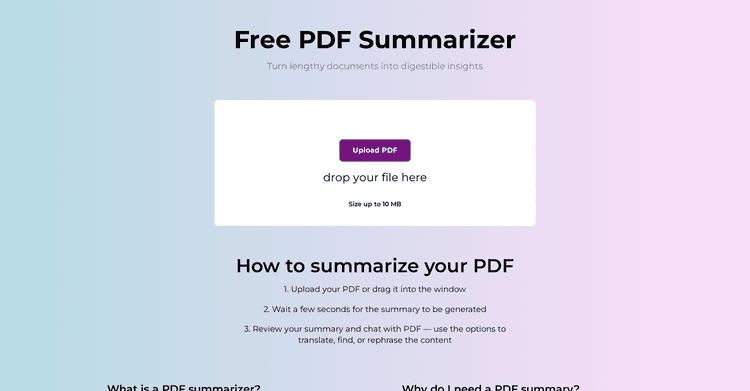
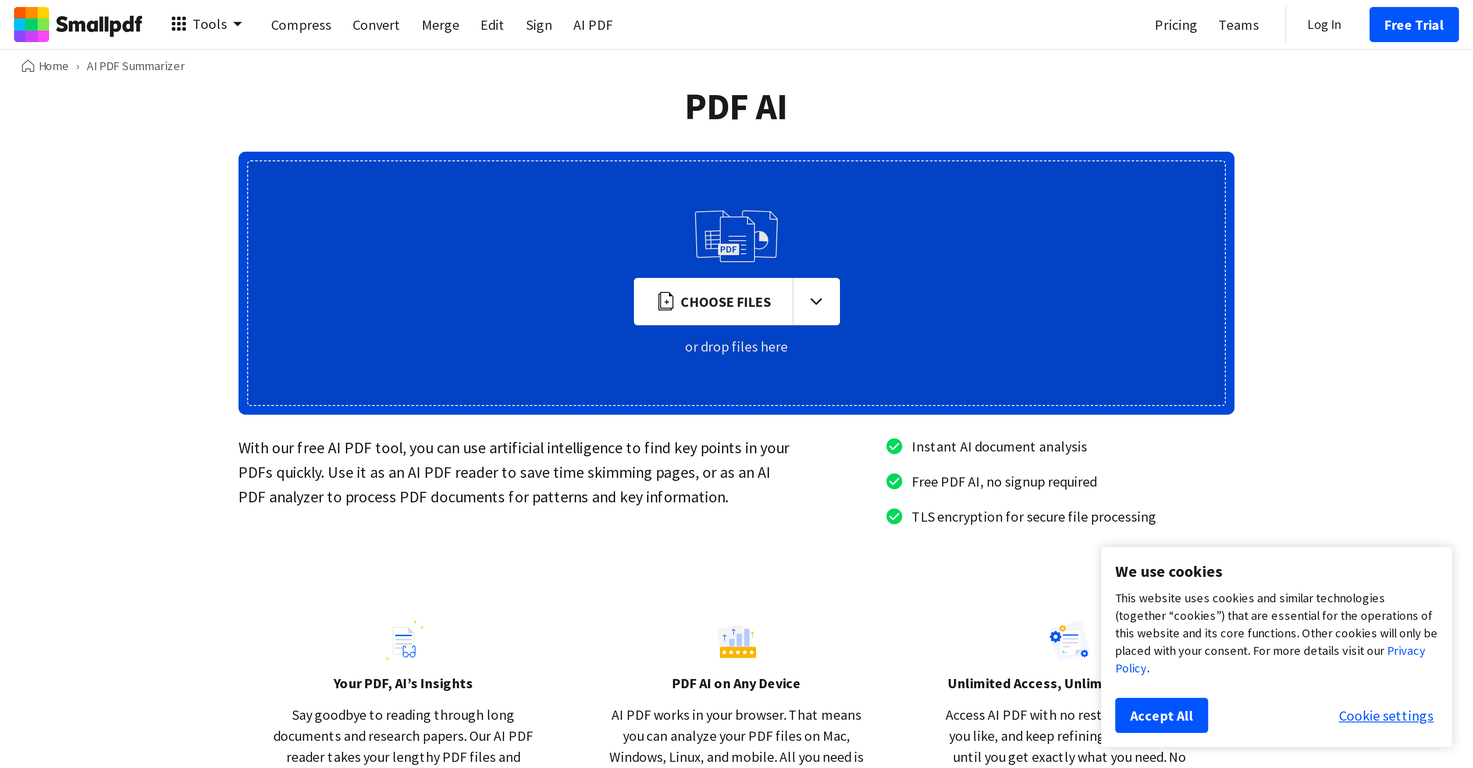
Smallpdf's PDF AI is a cutting-edge tool leveraging artificial intelligence to dissect and glean crucial understandings from PDF files. The platform comes equipped with a variety of functionalities tailored to address diverse PDF-related demands.
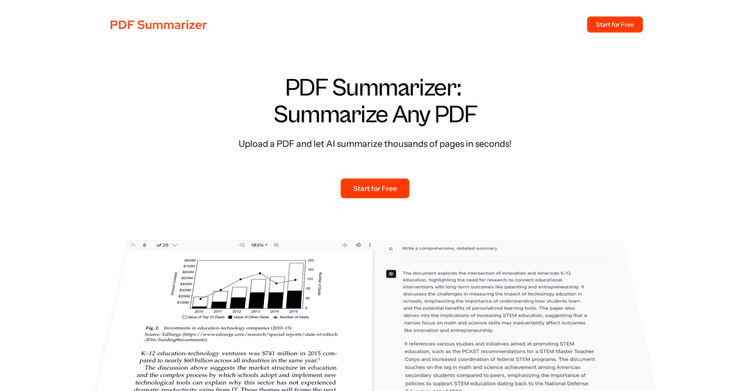
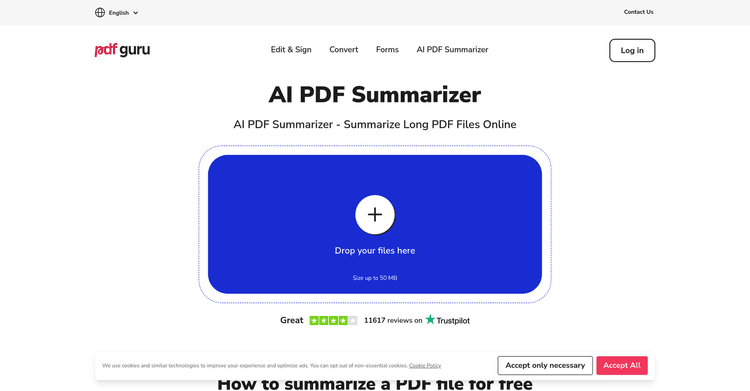
Its core function is an AI-driven PDF summarization, swiftly extracting salient points from extensive documents. The AI-driven document analysis feature accurately interprets text and changes images into easily readable file types.
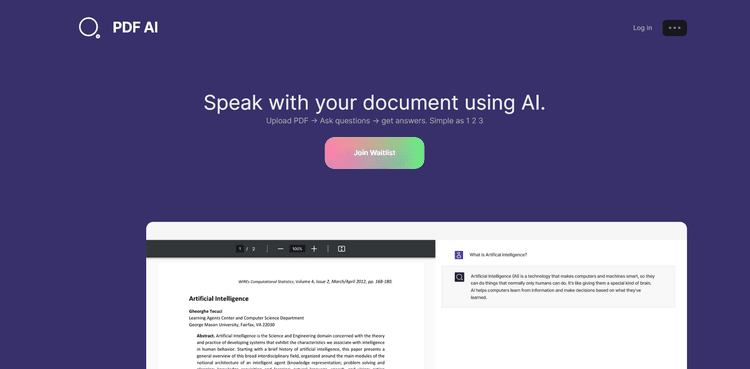
The tool also provides a secure file processing option via TLS encryption. Users can leverage the AI chat interface to query their document, capitalizing on the tool's simple, easy-to-use design to simplify difficult tasks.
A one-click copy function is available for each AI generated response, enabling users to easily integrate essential details into their projects. Aside from these features, PDF AI encompasses extra document management utilities for PDF organization like combining, dividing, spinning, removing, or pulling pages.
It extends a suite of conversion tools, transforming PDFs into formats like Word, Excel, PPT, or JPG, and vice versa. It also provides functionalities to apply watermarks or redact PDFs, include page numbers, and more.
The tool remains fully available on any web browser across different devices. Designed for direct, insightful interactions, it unlocks limitless possibilities without any registration or fees.
Pricing Plans
Releases
Reviews
Pros & Cons
Pros
Quickly generates key insights
Precise text analysis capabilities
Image to text capability
Cons
Exclusively for PDF files
Limited image-to-text conversion capabilities
Requires web browser access