Description
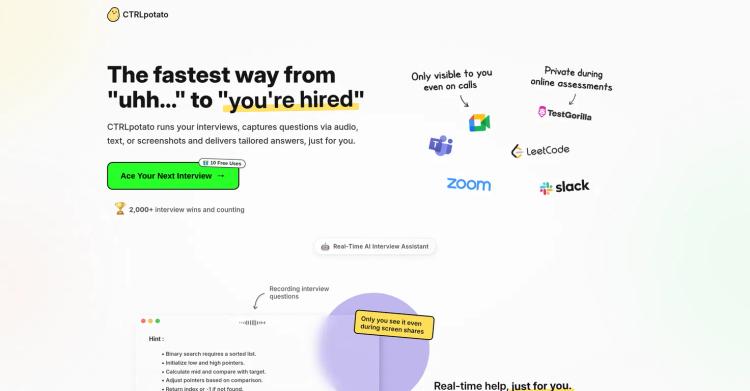
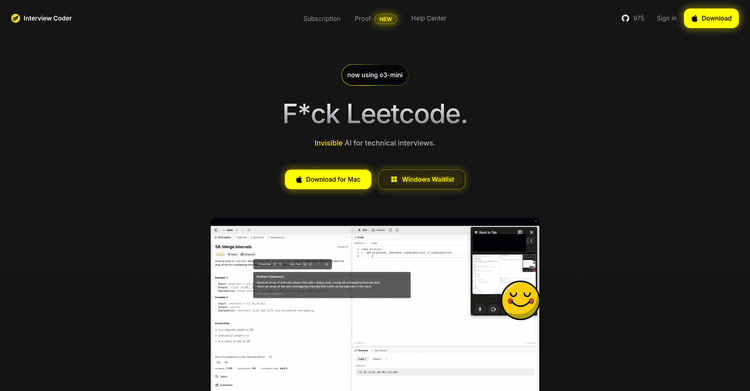
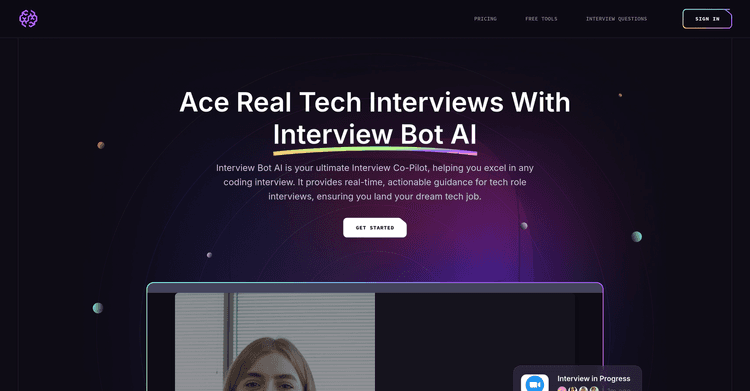
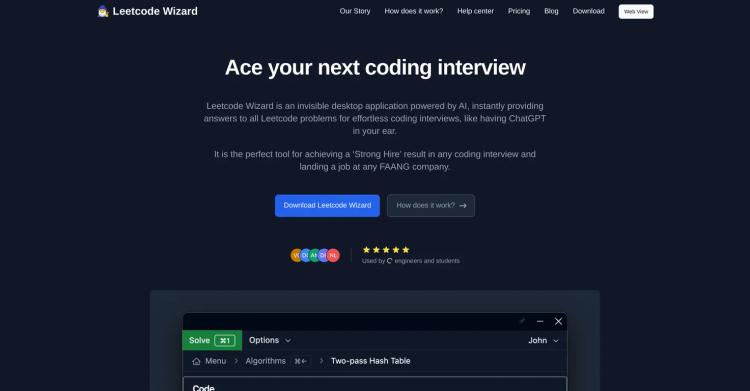
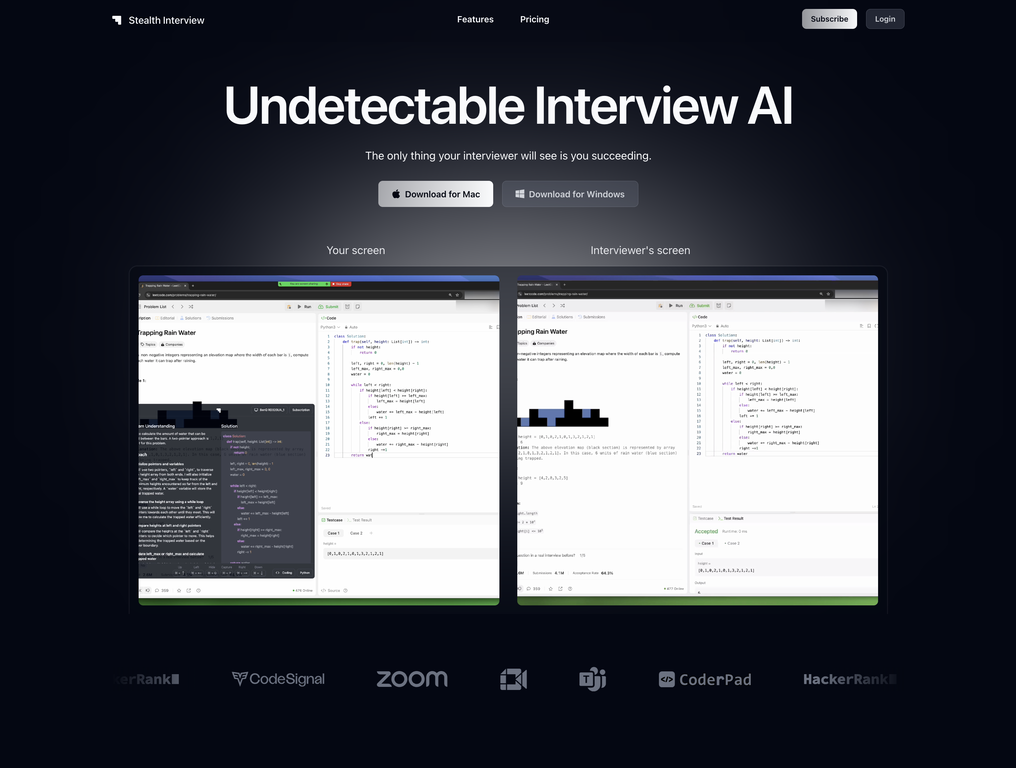
Stealth Interview is an AI-driven tool created to help users succeed in technical interviews while remaining hidden from screen sharing applications. This desktop application is designed to be invisible on popular platforms like Zoom, Google Meet, and Microsoft Teams.
The tool incorporates several features to guarantee its covert operation, including subtle window movements and an 'always on top, never in focus' state.
Essentially, these features allow users to interact with the software without the interviewer knowing that additional support is being utilized.
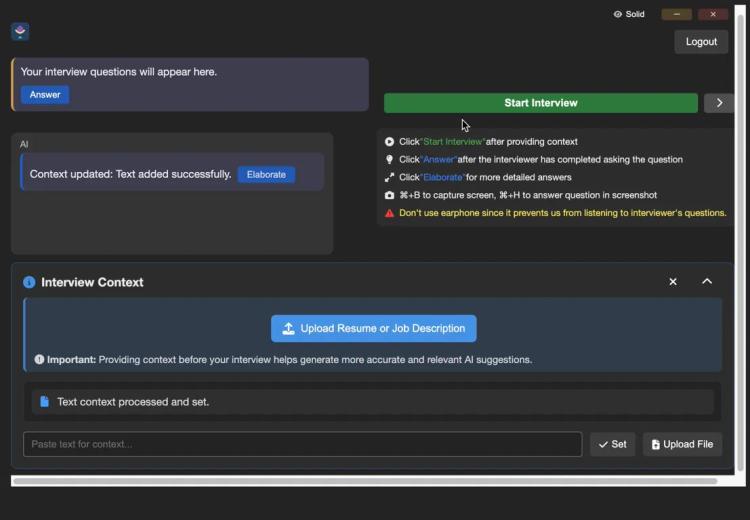
User-friendly keyboard shortcuts are available, letting users reposition their window without losing focus, capture screenshots, quickly conceal the application, and overlay the app on any window. This maintains the appearance of typical user behavior.
The tool is compatible with a variety of coding languages, covering a broad spectrum of interview situations, from frontend interfaces to SQL and data-related interviews.
Its primary function involves transforming difficult technical problems into simpler solutions, which helps interviewees better demonstrate their problem-solving capabilities, their proficiency in different programming languages, and their comprehension of technical interview questions.
Pricing Plans
Releases
This update incorporates the following additions:
- Enhanced AI models for coding, Claude Sonnet 3.5 and 3.7
- Customizable window transparency
All subscribers with a paid plan can immediately begin utilizing these enhancements.
Reviews
Pros & Cons
Pros
Undetectable by apps that share screens
Unseen on Zoom, Google Meet, and Teams
Subtle window movements
Cons
Desktop only functionality
Potential for screen sharing detection
Unintuitive user interface