Description
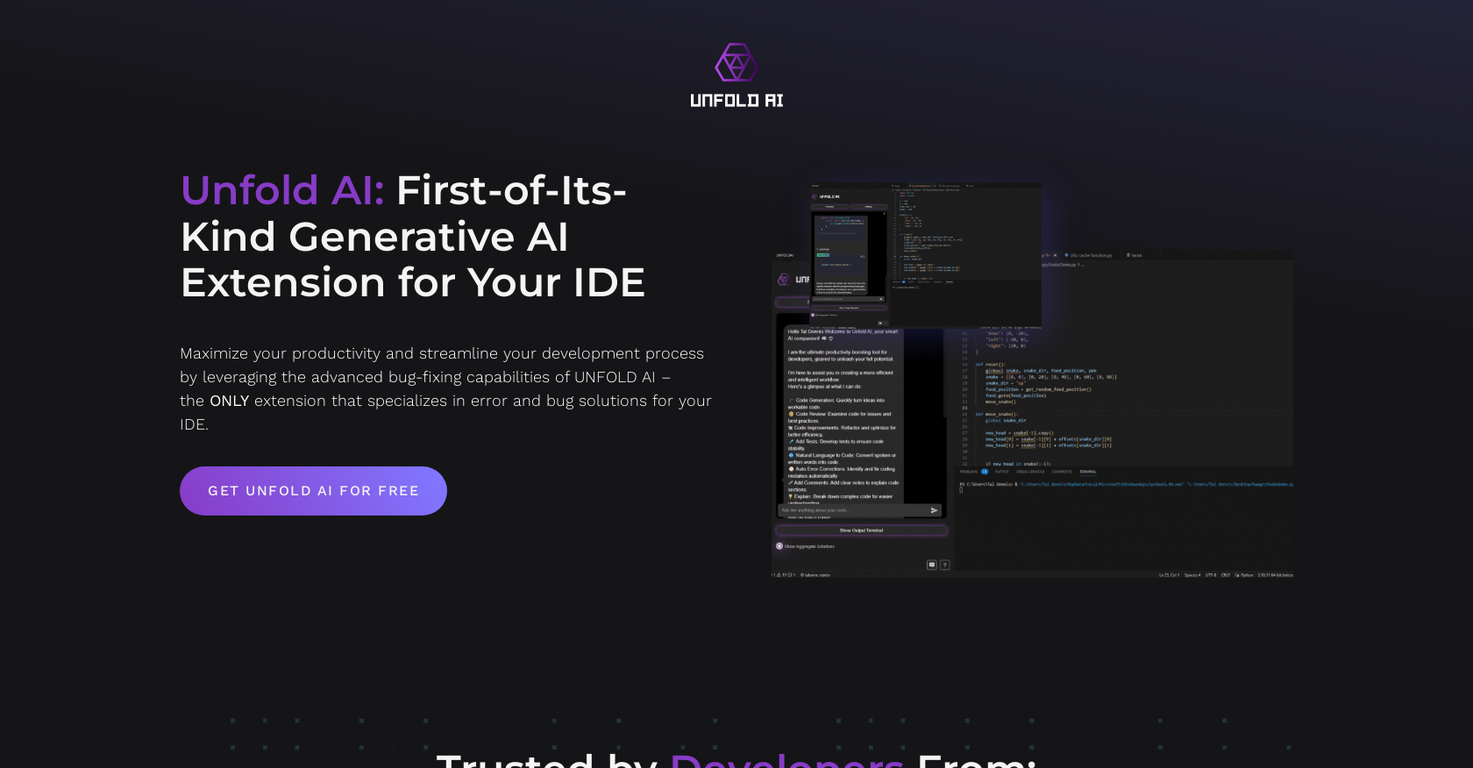
Unfold AI is an AI tool that generates code and is tailored for developers using Visual Studio Code. It delivers real-time solutions for bugs and errors to improve efficiency and simplify the development workflow.
This tool offers functionalities that aid coding tasks. The Automatic Errors Detection function serves as a terminal monitor, identifying errors and suggesting automated fixes.
The Find Problems function enables developers to detect and resolve code problems efficiently. Additionally, Unfold AI offers smart code completion to boost coding speed and ensure a smooth programming experience.
Unfold AI stands out as the only extension specializing in error and bug resolution for IDEs. It empowers developers to concentrate on resolving bugs and errors, aided by the AI tool.
By using Unfold AI, developers can save time and boost productivity. It comes in both a free and a pro version. The pro version provides more advanced capabilities, such as AI trained on code-specific data and enhanced QA functionalities. Currently, Unfold AI only supports Visual Studio Code on Windows, with Linux and macOS support expected soon.
It is also being developed for other major IDEs like PyCharm, Visual Studio, Android Studio, IntelliJ, and Eclipse. The platform encourages developers to join the waiting list for notifications when their preferred IDE or OS becomes available.
In summary, Unfold AI offers developers a robust AI coding assistant focused on resolving bugs and errors, helping them save time and improve their coding experience.
Pricing Plans
Releases
Reviews
Pros & Cons
Pros
Real-time solutions for bugs
Automated error detection
Intelligent code completion
Cons
Only compatible with Visual Studio Code
Limited to Windows OS
Limited platform support