Description
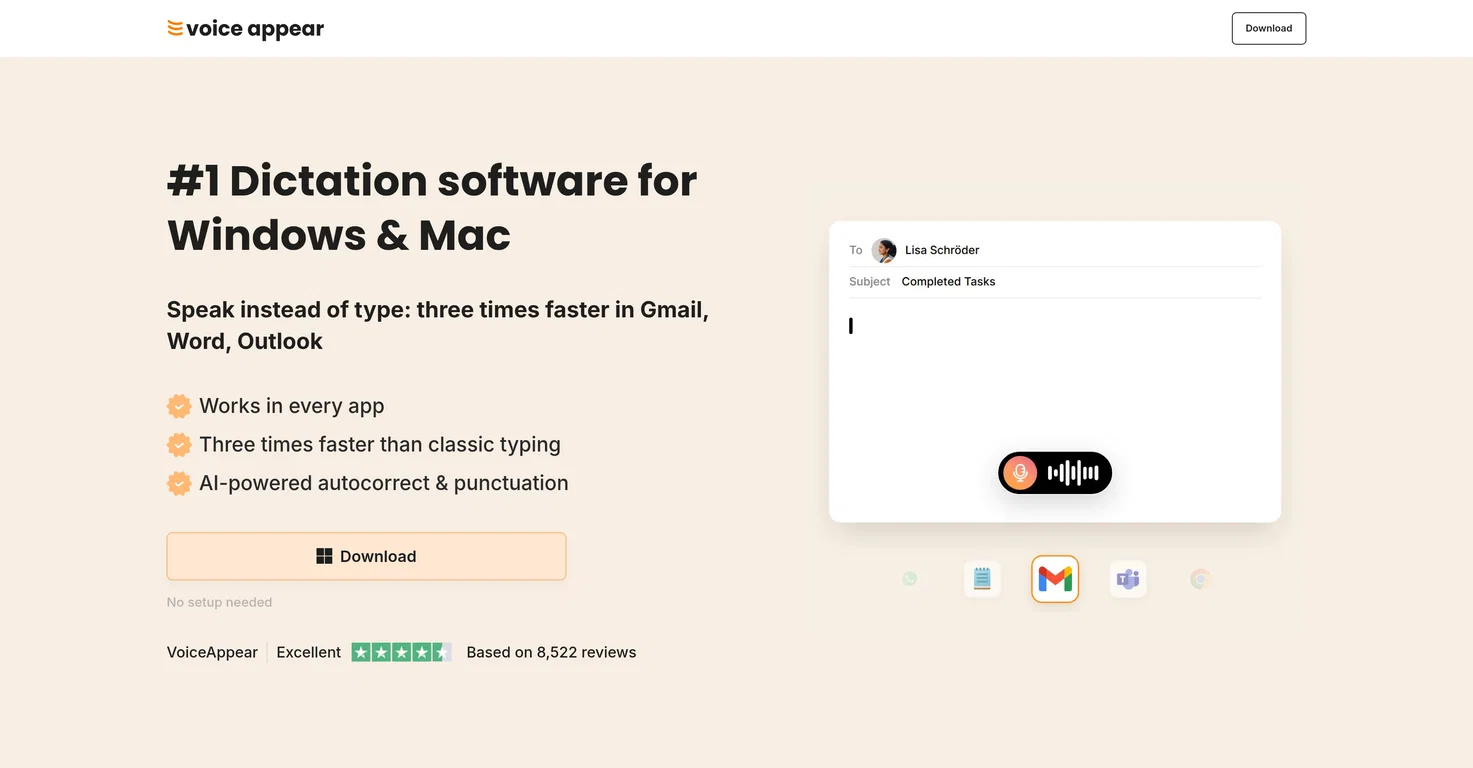
VoiceAppear is an AI-driven dictation software compatible with Windows and Mac. It enables users to dictate text, significantly boosting productivity by allowing them to compose content up to three times faster than traditional typing.
The software incorporates AI-based autocorrection and punctuation, further refining the dictation process. It integrates with various applications, including Gmail, Word, and Outlook.
VoiceAppear aims to minimize misunderstandings and awkwardness stemming from typos. Users can leverage VoiceAppear's speech-to-text capabilities to compose emails, documents, and messages without concern for punctuation or phrasing.
The software automatically formats text, freeing users from the need to manage text arrangement. In addition to its versatility, VoiceAppear prioritizes user privacy.
It adheres to a strict 'privacy by design' principle, guaranteeing that users' voice data is never saved or shared and ensuring GDPR compliance. VoiceAppear's integrated autocorrect manages filler words and automatic adjustments to maintain a natural thought flow.
The software is engineered for efficient operation in busy work environments, adapting to the specific application in use and offering suitable vocabulary selections.
With VoiceAppear, users can add custom words and names to the software's lexicon, ensuring they are always transcribed accurately. It facilitates a smooth transition from typing to dictation, promoting efficient text creation.
Key Features
Compatibility with Windows and Mac
Integration with popular applications
Automated punctuation and grammar correction
Personalized vocabulary support
Context-aware text generation
Pricing Plans
Releases
Reviews
Pros & Cons
Pros
Works on both Windows and Mac
Integrates with numerous applications
Handles punctuation automatically
Cons
Requires an active internet connection
Does not interpret Latin language input
Limited information on non-English language support