Ctrl/

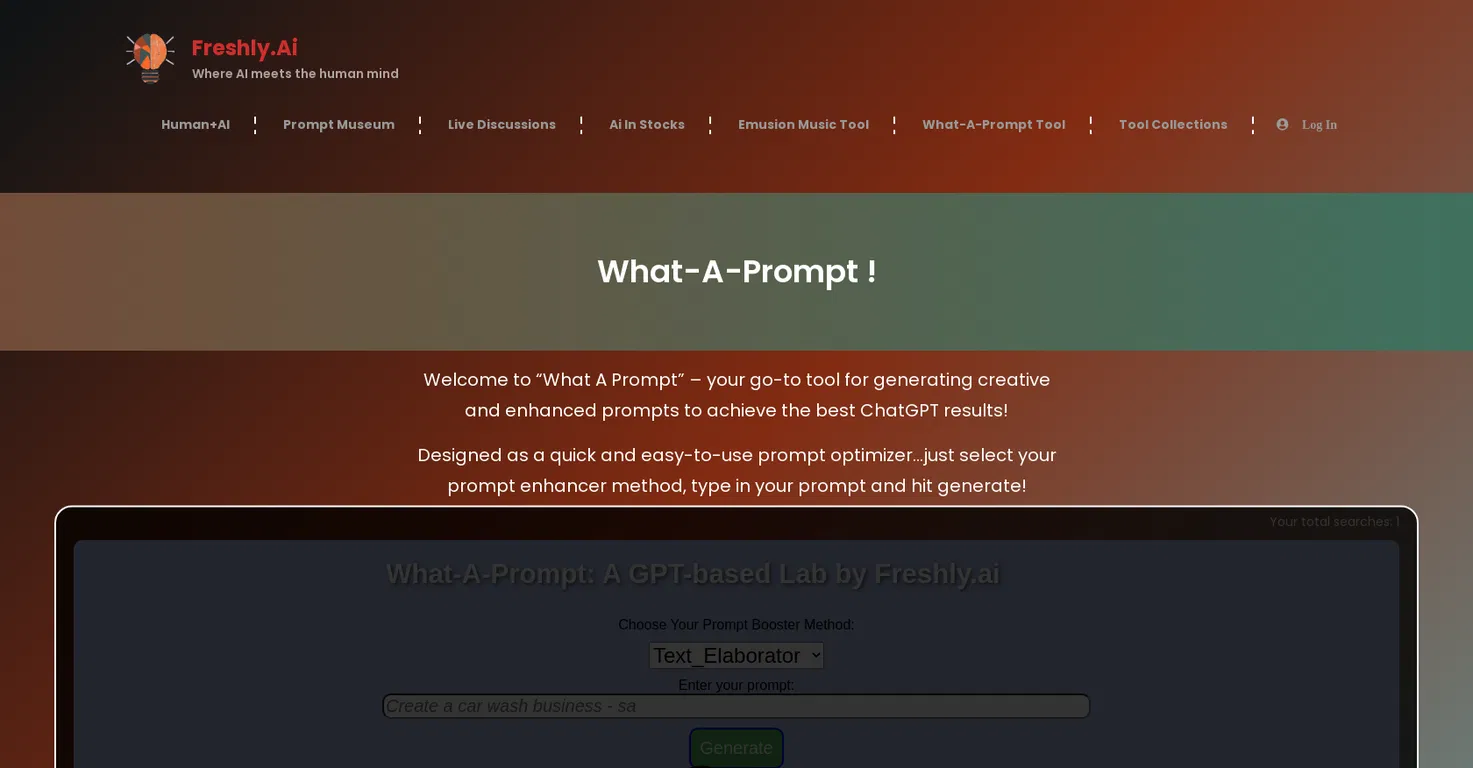
What-A-Prompt is an AI-driven tool created to fine-tune prompts and improve the results from ChatGPT. It provides seven unique settings or methods to enhance prompts in creative ways.
These settings feature a straightforward text enhancer, an enhancer for text-to-image generators, a Prompt Wolfe setting for a distinctive perspective, and other options for visual enhancements.
Also, the tool provides a Test_RunGPT setting, allowing users to preview their generated content before submitting it to ChatGPT. What-A-Prompt offers quick and simple operation.
To use, users choose their preferred prompt enhancement method and input their prompt to create optimized results. To gain access to What-A-Prompt, users must join the Freshly.ai community, either as a free or premium member.
This website was established to showcase the latest AI capabilities and limitations, providing resources and inspiration for the AI community. Along with What-A-Prompt, the website features multiple AI tools, a prompt museum, and a forum for prompts and AI discussions.
Freshly.ai also offers human and AI collaborations, the Emusion music tool, and resources for reporting AI competence. The website maintains a presence on social media platforms like Facebook, Twitter, and LinkedIn.
In short, What-A-Prompt is an AI tool developed to generate refined and improved prompts, especially for use with ChatGPT. Thanks to its range of settings, it strengthens the visual and contextual elements of prompts to create enhanced and more diverse ChatGPT results.
Effective with ChatGPT
Creatively enhances prompts
Contextual enhancements option
No multi-language support
Limited documentation
Limited to seven settings
Released 3 years ago
Free
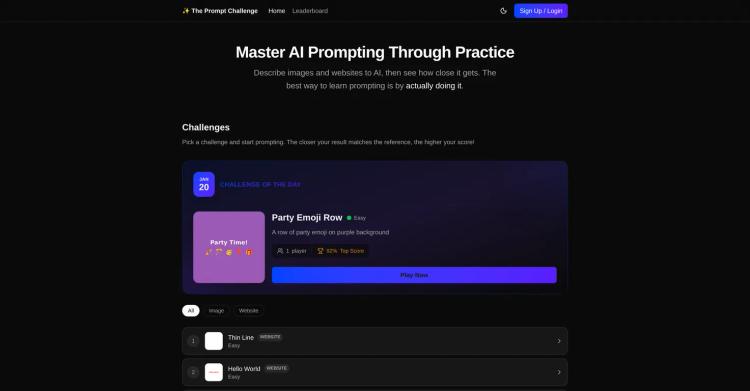
Enhance your AI prompting abilities through practical exercises.
Released 6 months ago
Free

Released 3 years ago
Free + from $19.99/month
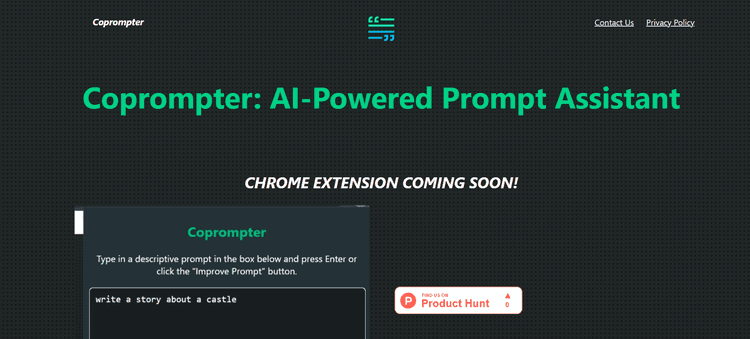
Released 2 years ago
Free + from $9.99

Released 3 years ago
Free + from $4.90/unit
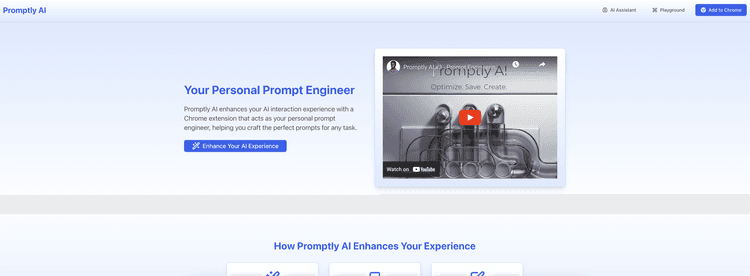
Released 1 year ago
Contact for pricing
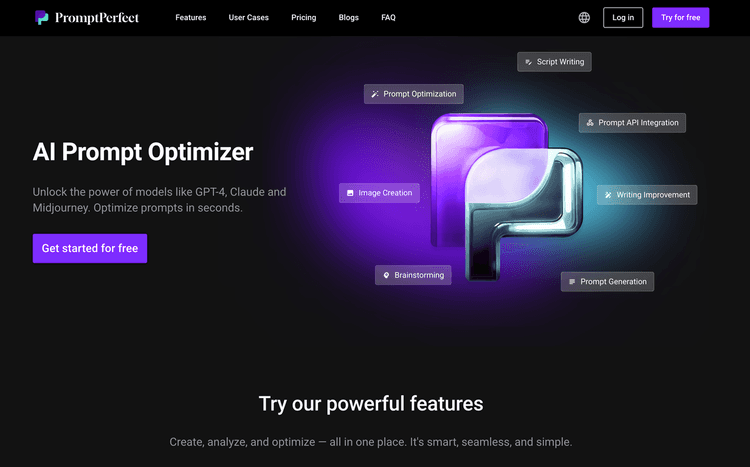
Released 3 years ago
Free + from $16.67/month
Released 3 years ago
Free + from $6.99/month
Released 1 year ago
Free + from $12/month