Description
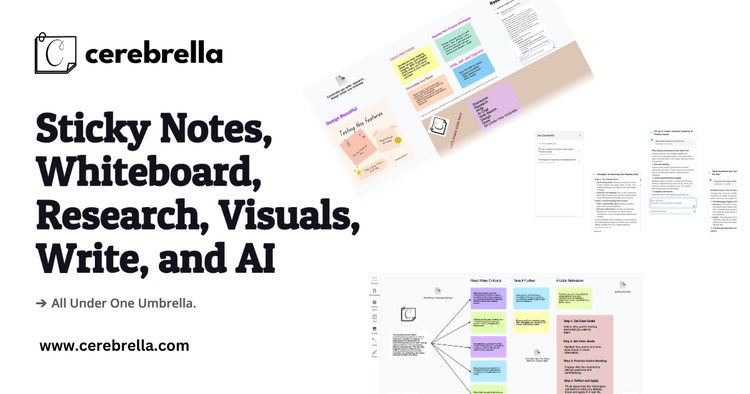
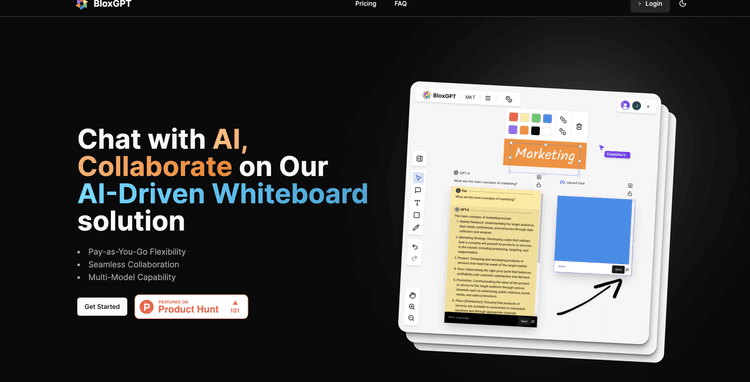
illumi is a collaborative AI whiteboard crafted to enhance productivity for both individuals and teams. This platform provides a unified workspace that integrates AI tools like ChatGPT, Claude, Grok, and allows for custom model integrations.
The primary aim of illumi is to simplify AI-driven operations and reduce the challenges typically encountered through fragmented prompts and isolated processes. It serves as a centralized and interactive environment where team members can collaborate in real-time, visualize ideas, and interact with AI within a unified visual scope.
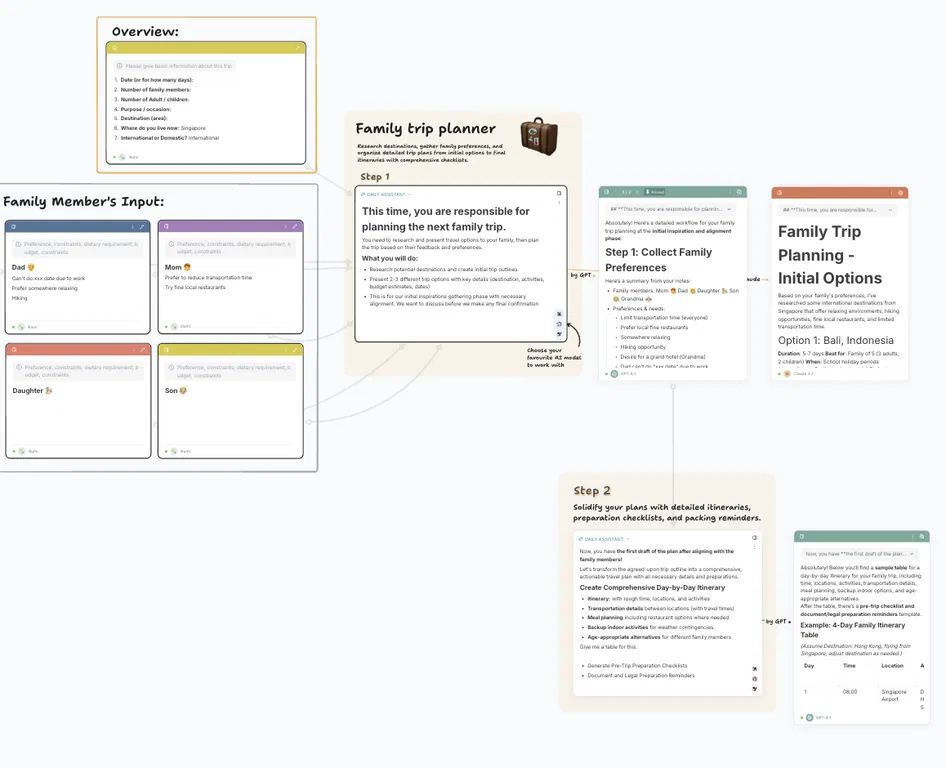
Within this workspace, users can not only generate but also refine and reuse prompts, notes, and outputs collectively. They can also develop and distribute AI workflows, prompts, and templates that accelerate the learning curve for every team member.
By contextualizing prompts and knowledge, the platform facilitates workflow improvements and establishes an easily accessible library of AI workflows. illumi includes a feature to capture workflows, insights, and lessons, thereby enhancing team intelligence for each project.
The platform reduces the need to switch contexts and ensures a seamless and connected workflow for the team. With illumi, diverse datasets can be organized into cards and converted into actionable insights through various AI integrations.
The tool is recommended for structuring complex and interconnected ideas into visual graphs, facilitating effective brainstorming sessions, and supporting content creation.
Pricing Plans
Releases
🧘 Focus Mode:
Our power users love Illumi for visual learning and connecting ideas. But as your projects evolve from loose concepts into long-form documents - like that 40-page market expansion report - the visual noise of a whiteboard can become a distraction.
We built Focus Mode to give your ideas the space they deserve.
Why Fullscreen on a Whiteboard? When it's time to stop planning and start drafting, expand any card (Notes, Preprints, or Prompts) into a beautiful Fullscreen View. It’s a dedicated text editor living right on top of your visual workspace.
🧠 Gemini 3: Now with Enhanced Web Search
We’ve upgraded our integration with Gemini 3 to better harness the live internet. It’s no longer just processing data; it’s actively finding it.
Try this prompt: Ask it What is the biggest news in February 2026? to see how it pulls real-time, relevant context into your work.
⚡ Speed & Snappy Navigation: We’ve overhauled the navigation bar to handle heavy workflows.
Instant Loading: Even if you have hundreds of projects, your board list now loads instantly (prioritising your top 15 boards).
Seamless Switching: Jumping between whiteboards is now smoother and faster.
🎥 See it in Action: From Solo Progress to Team Momentum
Wondering how this fits into your workflow? We’ve put together a walkthrough of a common scenario: The 2-Day Consulting Sprint.
Reviews
Pros & Cons
Pros
Integrated workspace
Real-time collaboration
Context-aware prompts
Cons
Workflow capturing might overwhelm
Mobile experience not optimized
High dependency on context