AIAXIO-AI Matched To Your Need

15,370 AI tools for 3,203 Tasks

Prototyper logo

Prototyper

v1

9

0

Prototyping
Develop applications with exceptional speed.
Input:
Output:
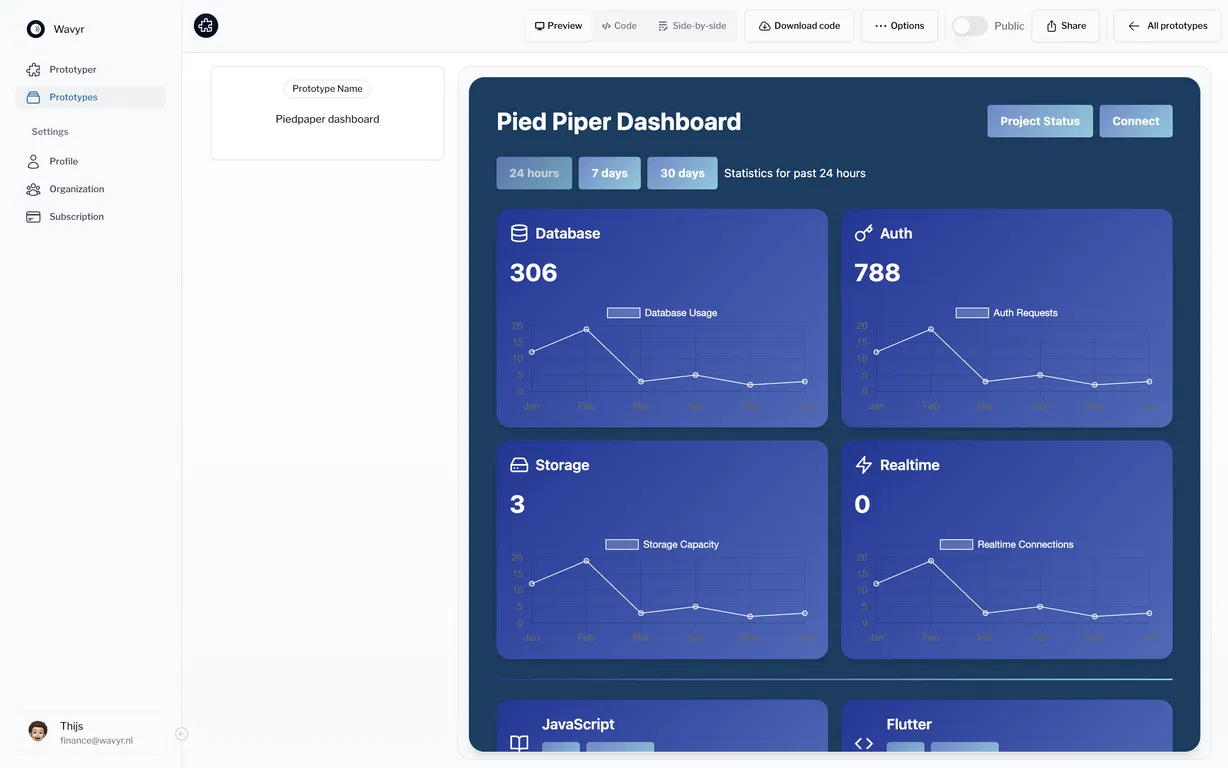
Prototyper screenshot
Updated: Sep 3, 2025 From $30

Description

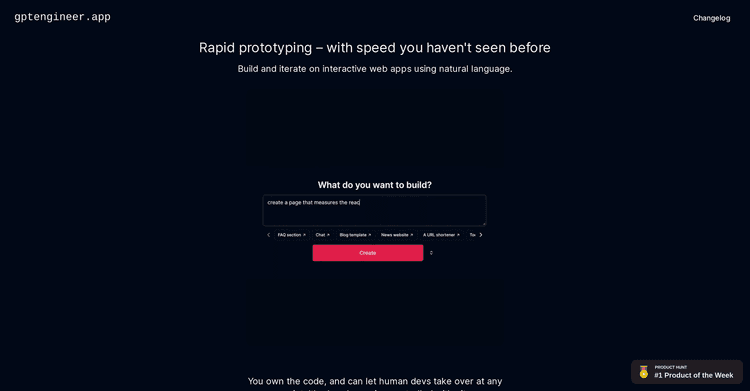
Prototyper is created to assist you and your team in rapidly building prototypes and front-end designs. By using natural language or images to convey your concepts, the AI will produce the design for you.

Whether you're developing a dashboard, a tracking system, or a calendar application, Prototyper provides the necessary tools. Getaprototype.com is utilized by over 1000 customers globally and boasts a 98% satisfaction rate. Try it free for 7 days.

Features:

1. Design from prompts: Prototyper allows you to design UIs using natural language.
2. Design from screenshots: By pasting a screenshot or image of a design you want to reproduce, you can recreate it in just 5 minutes.
3. React and Tailwind Compatibility: Prototyper utilizes React and Tailwind to design user interfaces, enabling direct integration into your product environment.
4. Web Publishing: Prototyper enables you to directly publish your prototypes to the web.
5. Public Workspaces: Organize various organizations, teams, and projects in a single location.
6. Built-In Collaboration: Invite colleagues to your workspace and collaborate on prototypes.
7. Integrations: Integrate your own design systems and React components.
8: Interactive Edits: Make instant code modifications and view the resulting changes immediately.
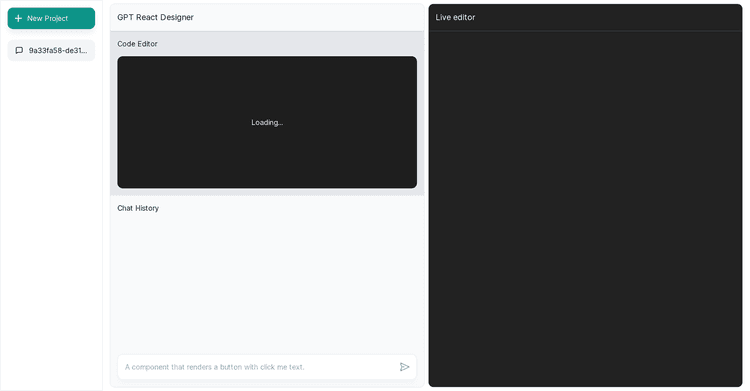
9. Side-by-Side Code Preview: Easily adjust code while previewing the results.
10. Code Export: Import the code into production or publish directly online.

Pricing Plans

Model
paid
Packages
1 Package
Price Start From
$30
Payment Model
Not specified

Releases

What's New

→ State-of-the-art design creation – develop refined, professional-grade interfaces from a single idea.
→ Immediate updates – no compiling or refreshing delays; changes are applied instantly.
→ Streamlined UI – significant effort was put into simplifying processes, making routine actions accessible with a single click.
→ Complete design authority – select components, colors, and layouts without limitations from the tool.
→ Responsiveness included – designs adjust effortlessly to phones, tablets, and desktops with live previews.
→ Adaptable workflow – preconfigured settings for immediate use, with customizable options to suit your preferences.

Reviews

Pros & Cons

Pros

Speeds up the prototyping workflow

Transforms ideas into interfaces

Generates code from written prompts

Cons

Collaboration features are not fully optimized

May be too basic for expert users

Lacks integrations with other systems

Q&A

New Released

New Released