Ctrl/



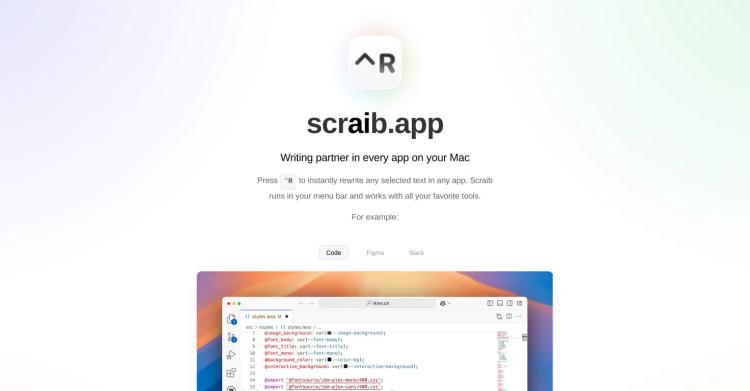
Revise, enhance, and accelerate your workflow with AI productivity across all macOS applications. 🚀
Updated: Apr 2, 2024 Free + from $29
Description
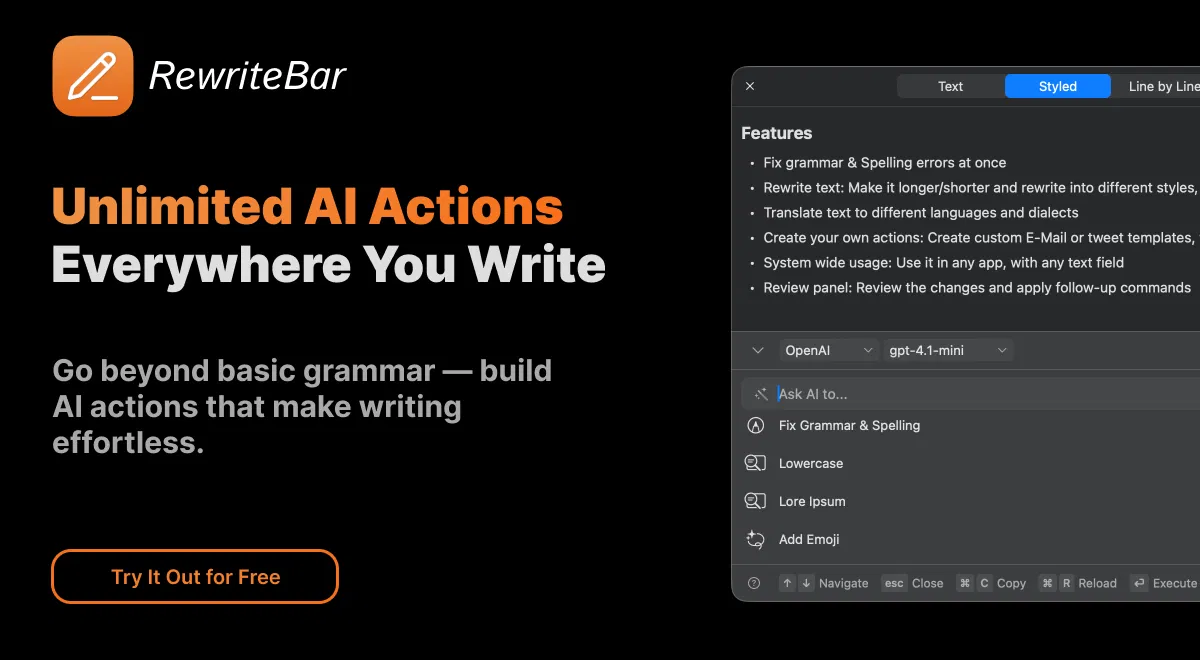
RewriteBar is a robust macOS menubar tool that enhances your writing by integrating AI-driven text improvements into any Mac application. With a compact 20MB size and smooth integration, RewriteBar removes the need to switch between applications when refining your writing.
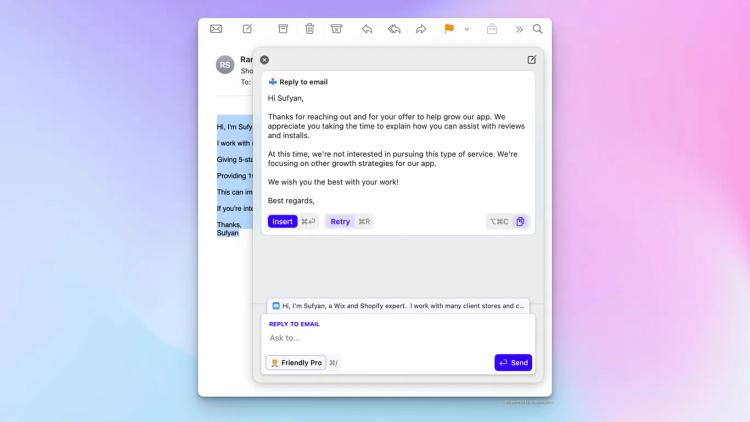
Simply select text in any macOS app—whether you're writing emails in Mail, composing messages in Slack, coding in your preferred editor, or drafting documents—and choose from various AI-powered functions to quickly transform your content. The app works smoothly with existing tools like Grammarly, offering an extra level of writing support without causing conflicts.
Core features include correcting grammar errors that even sophisticated spell-checkers miss, rewriting text in different styles and tones, translating content without leaving your current application, simplifying complex sentences for better understanding, and expanding or condensing paragraphs. You can even design personalized AI actions tailored to your specific needs.
Leveraging OpenAI and other prominent AI services, RewriteBar delivers professional-level writing assistance that adapts to your needs. Whether you're a developer creating technical documents, a professional crafting business communications, or anyone who values clear, effective writing, RewriteBar optimizes your workflow and improves your content quality with just a few clicks from your menubar.
Simply select text in any macOS app—whether you're writing emails in Mail, composing messages in Slack, coding in your preferred editor, or drafting documents—and choose from various AI-powered functions to quickly transform your content. The app works smoothly with existing tools like Grammarly, offering an extra level of writing support without causing conflicts.
Core features include correcting grammar errors that even sophisticated spell-checkers miss, rewriting text in different styles and tones, translating content without leaving your current application, simplifying complex sentences for better understanding, and expanding or condensing paragraphs. You can even design personalized AI actions tailored to your specific needs.
Leveraging OpenAI and other prominent AI services, RewriteBar delivers professional-level writing assistance that adapts to your needs. Whether you're a developer creating technical documents, a professional crafting business communications, or anyone who values clear, effective writing, RewriteBar optimizes your workflow and improves your content quality with just a few clicks from your menubar.
Pricing Plans
Model
freemium
Packages
1 Package
Price Start From
$29
Payment Model
Not specified
Model
freemium
Packages
1 Package
Price Start From
$29
Payment Model
Not specified
Releases
Initial launch of RewriteBar.
Reviews
Pros & Cons
Pros
Corrects grammar and spelling errors promptly
Functions offline with local models such as Ollama or LM Studio
Functions across all macOS applications — Mail, Slack, Notion, VS Code, Figma, etc.
Cons
Available only on macOS — not yet for Windows or web
Some learning may be needed to create custom AI functions (most beneficial for advanced users)
No integrated voice or speech input (text-based only)