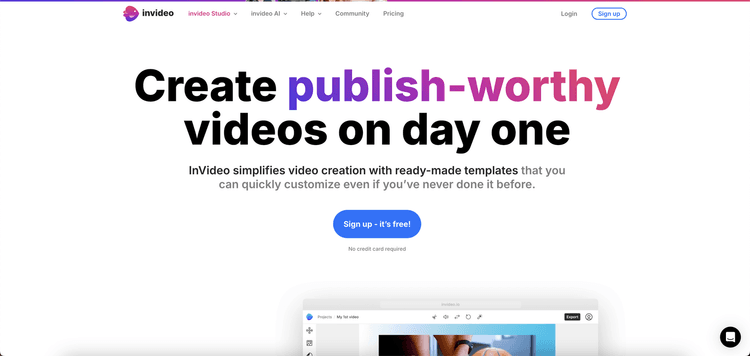
VideoStew is an AI-driven video editing platform that streamlines video creation, enabling users to produce professional videos from simple inputs like text, voice, or URLs. Tailored for creators, businesses, and teams, VideoStew offers a cloud-based environment, removing the necessity for complex editing software or powerful hardware. The platform's AI capabilities facilitate the automatic creation of video drafts, while providing users with straightforward editing tools to easily refine content.
Essential features include customizable templates for different video formats, such as YouTube, Instagram Reels, and corporate presentations. VideoStew also offers an extensive library of royalty-free stock media, music, and fonts. Users can generate custom scripts, use AI-generated voiceovers, and automatically adjust video sizes for different platforms. The platform's wizard mode speeds up video creation by interpreting text or blog URLs and converting them into video drafts.
Collaboration is seamless with VideoStew's team-focused workspace, allowing members to collaborate in real-time. The tool also provides direct publishing to platforms like YouTube, where AI optimizes metadata such as tags, descriptions, and timestamps for improved SEO. Designed for versatility, VideoStew accommodates both individual users and larger organizations, providing scalable pricing plans to suit team size and storage requirements.