Description
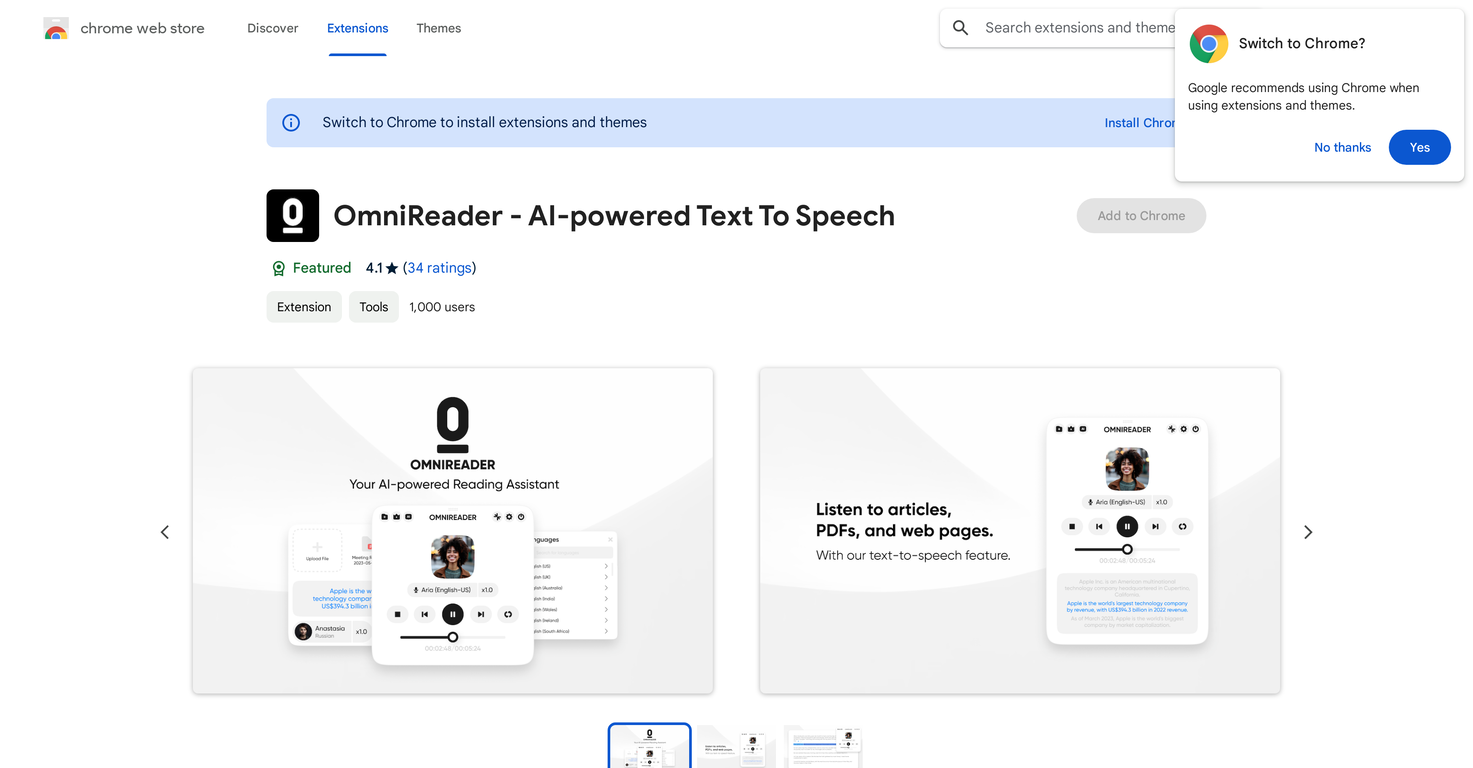
OmniReader is a text-to-speech Chrome extension that leverages AI to convert written text into spoken words using realistic AI voices for webpages, EPUBs, and PDFs. This extension is perfect for those seeking to transform written text into an audio format, offering a distinctive auditory enhancement to your online browsing.
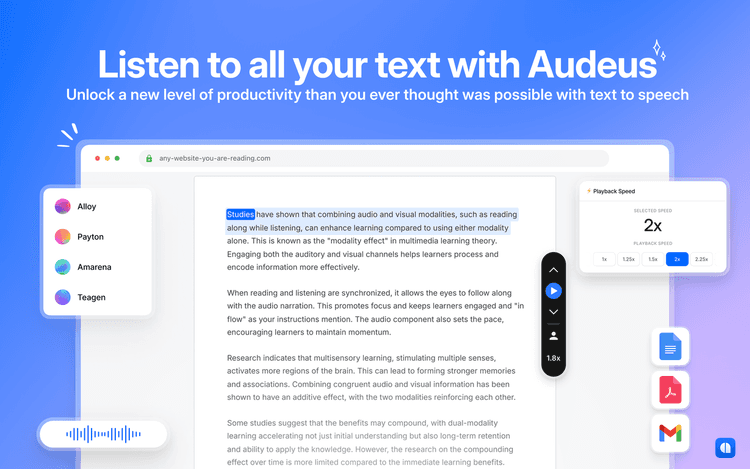
OmniReader's primary features encompass automated selection and playback of web content, adaptable reading settings, along with the functionality to upload and listen to PDFs and EPUBs.
Boasting a straightforward interface, users have the flexibility to choose particular sections of text for audio playback, select elements on a webpage, or simply right-click to start immediate audio playback.
What's more, the extension includes a settings panel where users can modify reading preferences and set skip-reading rules to bypass specific sections.
Notably, OmniReader stands out with its support for multilingual reading. It allows users to translate text into different languages accompanied by synchronized voices in both languages.
Pricing Plans
Releases
Reviews
Pros & Cons
Pros
Reads webpages, EPUBs, and PDFs
Automatically picks web content
Easy-to-use interface
Cons
Incompatible with Google Play Books
Manual uploading required for PDFs/EPUBs
Requires specific text selection for reading