


Description
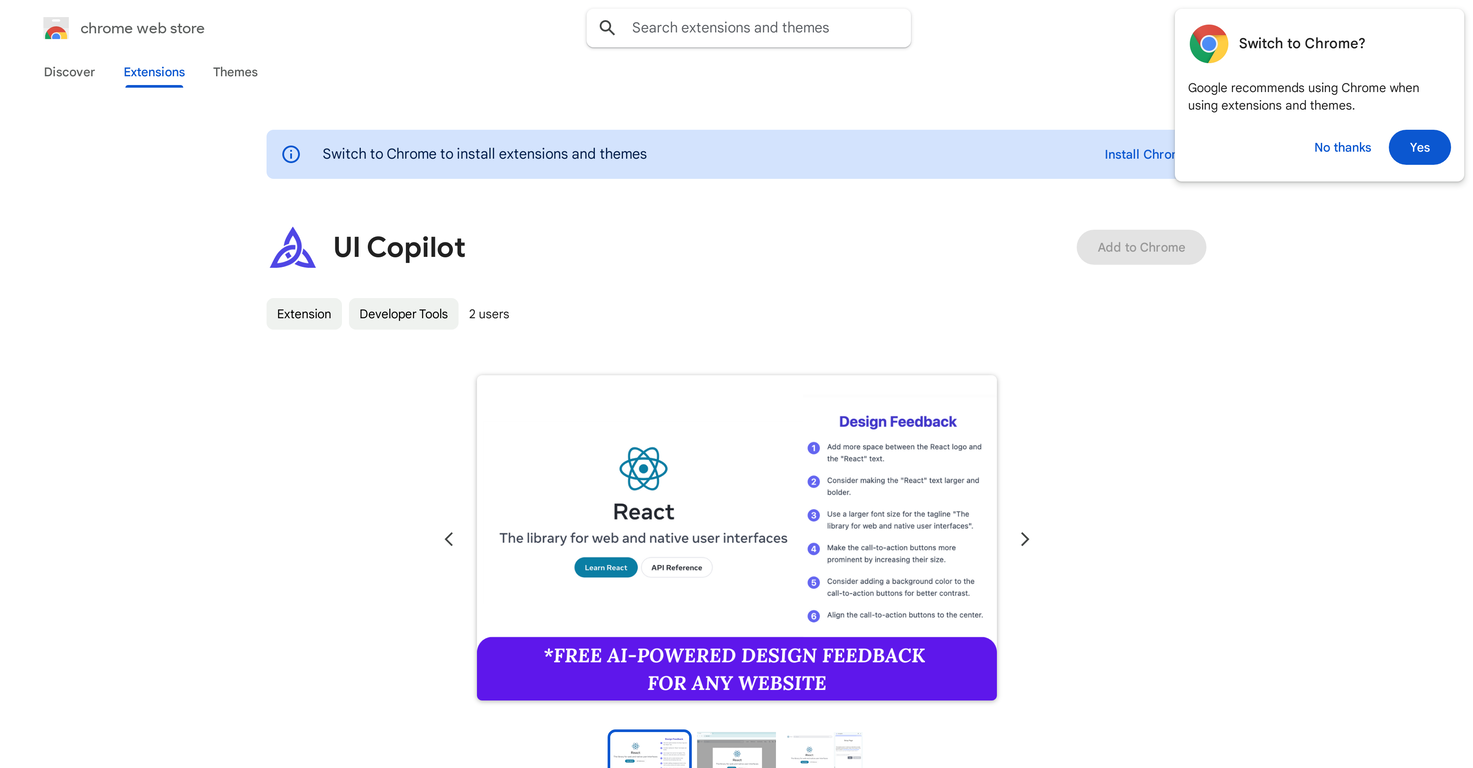
UI Copilot is an AI-based design assistant available as a Chrome extension. It delivers valuable and unbiased feedback on the user interface (UI) of any website.
Its core function is capturing any section of a website to get immediate, practical design advice powered by AI analysis.
The tool suggests ways to enhance website layouts, color palettes, typography, and more. To use UI Copilot, simply enable it from the Chrome toolbar, select the desired area of a website, and the tool will generate a detailed list of design suggestions.
This tool is compatible with both live websites and localhost, as well as development servers. UI Copilot is designed to be useful for a wide audience, including professional designers looking for another perspective, developers wanting to improve their UI skills, and anyone keen to learn about effective design principles.
Moreover, the extension serves as a learning resource, helping users understand design principles while browsing the web. UI Copilot utilizes Google Gemini LLM models to provide these features.
Users should note that UI Copilot is currently free during its beta period, offering virtually unlimited feedback. The developers encourage users to share their feedback to contribute to the tool's future development.
Pricing Plans
Releases
Reviews
Pros & Cons
Pros
Functions as a Chrome extension
Provides immediate UI feedback
Capable of analyzing any part of a website
Cons
Functions solely as a Chrome extension
Limited to web-based UIs
Does not analyze mobile apps