Ctrl/

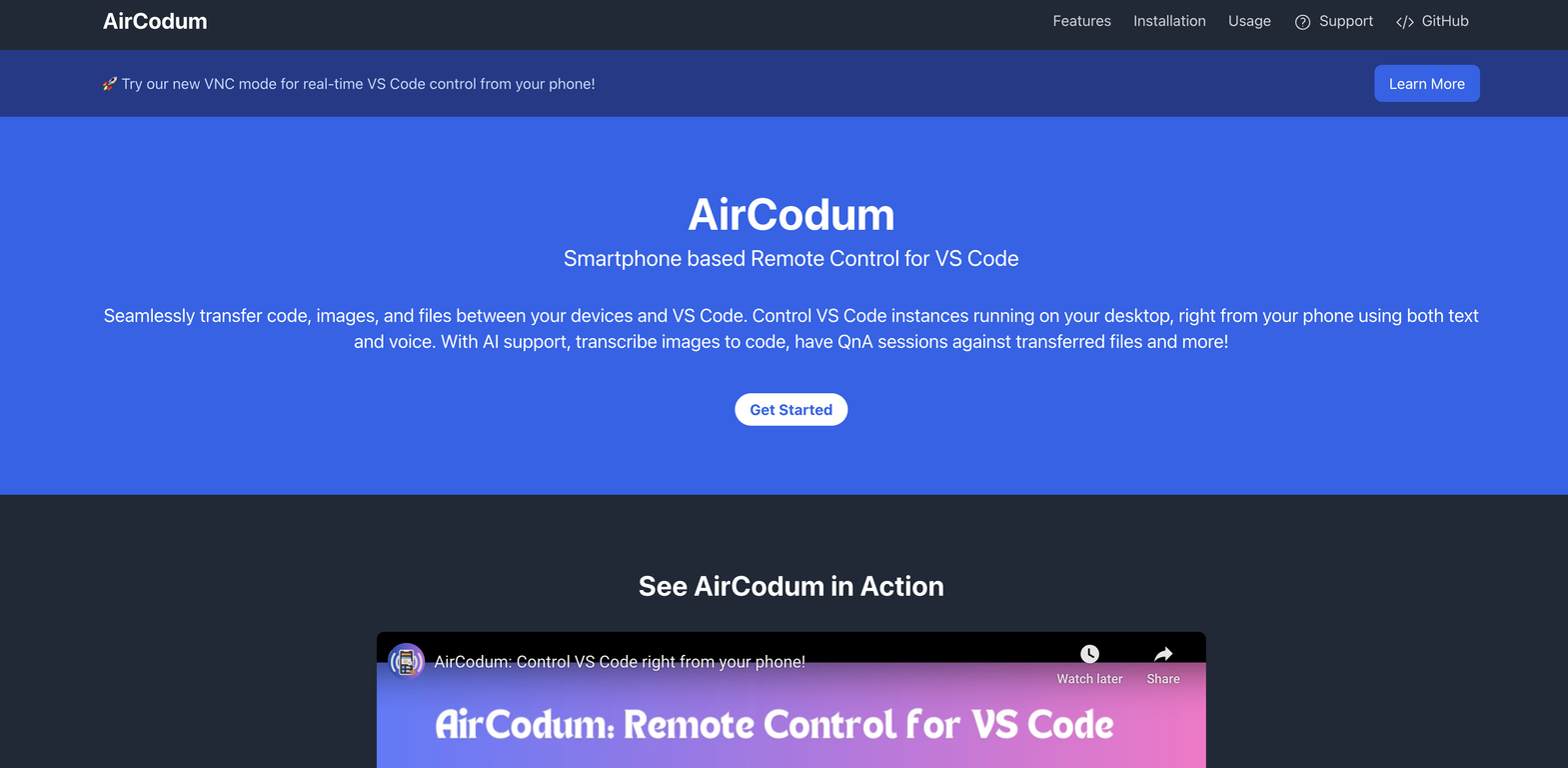
AirCodum provides smartphone-based remote control for Visual Studio Code (VS Code). With this tool, users can manage VS Code instances on their desktop using their mobile devices.
It enables features such as easy transfer of code, files, and images between a user's phone and VS Code. In addition, AirCodum offers voice commands for interacting with VS Code.
It features a VNC mode that allows users to remotely manage VS Code, which is useful for handling long-running tasks or making codebase modifications when they are away.
Users can remotely monitor VS Code terminal output, providing task visibility from any location. A key feature of AirCodum is the ability to convert whiteboard designs or handwritten notes captured with a camera into working code using AI.
It also supports instant code sharing from phones to VS Code, eliminating the need for emailing or third-party services. AirCodum includes a VS Code extension and a mobile app that easily connect with a dedicated IP address and port number for communication and file or command transfer.
For best results, both devices should be on the same Wi-Fi network. For remote access, Tailscale can be used.
Remote control from a smartphone
Easy code transfer
Image and file transfer
Requires Tailscale for remote access
Relies on stable Wi-Fi
Only compatible with VS Code

Released 2 years ago
Free + from $3.99/month
Released 2 years ago
Free
Released 3 years ago
Free + from $39
Released 2 years ago
Free + from free tier available
Released 3 years ago
Free + from $10
Released 3 years ago
Free + from $9.99/month
Released 2 years ago
From $5/month