Ctrl/

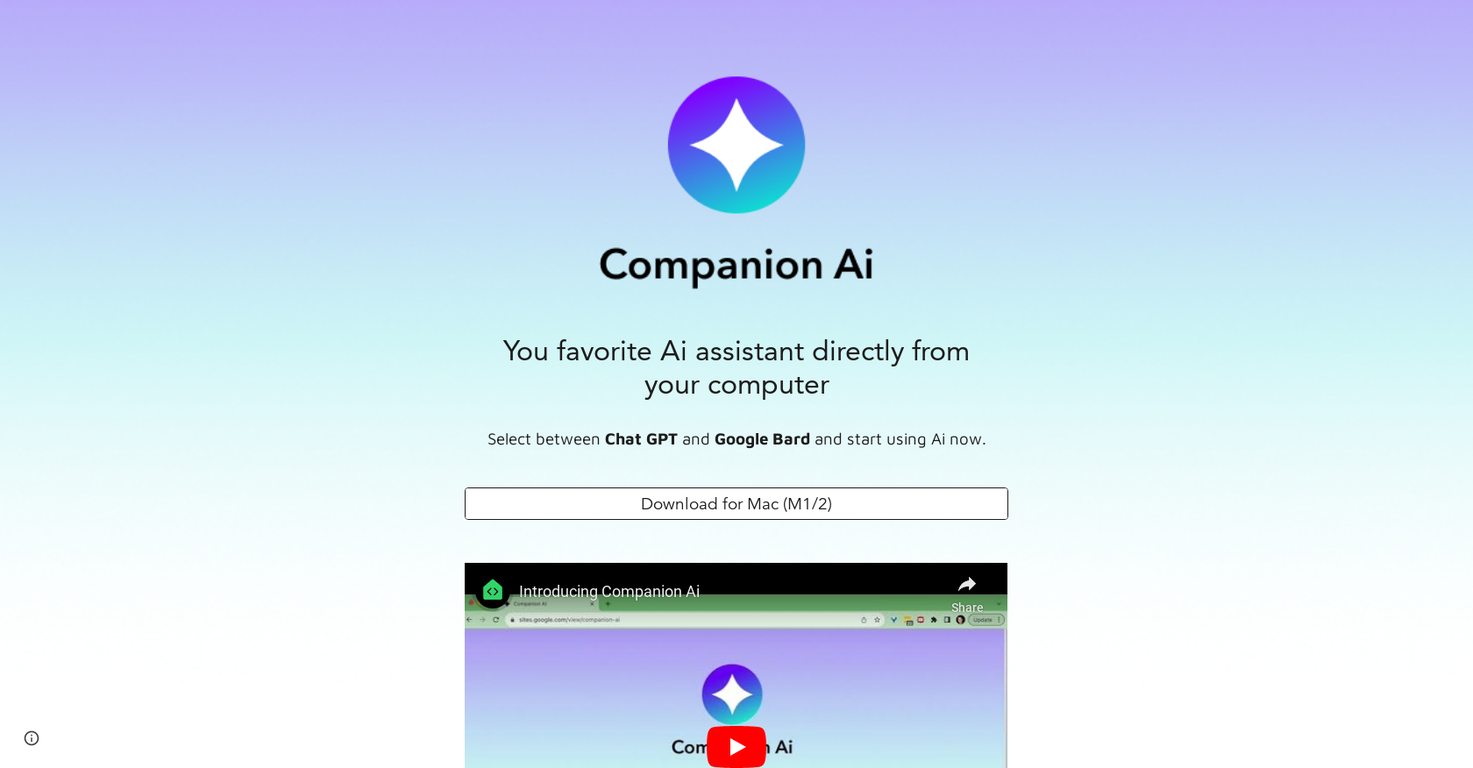
Companion AI lets users pick between Chat GPT and Google Bard to improve their computer usage. It gives clear instructions on choosing and setting up the preferred assistant. Users can right-click the spark ✨ icon in the tray bar to open a menu and select their AI.
From there, they choose the Select companion option to get to the selection page. The tool also guides users on how to make Companion AI launch automatically on Mac computers.
They can go to the apple 🍎 menu at the top left, choose System Settings..., and find General > Login Items.
By clicking the + button under Open at Login and picking where Companion AI is installed, the tool starts each time the computer restarts. The spark ✨ icon in the tray bar easily hides or shows Companion AI. The tool also highlights its auto-update feature, ensuring users always have the latest version with the newest enhancements. Mariz Melo developed Companion AI, which offers an easy-to-use interface to help users get the most from their AI assistant.
Released 3 years ago
Free + from $39
Released 2 years ago
From $5/month

Released 3 years ago
Free + from $8/month
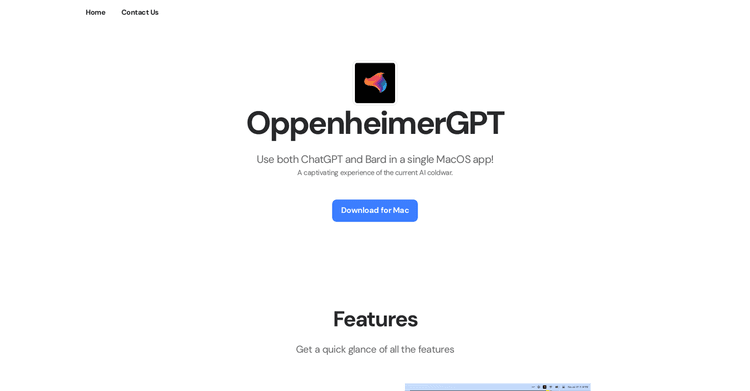
Released 2 years ago
Free + from free tier available
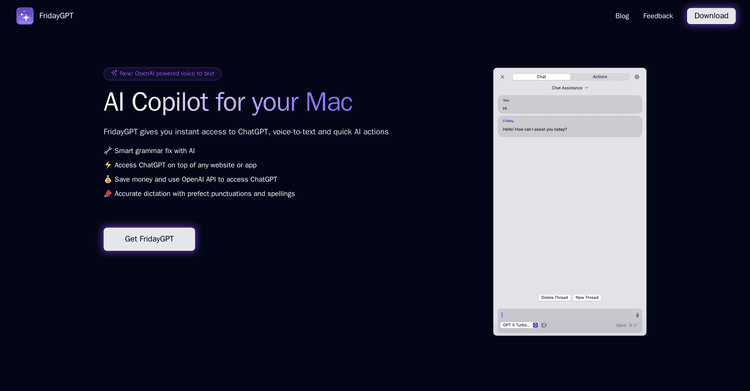
Your AI assistant for Mac, providing immediate access to ChatGPT, speech-to-text conversion, and rapid AI functions.
Released 3 years ago
From $29
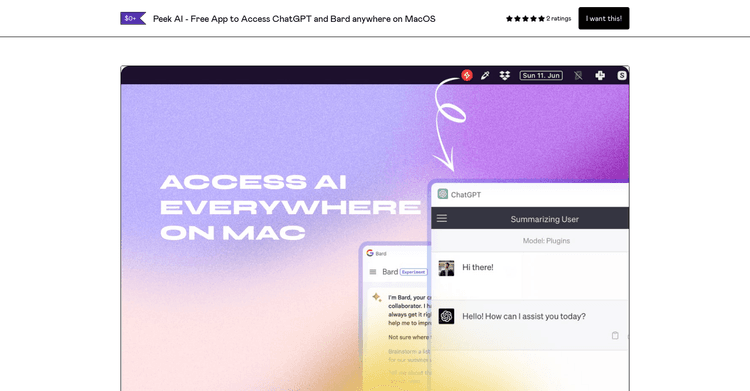
Released 3 years ago
Free
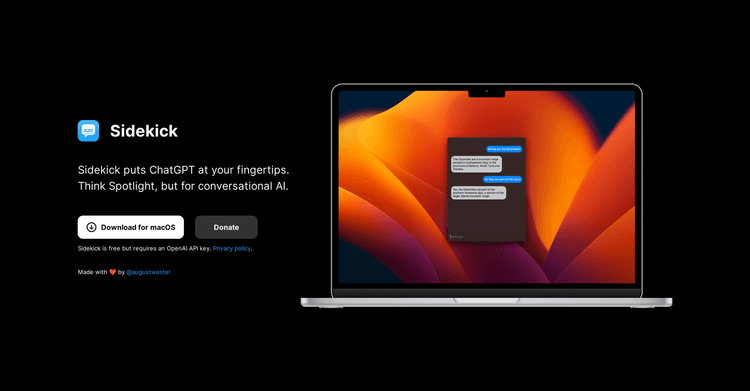
Released 3 years ago
Free

Released 2 years ago
From $20
Released 1 year ago
Free + from $9.99