Description
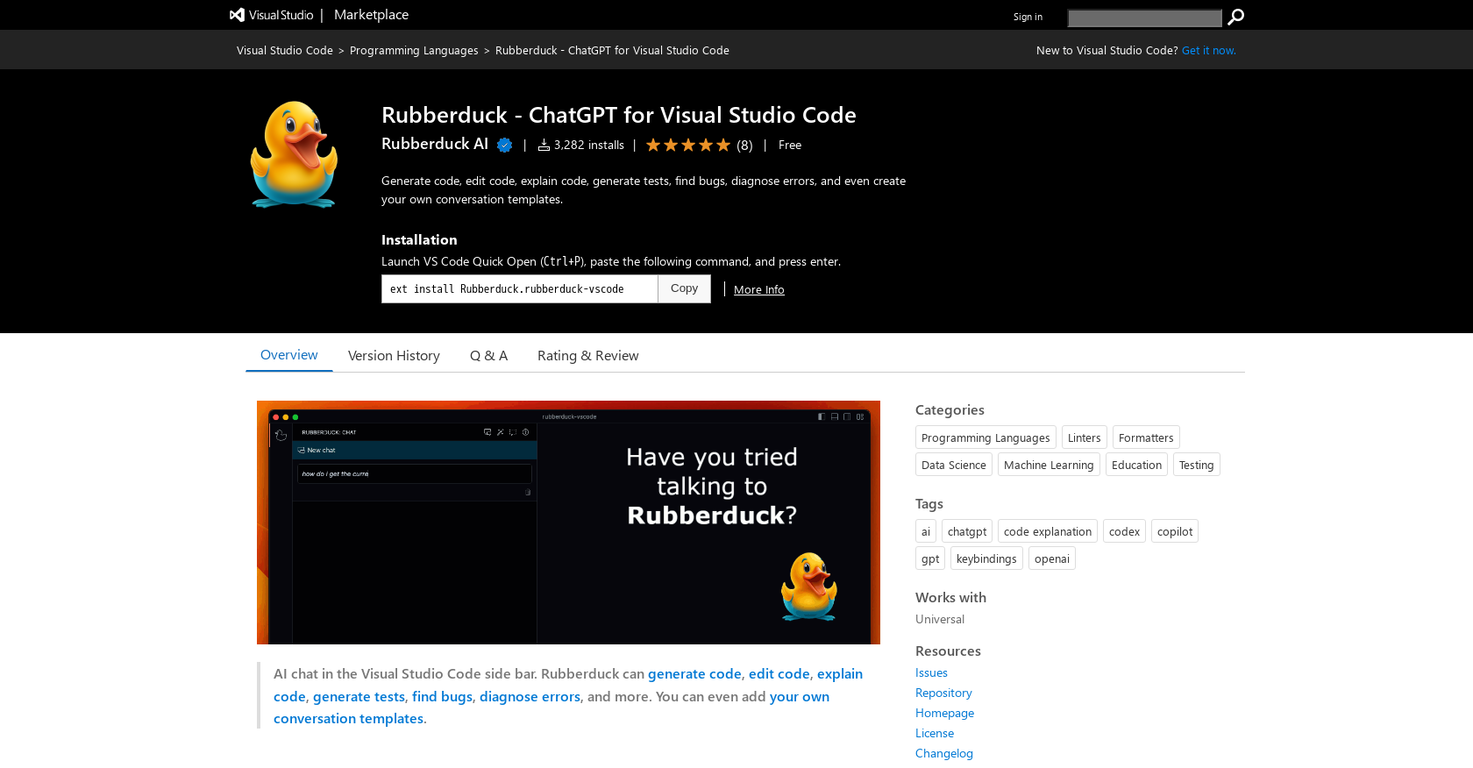
Rubberduck is a Visual Studio Code extension that helps developers write code more quickly and effectively. It employs AI to automate tasks such as code generation, code explanation, test creation, bug detection, error diagnosis, and even the creation of customized conversation templates.
To get started, users must obtain an OpenAI API key and input it using the 'Rubberduck: Enter OpenAI API key' command. The AI Chat feature enables developers to ask questions related to their code and other software development topics.
This can be done using the command palette, the editor's context menu, keyboard shortcuts, or the MacOS touch bar (if available). Rubberduck can generate, edit, and explain code, as well as create tests, identify bugs, and diagnose errors, among other things.
The command palette, context menu, and keyboard shortcuts provide access to all of these features. Users can also create their own conversation templates in their .rubberduck/template folder.
This allows them to design AI chats that are tailored to their specific conventions and language. Rubberduck is a valuable tool for developers of all skill levels, allowing them to code with greater speed and precision.
Pricing Plans
Releases
Reviews
Pros & Cons
Pros
Generates code
Edits code
Explains code
Cons
May have theme conflicts
Lacks syntax highlighting
Conversation accuracy may vary