Description
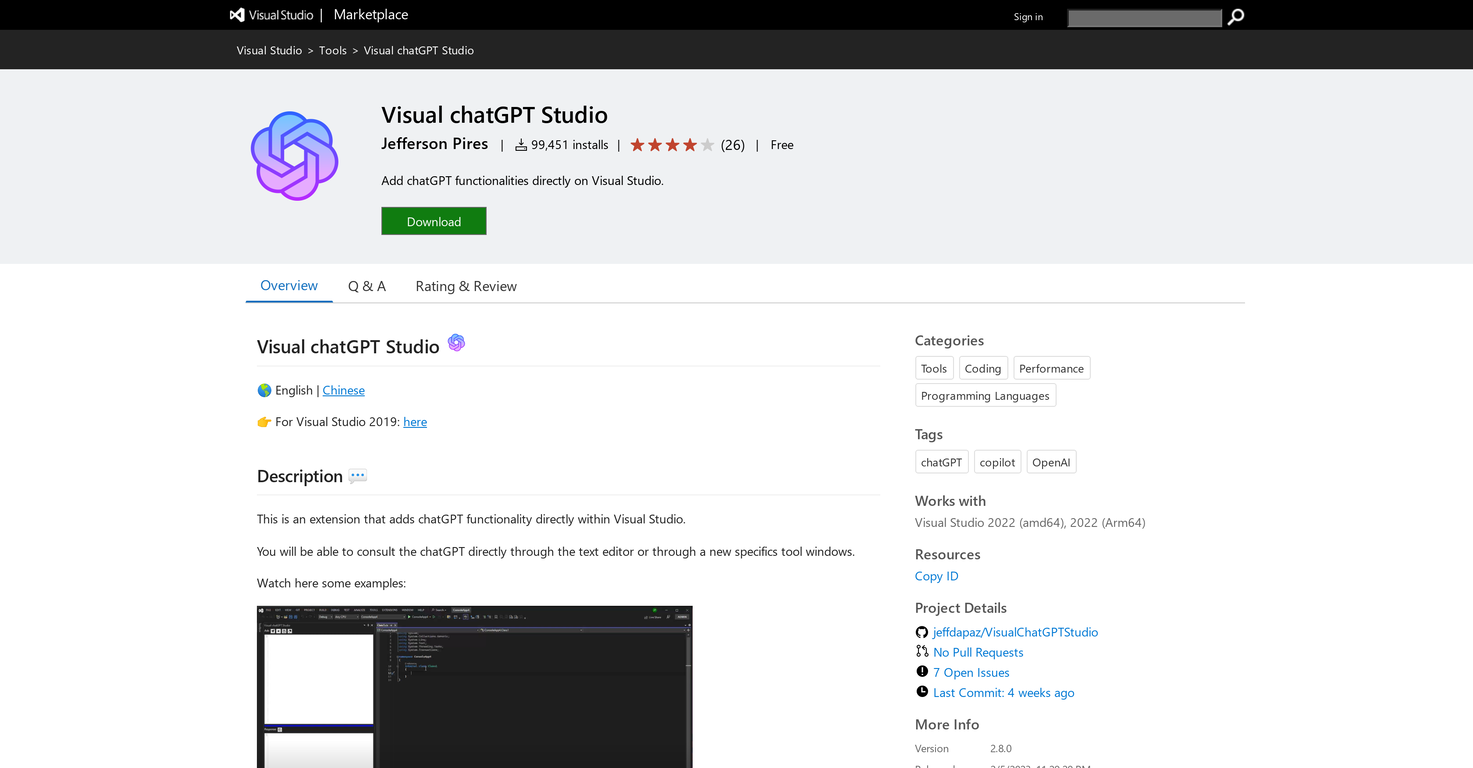
Visual chatGPT Studio is a Visual Studio extension that incorporates chatGPT features directly into the Visual Studio IDE. It enables users to interact with chatGPT either through the text editor or via dedicated tool windows.
It provides various commands for code work, such as code completion, bug detection, code improvement, code explanation, commenting, code translation, and customizable commands to insert outputs before, after, or in place of selected text.
Outputs can be displayed in either the code editor or a tool window, depending on the user's preference. The tool also allows for command customization to suit the specific requirements of different projects or solutions.
It includes an extra feature where users can pose questions to chatGPT and receive answers right in the tool window. Furthermore, the window can automatically generate commit messages for Git based on pending changes.
Users can utilize the Visual chatGPT Studio Turbo Tool Window to directly engage with chatGPT, creating a chat-like environment where the AI can 'remember' the entire conversation, thus improving interaction with the currently opened code editor.
However, sending the complete code to the OpenAI API may result in increased token usage.
Pricing Plans
Releases
Reviews
Pros & Cons
Pros
Free Visual Studio Extension
ChatGPT integrated into the IDE
Direct interaction via text editor
Cons
May be affected by API changes
Potential for responses to be cut off
Subject to API rate limitations