Description
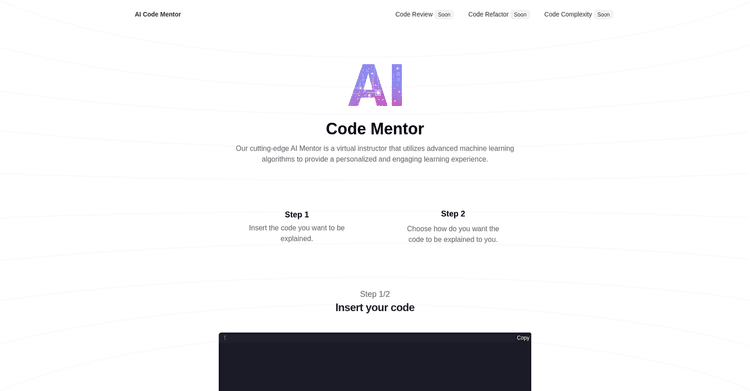
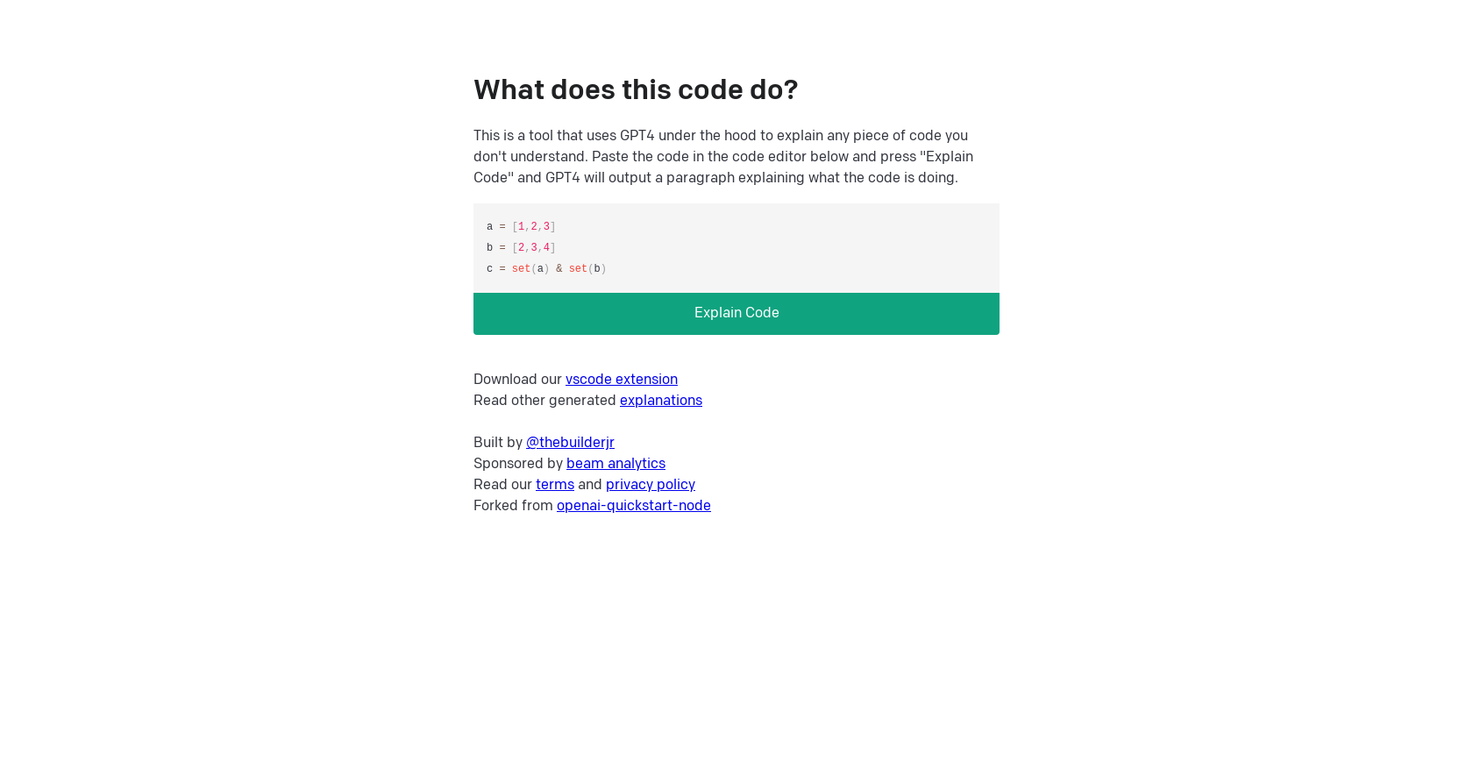
The 'What does this code do?' tool is intended to assist users in gaining an understanding of code segments that may be unclear to them. By leveraging the capabilities of the GPT4 (Generative Pre-trained Transformer 4) algorithm, users can paste their code into the editor and select 'Explain Code'. GPT4 will then generate a paragraph clarifying the code's actions.
The text provides an example of how it works: the code defines a pair of arrays and identifies shared values, presenting the result as a set.
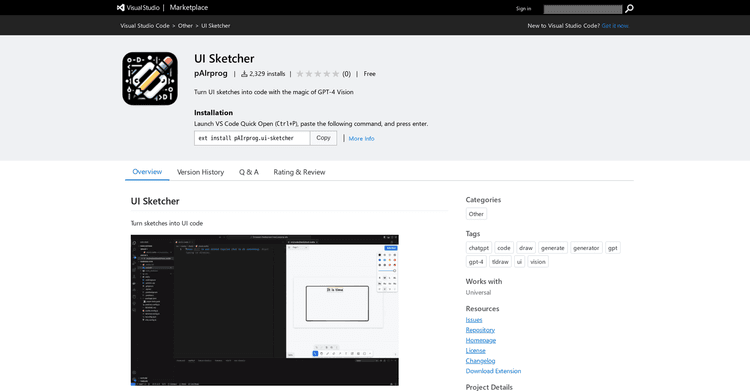
This tool is also offered as a Visual Studio Code (vscode) extension and comes with a collection of other generated explanations. It was developed by @thebuilderjr and has sponsorship from beam analytics.
It's worth mentioning that the tool's operation relies on GPT4, which may have inherent limitations, and the explanations it provides might not always align perfectly with the user's expectations.
Users are encouraged to carefully assess the tool's explanations and apply their own judgment to validate the findings. To summarize, 'What does this code do?' serves as a valuable resource for individuals working with unfamiliar code.
It facilitates rapid comprehension and can be combined with additional tools and methodologies to help ensure correct code implementation.
Pricing Plans
Releases
Reviews
Pros & Cons
Pros
Available as a VS Code extension
Offers fast code understanding
Leverages the GPT4 algorithm
Cons
Restricted to VS Code
Code explanations may be inaccurate
Dependent on the constraints of GPT4