


Description
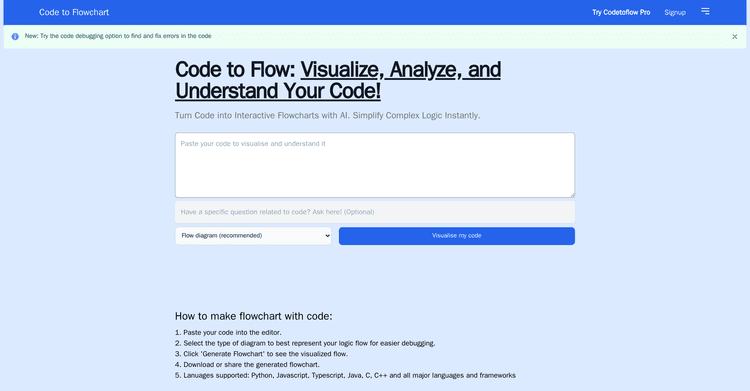
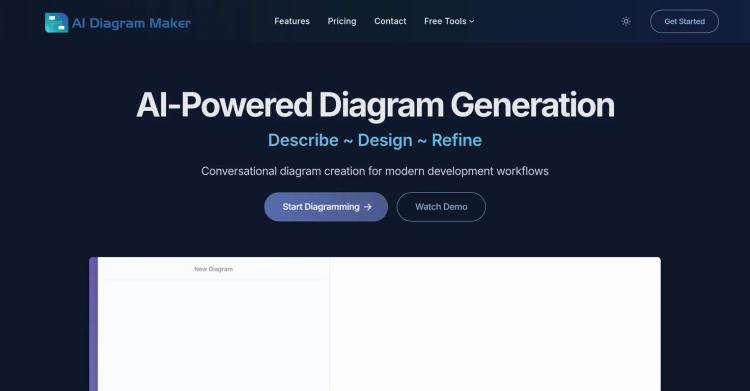
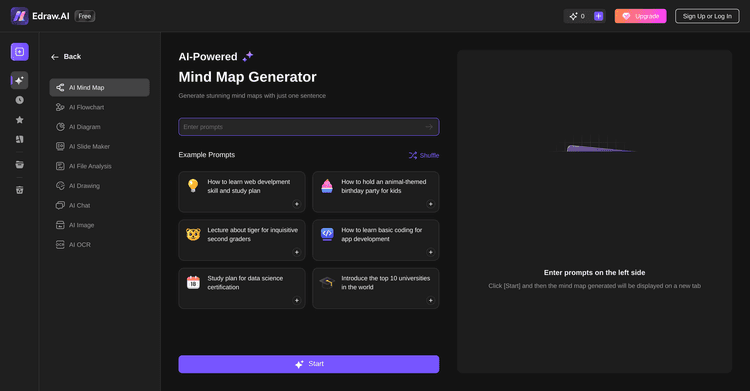
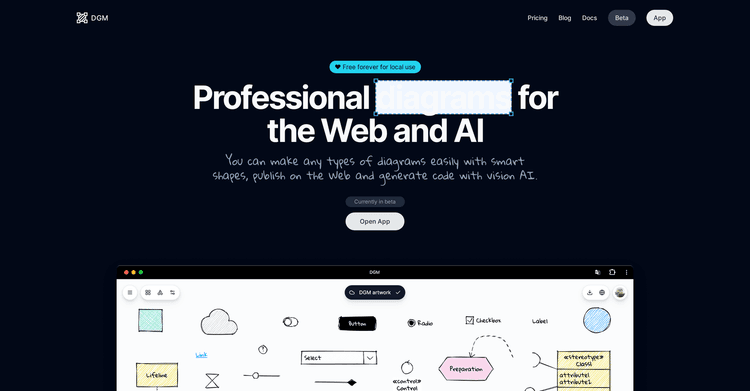
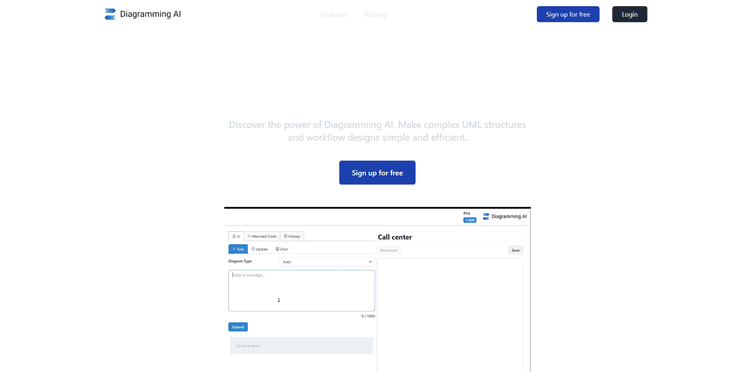
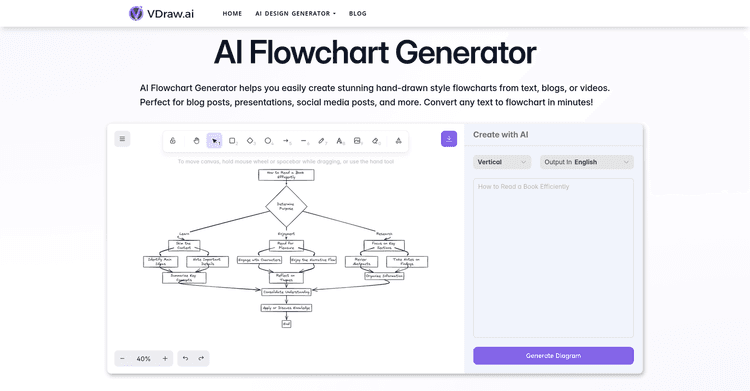
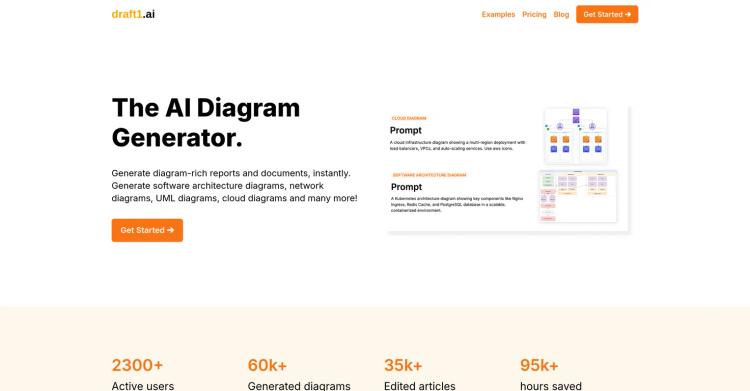
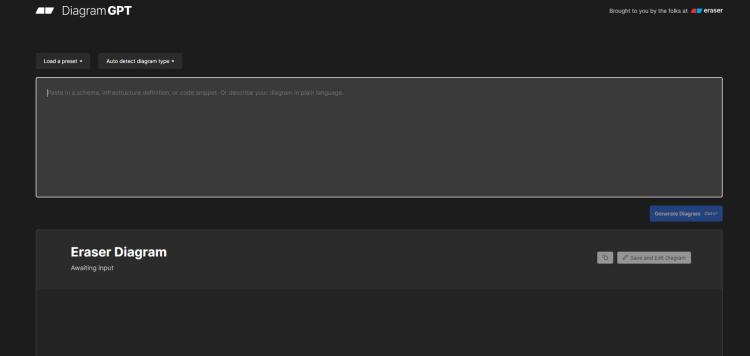
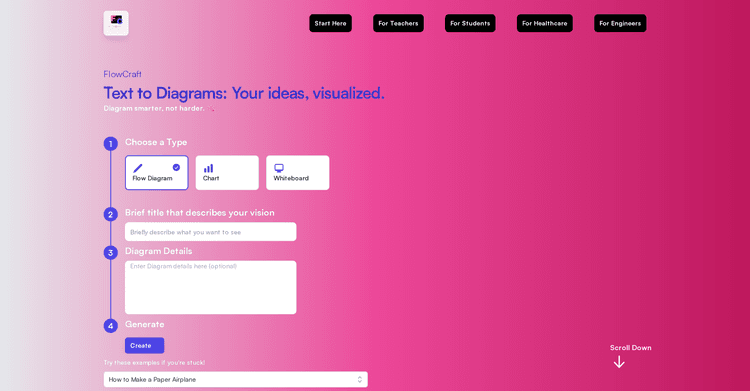
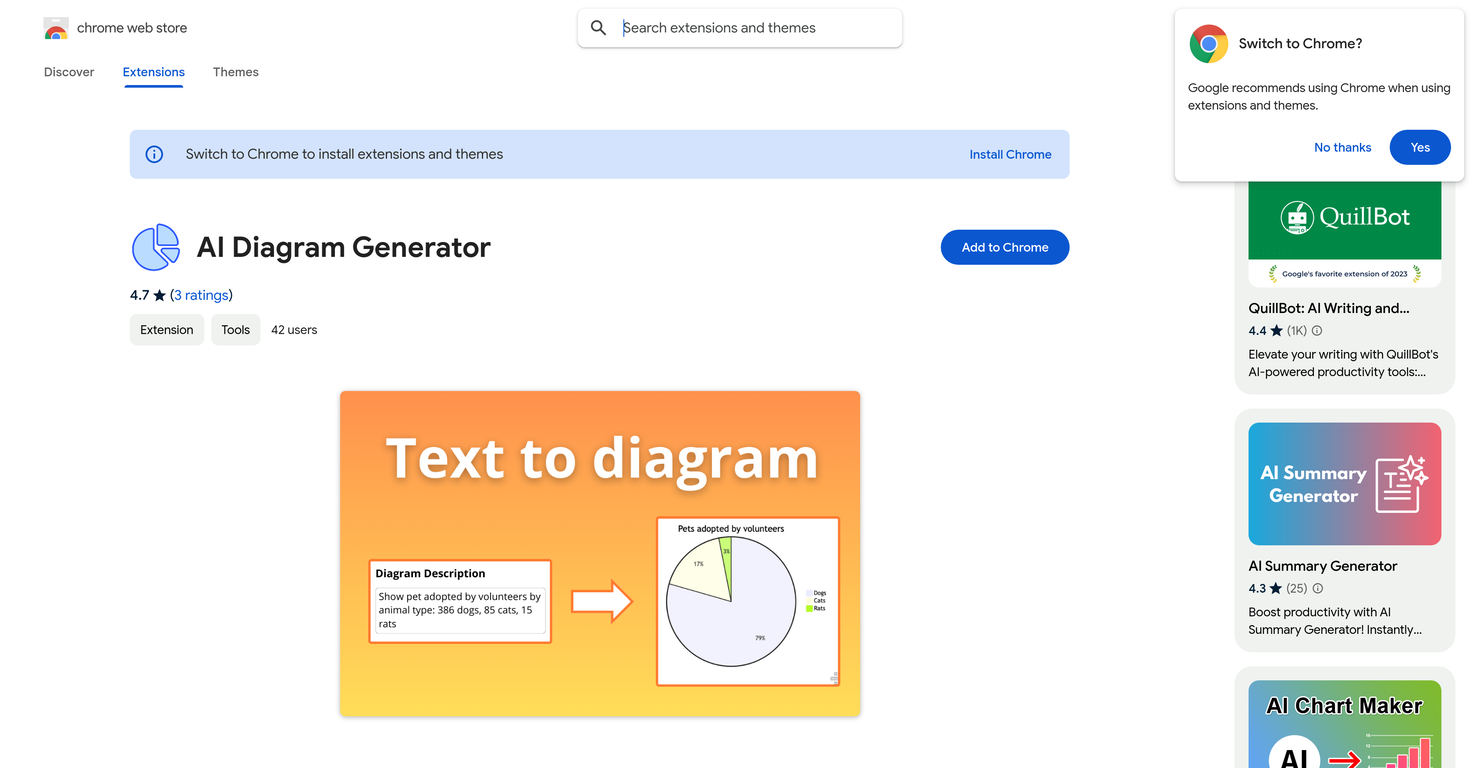
The AI Diagram Generator, which can be found in the Chrome Web Store, is an intelligent tool that automates diagram creation. It provides an easy way for users to create different kinds of diagrams, such as flowcharts and Entity-Relationship Diagrams (ERDs).
By using AI, the tool makes diagram creation easier, boosting productivity and accuracy by removing the need to manually create charts. Users just need to enter their text, and the AI will generate the diagrams required, allowing complex designs to be made with little effort.
This tool is especially helpful for students, professionals, and designers who want to visualize complicated ideas or data. It can create UML schemes from class blueprints, use case charts, illustrate processes, map out states and transitions, and design networks with AI-powered accuracy. Besides making process flows and designing system schemas, the AI diagram generator allows for quick workflow sketching and decision tree creation, hierarchy construction, classification structure visualization, and data movement mapping across systems.
The tool can quickly produce professional-quality schemes, including process flowcharts, Entity-Relationship Diagrams (ERDs), data flow maps, tree schemes, and algorithm charts. This tool also makes teamwork easier by offering simple collaboration.
Users have the ability to share their results, which boosts team productivity. The AI diagram generator is a flexible tool that meets a variety of user needs, whether you're a developer documenting your workflows or a database architect simplifying complex designs.
Pricing Plans
Releases
Reviews
Pros & Cons
Pros
Creates diagrams from inputted text
Supports various diagram styles
Offers complex data visualization
Cons
Available only as a Chrome extension
Requires text input to generate diagrams
Does not work offline